






GET 30-MINUTE FREE CONSULTATION

Control for icon Enterprises

Empower your enterprise with Vineforce Teams the all in one platform to onboard, manage, and pay your workforce anywhere in the world, effortlessly and securely. Streamline global operations with a single, unified system built for visibility, compliance, and team productivity.

Enjoy a 07-day free trial with no credit card required.

By creating an account, you accept our Terms and Privacy Policy.

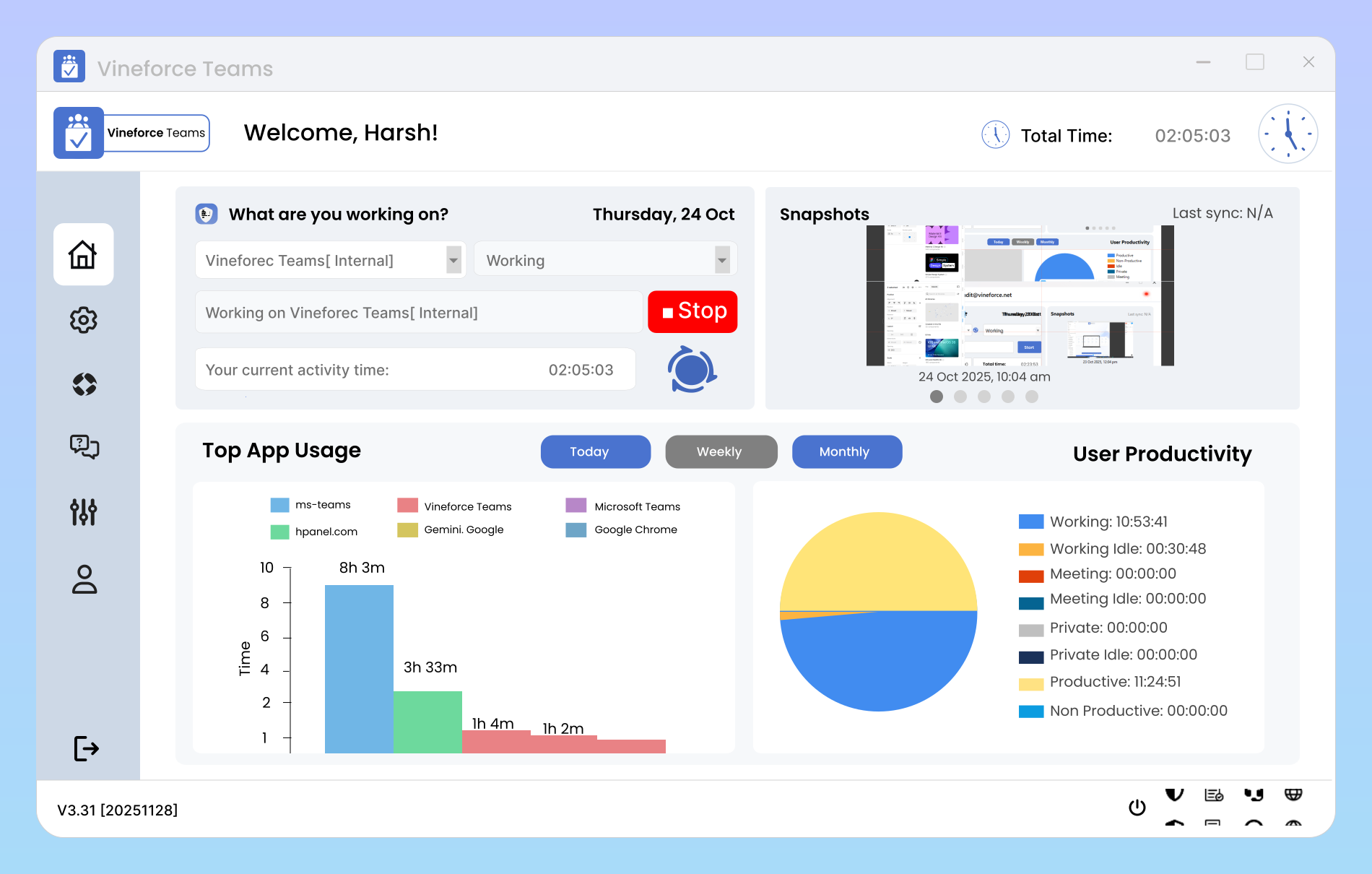
Dashboard homepage image
GetApp
Software Advice
Microsoft Azure Marketplace
Product Hunt
G2
Capterra
GoodFirms
GetApp
Software Advice
Microsoft Azure Marketplace
Product Hunt
G2
Capterra
GoodFirms

An All in One Toolkit for Enterprise Team Collaboration

From tracking to transformation gain powerful, data-backed insights.

Maximum user count image

Maximum User Count

This plan offers the flexibility to include up to 100 users under a single subscription, making it ideal for medium to large sized teams that require a unified workspace. By accommodating multiple users, it ensures that every team member from administrators to contributors can collaborate efficiently, share resources, and maintain seamless communication within the same plan.

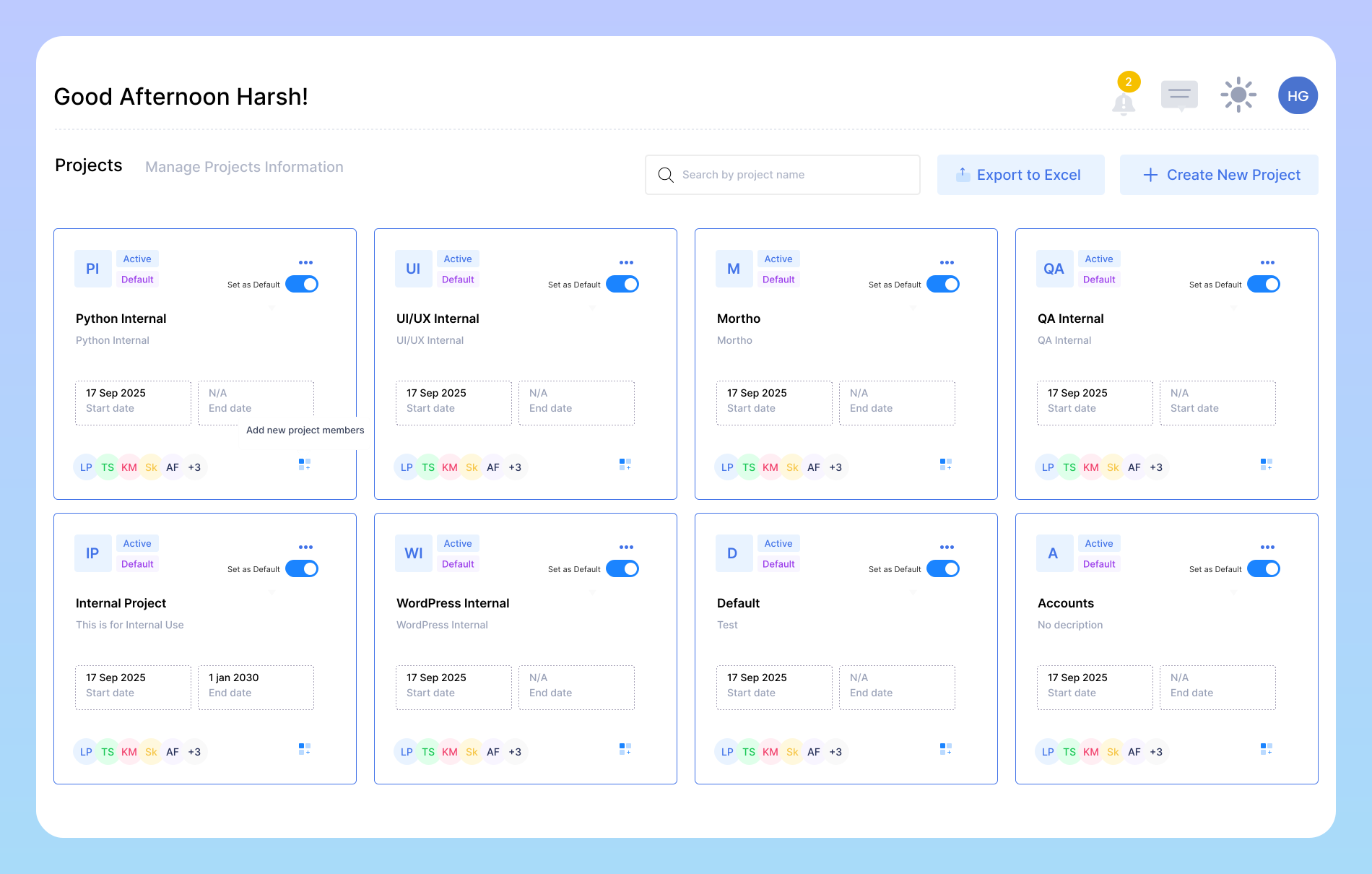
Manage up to 200 projects image

Manage Up to 200 Projects

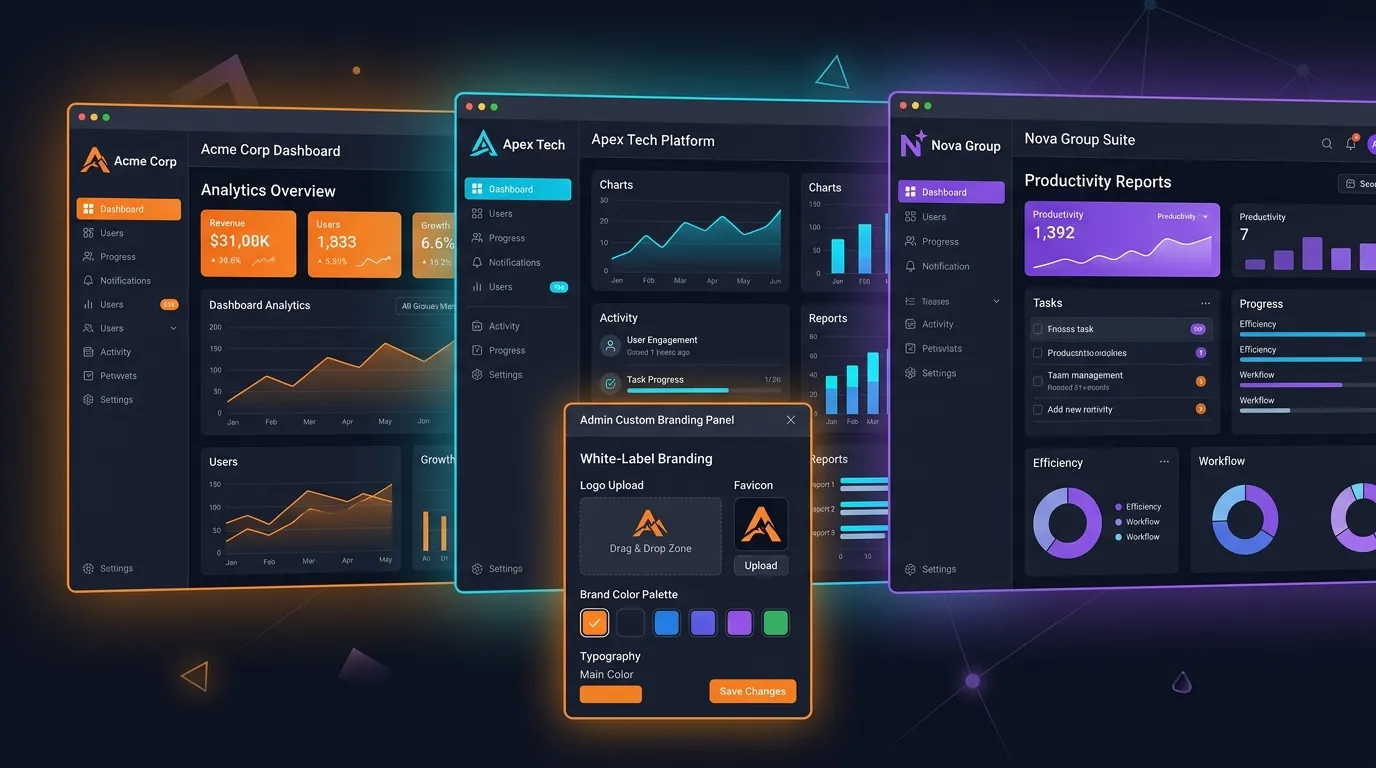
The Enterprise Plan enables large teams to handle up to 200 active projects simultaneously, offering complete oversight of every workflow. Track time, tasks, and progress, assign members, and monitor budgets in real time to maintain efficiency and transparency across all operations. This feature is ideal for teams looking to maintain consistency while showcasing their brand through tailored design elements.

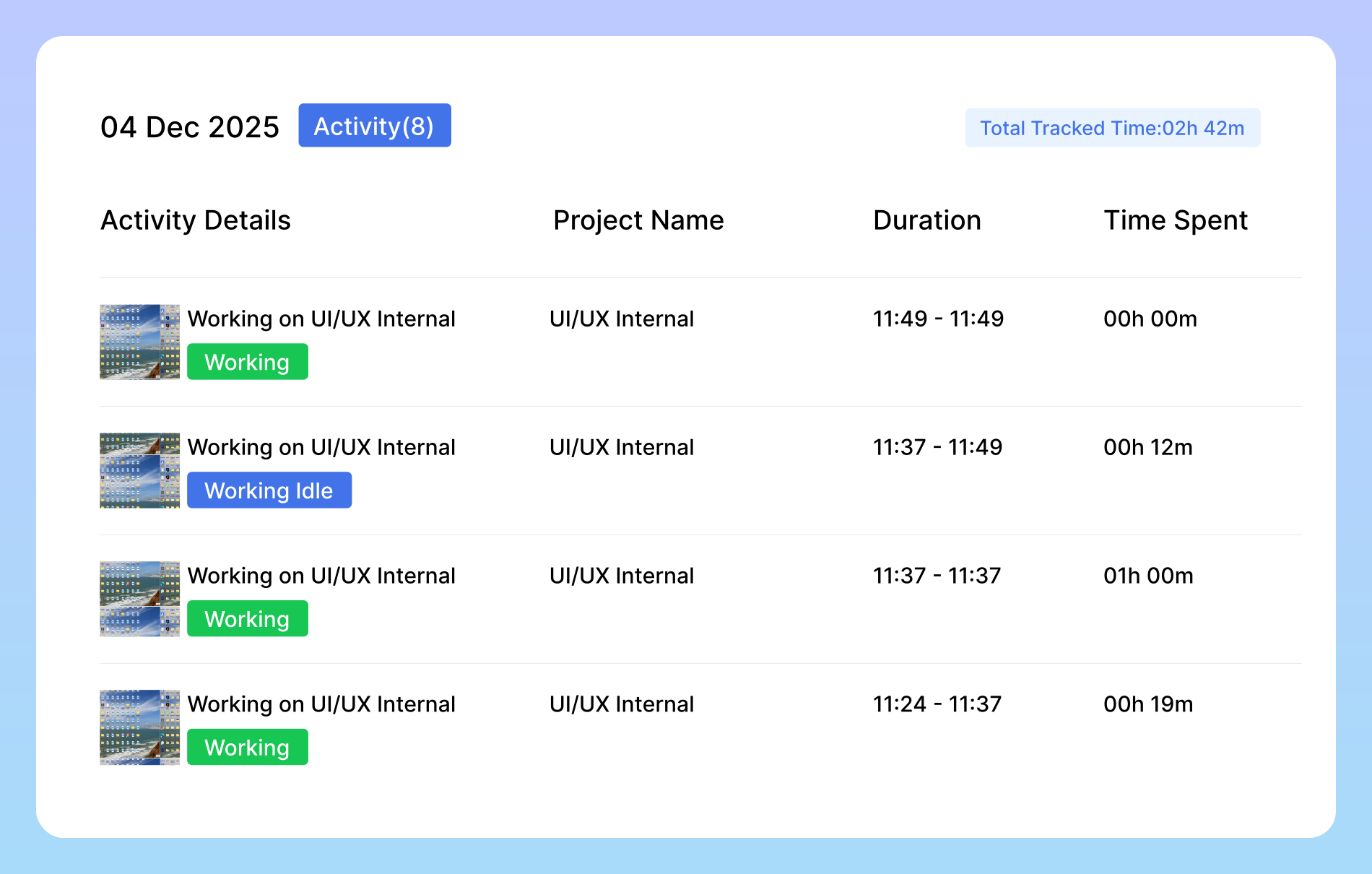
Document expiry time image

Document Expiry Time

This setting determines the number of days after which screenshots or documents automatically expire and are marked as inactive. By default, the expiry period is set to 180 days, ensuring efficient data management and storage optimization. This helps maintain a clean and organized system, preventing unnecessary accumulation of outdated files.

Simplified Work Management

Shift from disorganization to structure, clarity, and control.

Tackles Unclear Insights

Tackles Unclear Insights

Turns scattered data into clear, actionable visibility with AI reports and smart tracking.

Data Inconsistencies

Data Inconsistencies

Ensures consistent, accurate insights through centralized and automated data tracking.

App & URL Tracking

App & URL Tracking

Identifies time spent on each tool or website, helping managers highlight productive vs. distracting usage.

Frequently Asked Questions

Smart Idle Detection automatically detects periods of inactivity — like when a user steps away from the desk or stops interacting with their device — and removes that time from tracked hours. This guarantees precision in reporting, so your analytics reflect true work effort, not inflated totals. It also minimizes manual edits, reducing administrative overhead and ensuring every productivity report is reliable, audit ready, and compliant with company standards.

Yes. With App & URL Tracking, enterprises gain a clear, real-time view of which tools, platforms, and websites employees use while on the clock. This data helps you identify productive versus distracting activities, understand software adoption, and optimize license usage. Managers can see which tools deliver the most value and which may hinder focus, helping organizations drive smarter digital transformation decisions backed by behavioral insights.

The Enterprise plan supports up to 100 active users, making it ideal for mid-to-large teams that need centralized management and real-time collaboration. Each user can be assigned custom roles, permissions, and reporting visibility, ensuring your organization stays structured and secure as it scales.

The Enterprise plan supports up to 200 active projects. You can track time, tasks, and progress per project, assign members, and monitor budgets in real time. Whether you manage client accounts, internal initiatives, or cross-department projects, you’ll have complete visibility across every active workflow.

Ready to streamline your entire workflow?

Vineforce Teams makes it simple to monitor employee productivity with automated time tracking, smart idle detection, and detailed reporting. Build the perfect system to manage projects, ensure accountability, and get insights into your team’s workflow, all in one place.