






GET 30-MINUTE FREE CONSULTATION

Full Desktop Control for Employee Time & Activity Tracking

The Vineforce Teams Desktop Application provides an interactive experience on Windows, macOS, and Linux. Team members can start and pause timers, toggle Private Mode, and review their personal productivity dashboards.

Available for Windows, macOS, and Linux.

Interactive employee tracking client with Terms of Service and Privacy Policy

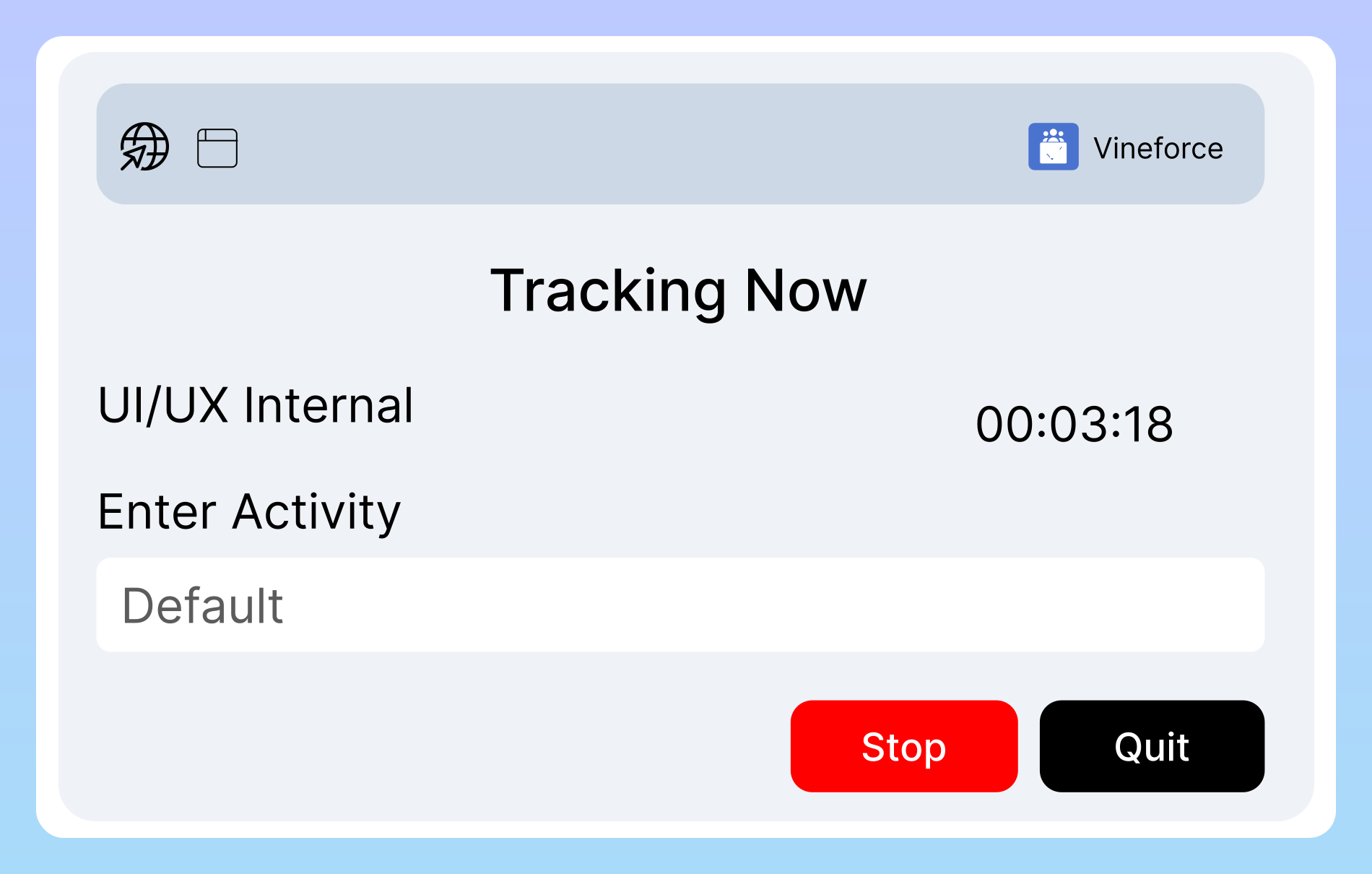
Vineforce Teams Desktop Application interface showing interactive tracking controls and personal metrics
GetApp
Software Advice
Microsoft Azure Marketplace
Product Hunt
G2
Capterra
GoodFirms
GetApp
Software Advice
Microsoft Azure Marketplace
Product Hunt
G2
Capterra
GoodFirms

Interactive Employee Time & Productivity Tracking

Built for organizations where team members prefer direct interaction and transparency over their daily tracking sessions.

Direct User Control

Interactive desktop controls to start pause and resume tracking

Start, Pause, and Manage Work Sessions With Confidence

The Desktop Application puts tracking controls in the hands of employees. Team members can easily click to start tracking when work begins, pause during breaks or lunch, and switch project codes as tasks shift throughout the workday.
Employee Privacy & Autonomy

Private Mode toggle for personal breaks and non-work activities

Private Mode for Personal Tasks and Confidential Breaks

Employees can toggle Private Mode whenever they need to check personal email, handle banking, or step away from work-related tasks. When Private Mode is active, activity tracking and screenshot verification are completely suspended.

Personal Productivity Dashboard

Real-time desktop dashboard with personal activity metrics

Immediate Visibility Into Daily Work Patterns

Unlike background-only tools, the Desktop Application gives team members access to their own daily summary charts, focus metrics, and time logs. This transparency allows individuals to manage their own focus and optimize working hours.

Key Capabilities of the Desktop Application

Features designed to give employees direct tracking autonomy while ensuring managers receive clean, verifiable timesheets.

Manual Start, Pause & Stop Controls

Easily start, pause, and resume timers from your desktop tray or floating widget with a single click as tasks change.

Private Mode Protection

Switch to Private Mode during breaks to pause tracking and maintain personal privacy during non-work activities.

Personal Analytics Dashboard

Review your daily hours, task breakdown, and productive application usage directly inside the desktop interface.

Project & Task Tagging

Assign logged time to specific client projects and sprint tickets for accurate client billing and payroll calculation.

System Tray & Taskbar Integration

Quickly access timers, switch statuses, and view active tracking duration right from your OS system tray or menu bar.

Offline Time Tracking with Auto-Sync

Continue recording work hours and task progress even when internet connectivity drops. All records sync automatically when back online.

Screenshot Proof of Work

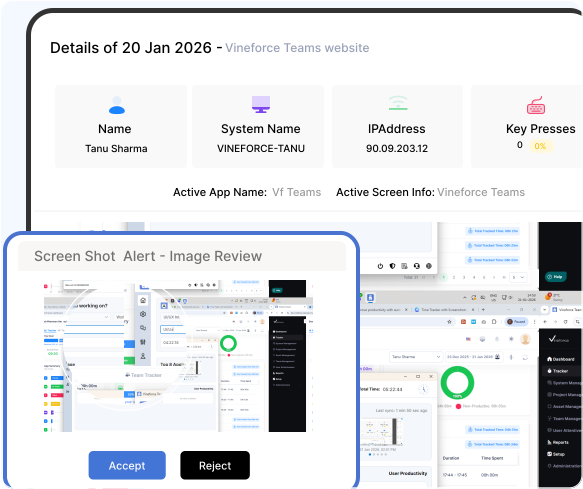
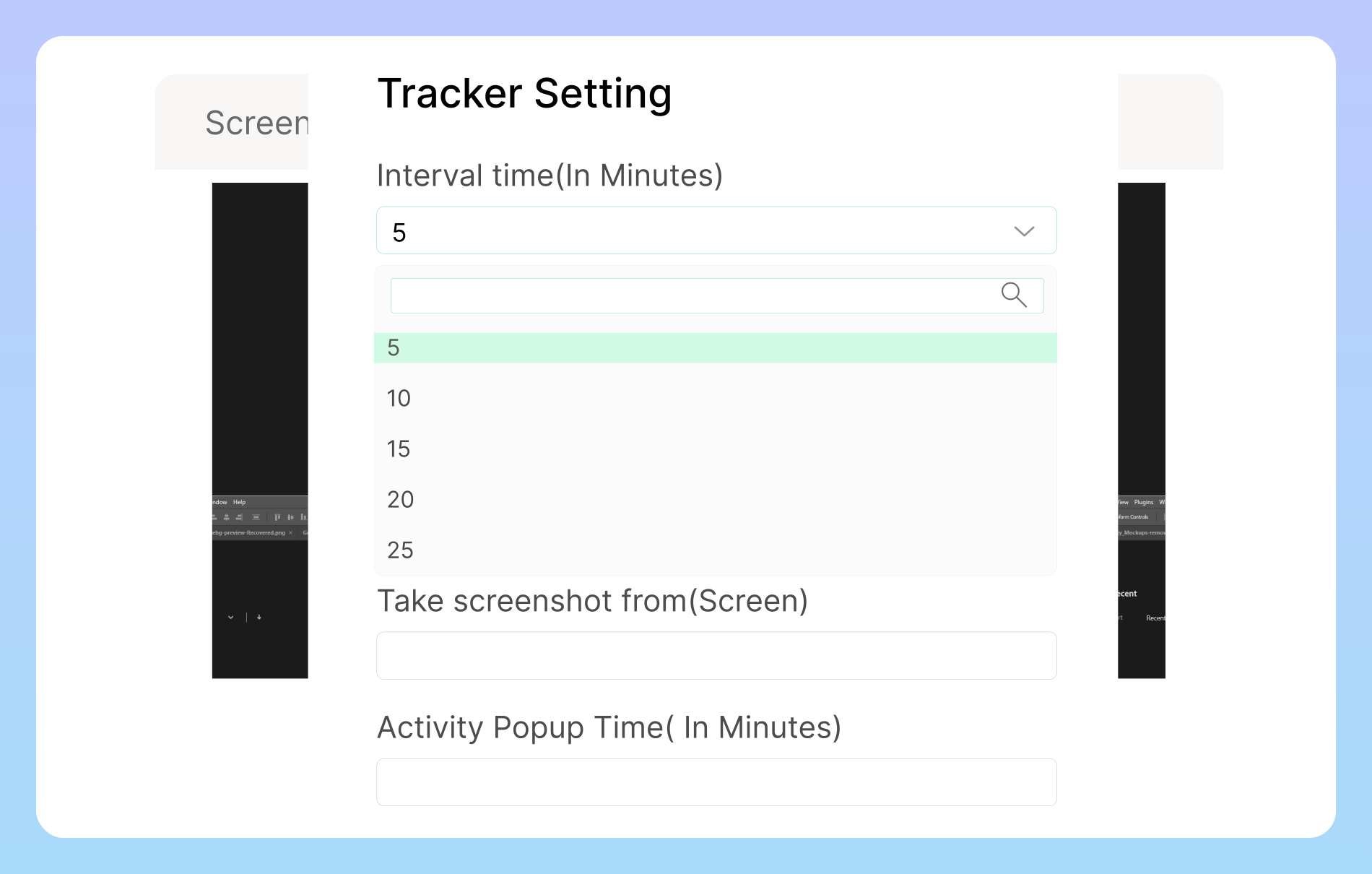
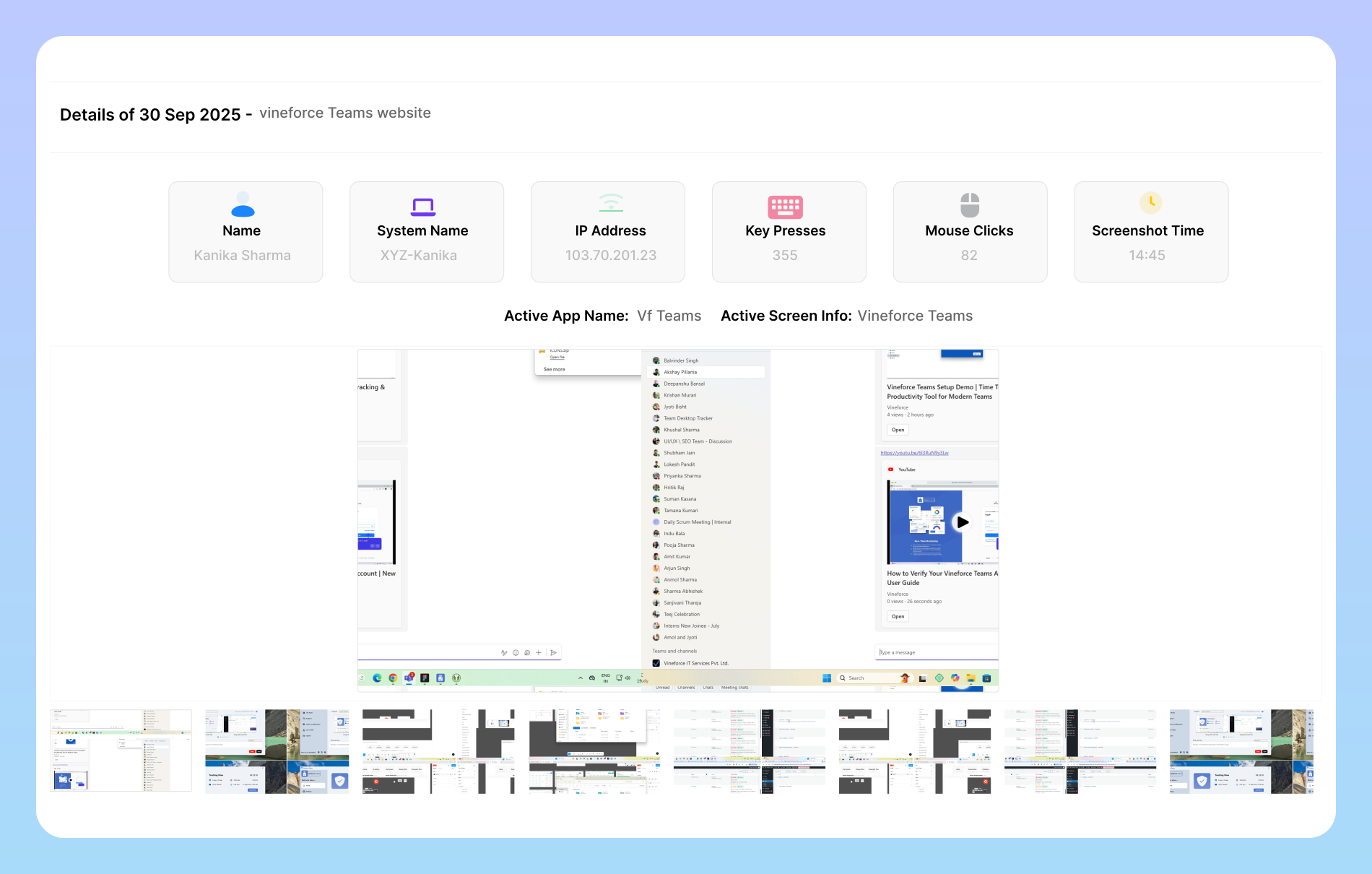
Capture periodic desktop screenshots to provide clear visual proof of work for remote clients, managers, and billable projects.

Native OS Performance & Security

Built with native client architecture for Windows, macOS, and Linux, ensuring fast responsiveness and local data encryption.

Desktop Application vs Silent Tracking

Quick answer: The Desktop Application gives employees direct timer controls, personal focus dashboards, and Private Mode for self-managed tracking, whereas Silent Tracking operates passively in the background without user intervention.

Desktop Application

Interactive Mode

Best for users who want direct control over their own tracking sessions.

  • Full desktop client with system tray integration
  • Manual start, pause, and stop controls for users
  • Private Mode toggle for personal breaks and sensitive tasks
  • Local desktop dashboard with real-time time metrics
  • Direct project and task tagging by employees
  • Individual productivity and focus visualizations
  • Ideal for agencies, consultants, and self-managed teams

Silent Tracking Application

Automated Mode

Best for organizations wanting consistent, low-interruption activity tracking.

  • Runs quietly in the background as a system service
  • Automatic activity tracking on system startup
  • Minimal user interaction and zero manual timer buttons
  • Smart idle detection and active window logging
  • Lightweight resource usage on standard workstations
  • Centralized web dashboard reporting for managers
  • Ideal for distributed teams and candidate assessments

Frequently Asked Questions About the Desktop Application

The Desktop Application is an interactive time tracking and productivity client installed on employee workstations. It allows team members to manually control tracking sessions, view personal focus metrics, and manage project allocations directly from their desktop.

Users can click the start button when they begin working and pause or stop when taking breaks or ending the workday. The application sits quietly in the system tray or menu bar for quick access.

Private Mode allows employees to temporarily suspend all time logging and activity monitoring. When activated, no screenshots or application logs are captured, ensuring total privacy during personal breaks.

Yes. The Desktop Application includes a personal dashboard showing daily hours logged, productive application ratios, and project distributions, helping individuals self-manage their focus.

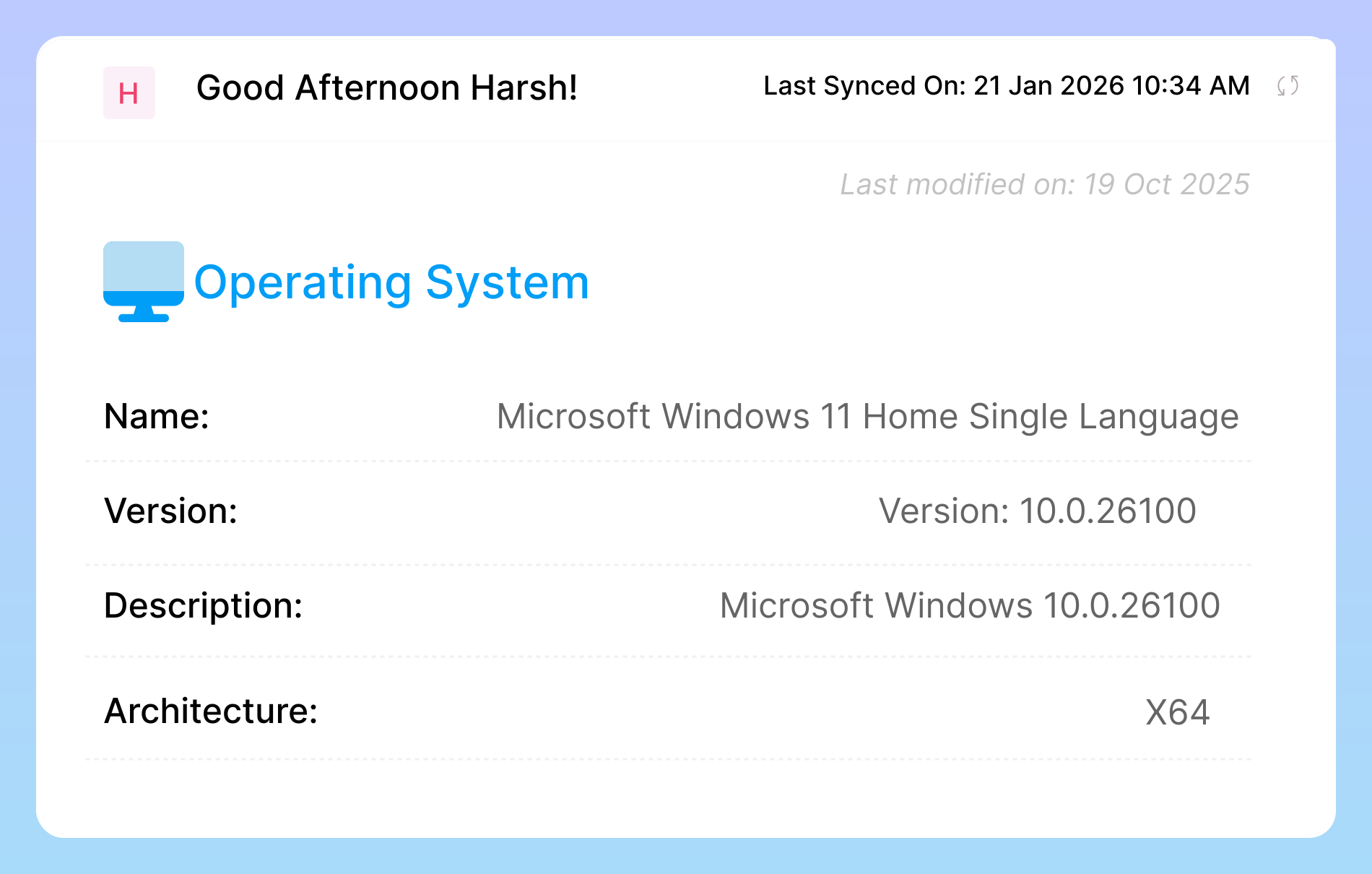
The Desktop Application is available for Windows 10 and 11, macOS 11 (Big Sur) or later, and standard Linux distributions (Ubuntu, Fedora, Debian). Native installers (.bat, .dmg, .sh) are available on our Download page.

The Desktop Application offers user-driven start/stop controls, personal dashboards, and Private Mode for self-managed teams. Silent Tracking runs as an automated background service without user controls for low-interruption workflows.

Ready to streamline your entire workflow?

Vineforce Teams makes it simple to monitor employee productivity with automated time tracking, smart idle detection, and detailed reporting. Build the perfect system to manage projects, ensure accountability, and get insights into your team’s workflow, all in one place.