






GET 30-MINUTE FREE CONSULTATION

Developer Time Tracking Without Interrupting Deep Work

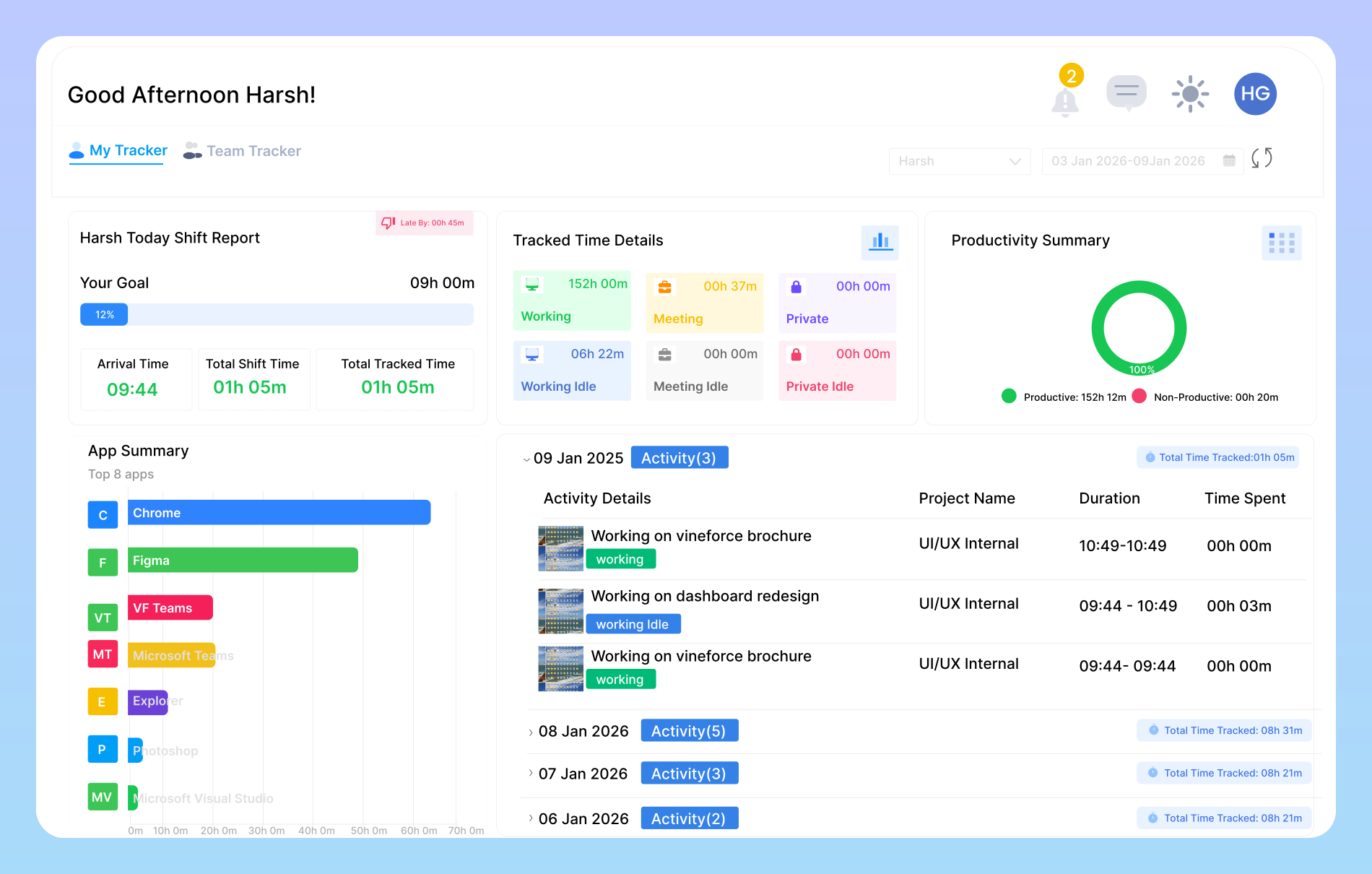
Software engineering requires uninterrupted focus. Vineforce Teams runs quietly in the background at under 1.5% CPU load, logging coding time, task progress, and sprint output without distracting timers or invasive micromanagement.

Enjoy a 07-day free trial with no credit card required.

By creating an account, you accept our Terms and Privacy Policy.

Vineforce Teams developer productivity tracking and sprint activity dashboard
GetApp
Software Advice
Microsoft Azure Marketplace
Product Hunt
G2
Capterra
GoodFirms
GetApp
Software Advice
Microsoft Azure Marketplace
Product Hunt
G2
Capterra
GoodFirms

Developer-Focused Productivity Intelligence

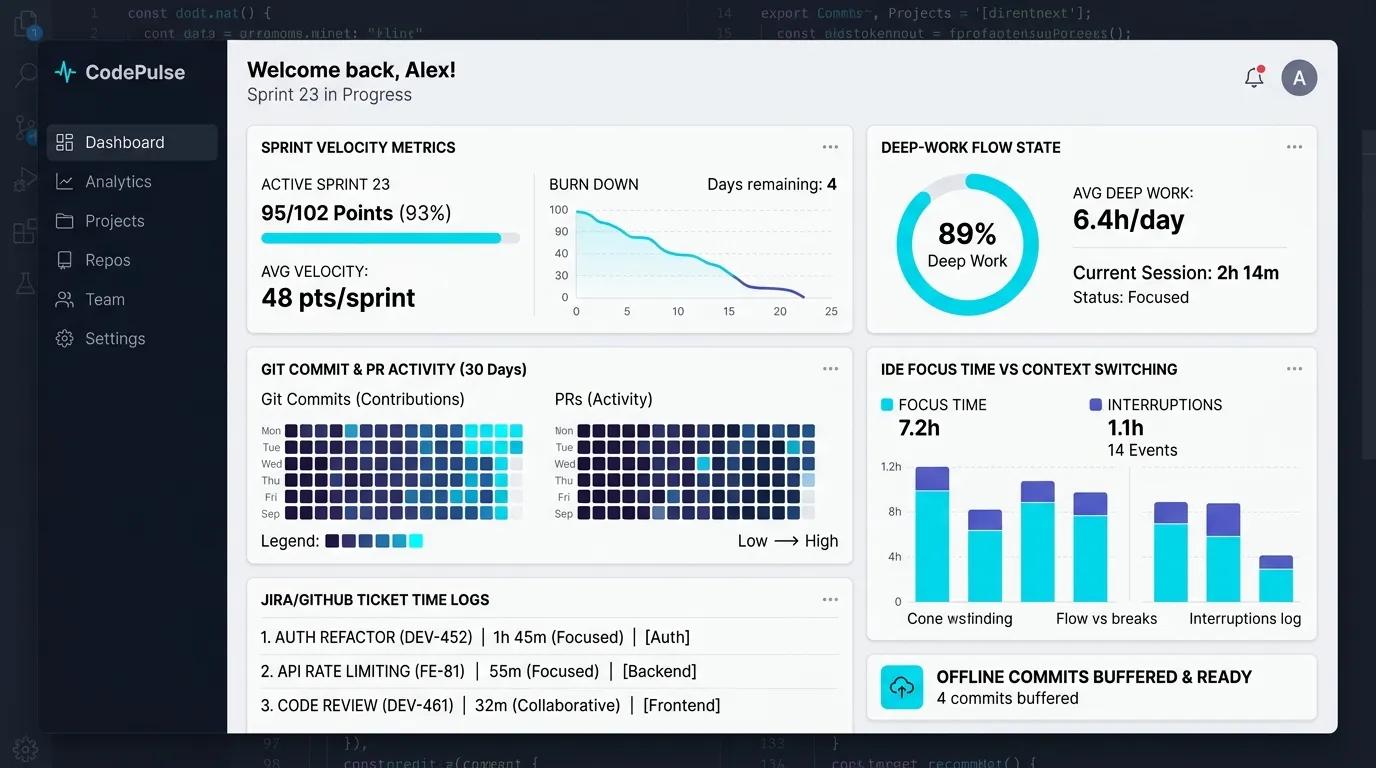
Engineered to support developer flow state by providing visibility into sprint velocity without distracting context switches.
Developer flow state and focus tracking in Vineforce Teams

Built for Deep Focus and Flow State

Software developers require uninterrupted focus, minimal context switches, and flexible working schedules. Traditional surveillance tools create friction because coding output cannot be measured simply by keystrokes. Vineforce Teams delivers automated time tracking that works quietly in the background without intrusive prompts.
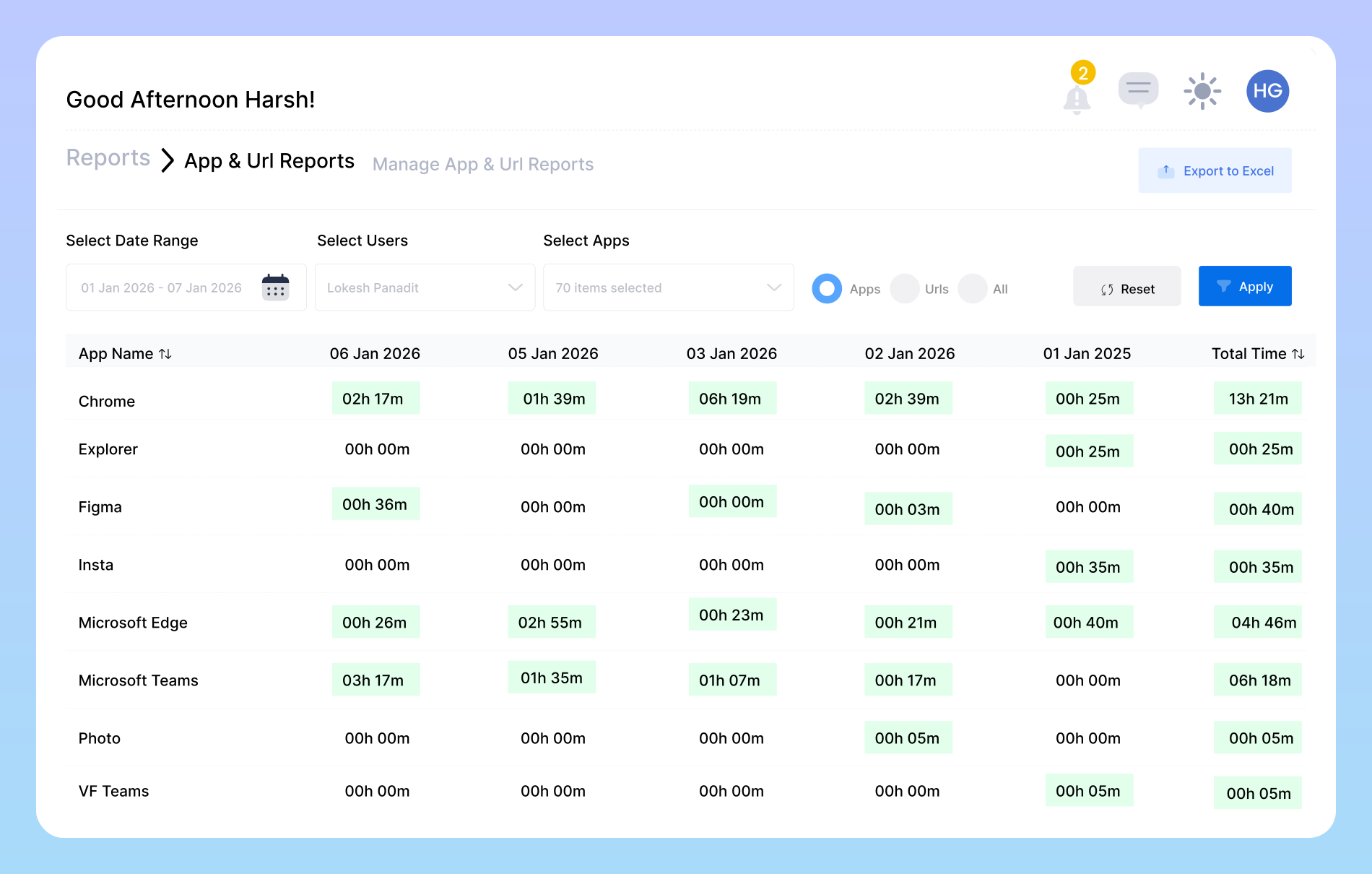
How Vineforce Teams Supports Engineering Teams

Provide engineering leads with sprint visibility while keeping developers free from constant status check interruptions.

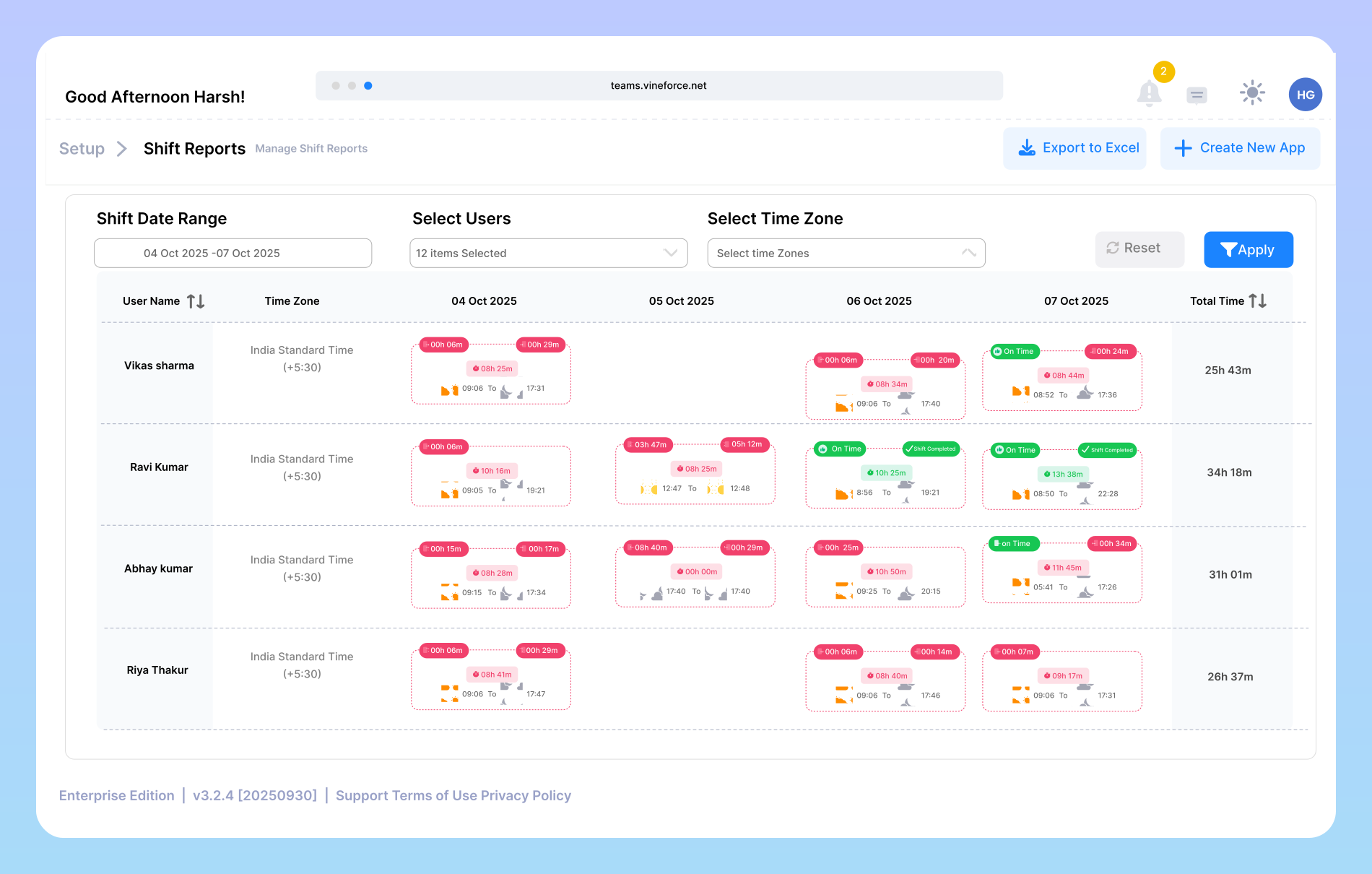
Engineering team sprint scheduling and shift overview in Vineforce Teams

Shift & Sprint Scheduling for Engineering Teams

Coordinate distributed and remote engineering squads across multiple time zones with our shift and sprint tracking tools. Keep team members aligned on sprint milestones, identify blocked tasks early, and balance code review workloads without constant sync meetings.

Automated background time logging for developers in Vineforce Teams

Zero-Click Background Activity Logging

Vineforce Teams automatically records active IDEs, terminals, local testing tools, and design specifications. Engineers never have to remember to start or stop a timer when switching between debugging, refactoring, and code reviews.

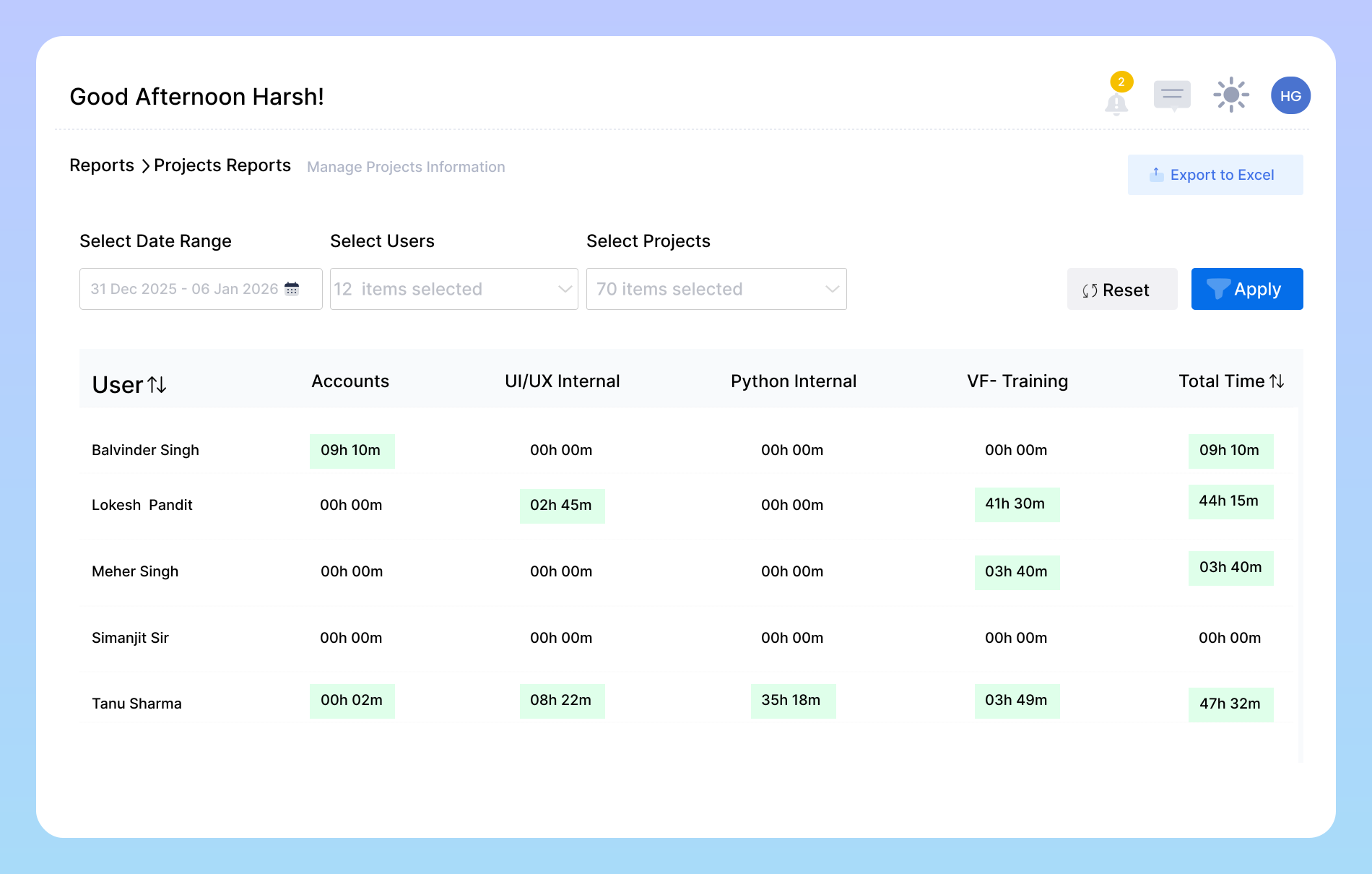
Project tracking and transparent sprint reporting for developers in Vineforce Teams

Transparent Sprint & Ticket Attribution

Attribute development hours directly to project repositories, user stories, and bug tickets with our activity verification tools. Whether building high-growth startups or delivering complex managed services at IT and software companies, detailed timesheet exports provide clear proof of engineering velocity for stakeholders and client billing.

Streamline Your Engineering Workflow with Vineforce Teams

Productivity intelligence that provides engineering leads with sprint visibility while protecting developer autonomy.

Protect Flow State

Protect Flow State

Context switching destroys engineering velocity. Vineforce Teams logs task hours automatically so developers stay focused on architecture and coding without manual timesheet interruption.

Zero-Click Background Tracking

Zero-Click Background Tracking

The tracker logs active tools and coding sessions automatically in the background. No manual clock-in prompts, no forgotten hours, and no interrupted workflows.

Verified Sprint Deliverables

Verified Sprint Deliverables

Provide stakeholders with clear proof of sprint progress and task velocity. Daily and weekly summary reports highlight productive output without micromanagement.

Ultra-Lightweight <1.5% CPU Agent

Engineered in native .NET/WPF to run with negligible system overhead, ensuring local build processes, Docker containers, and test suites run at full hardware speed.

Frequently Asked Questions About Developer Time Tracking

Vineforce Teams provides high-level sprint visibility by tracking active coding sessions, project task allocation, and daily shift summaries. Engineering leads gain transparency into velocity without interrupting developers with constant status inquiries.

Yes. Vineforce Teams provides developers with personal productivity dashboards showing focused coding blocks, application usage breakdowns, and task timelines to help optimize their own daily routines.

No. The desktop agent is engineered to consume under 1.5% CPU and minimal memory, ensuring your local builds, containers, and test suites run at full machine performance.

Shift Summary Reports consolidate daily engineering time across user stories and code review tasks, helping tech leads balance workloads and plan future sprint capacity accurately.

Ready to streamline your entire workflow?

Vineforce Teams makes it simple to monitor employee productivity with automated time tracking, smart idle detection, and detailed reporting. Build the perfect system to manage projects, ensure accountability, and get insights into your team’s workflow, all in one place.