






GET 30-MINUTE FREE CONSULTATION

Boost Your Startup

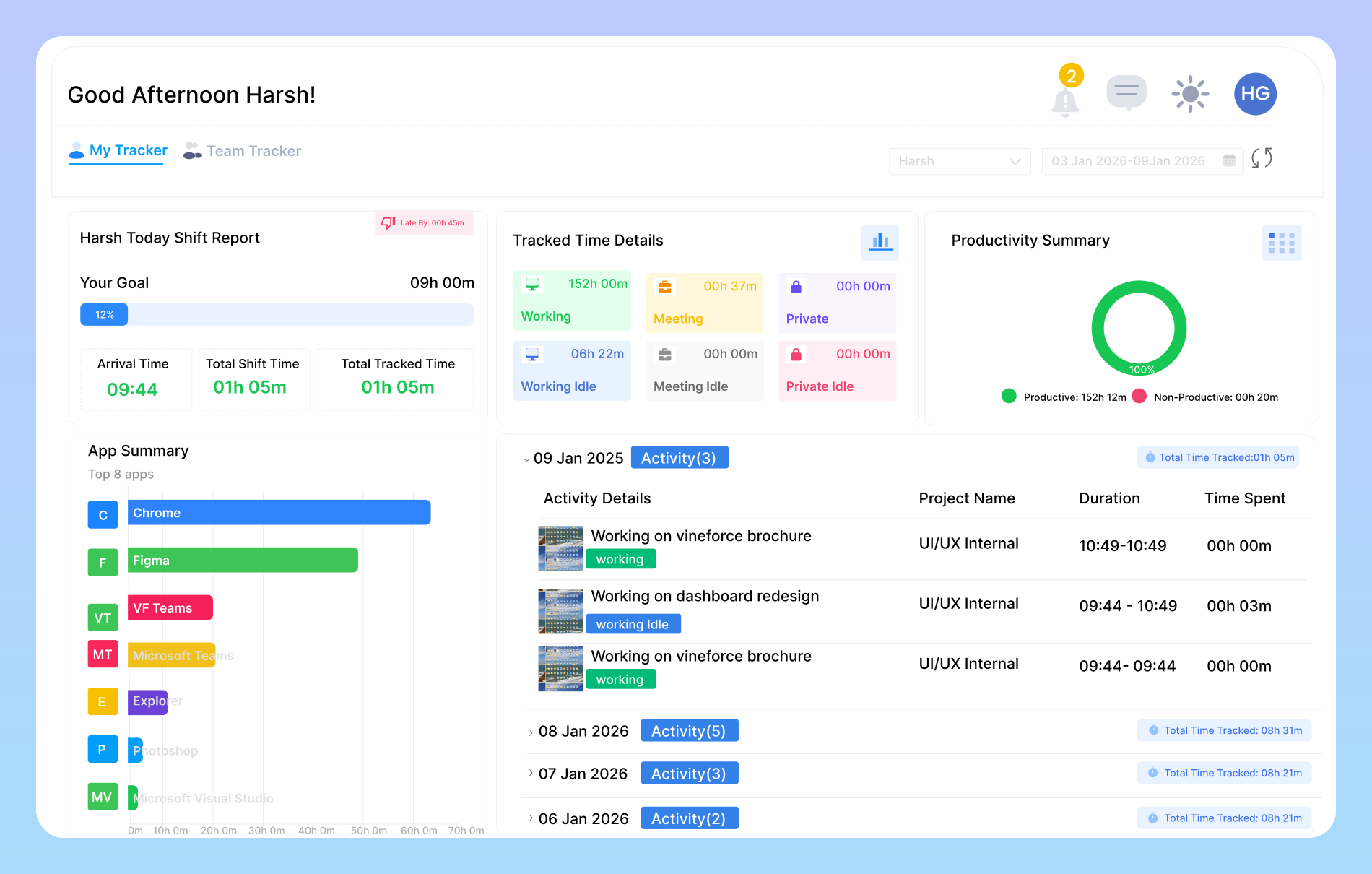
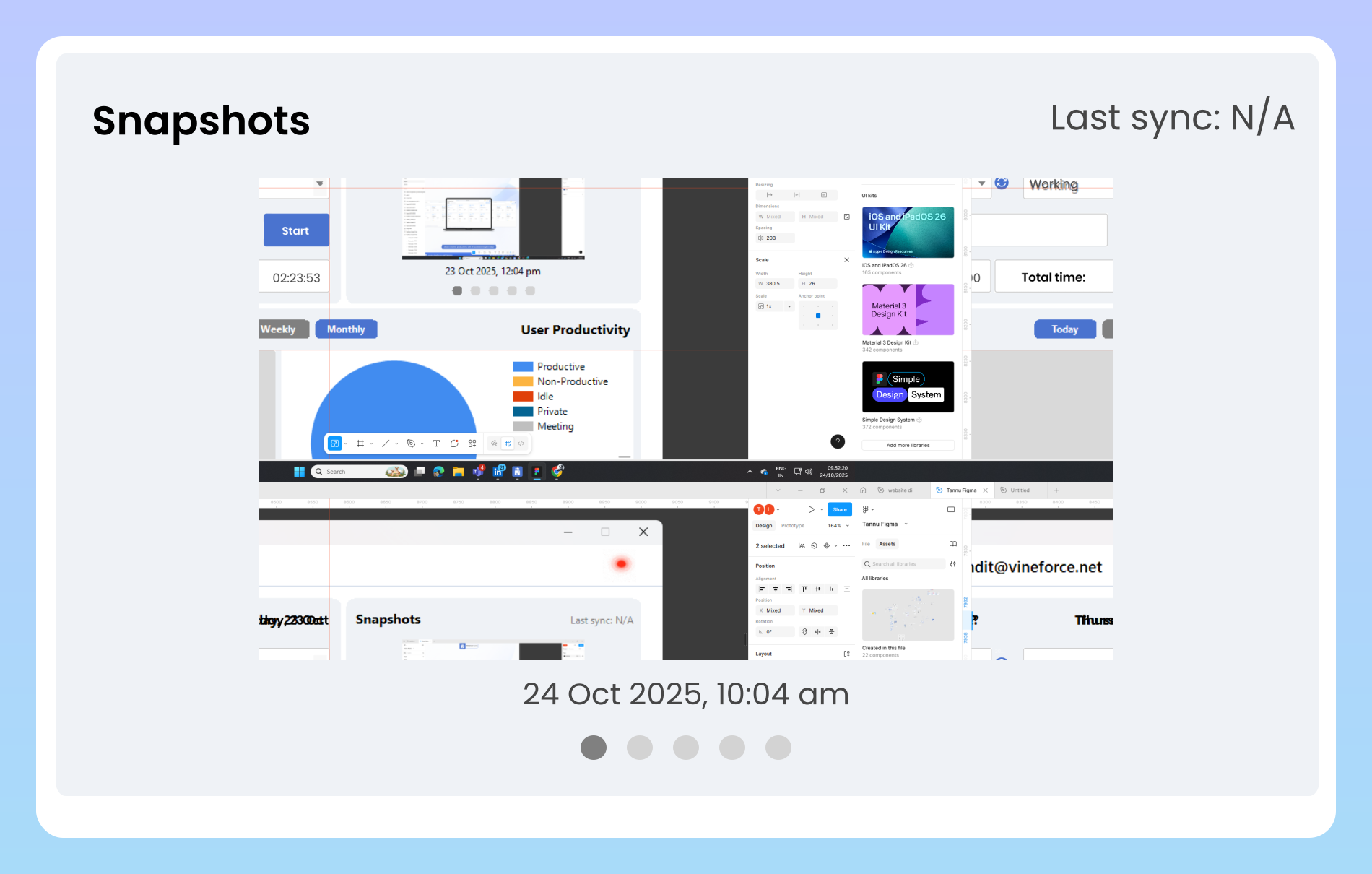
Boost Your Startup Productivity with Vinforce Teams. It automatically tracks your team’s work hours, captures screenshots, monitors productive and non productive time, and provides detailed shift reports for it.

Enjoy a 07-day free trial with no credit card required.

By creating an account, you accept our Terms and Privacy Policy.

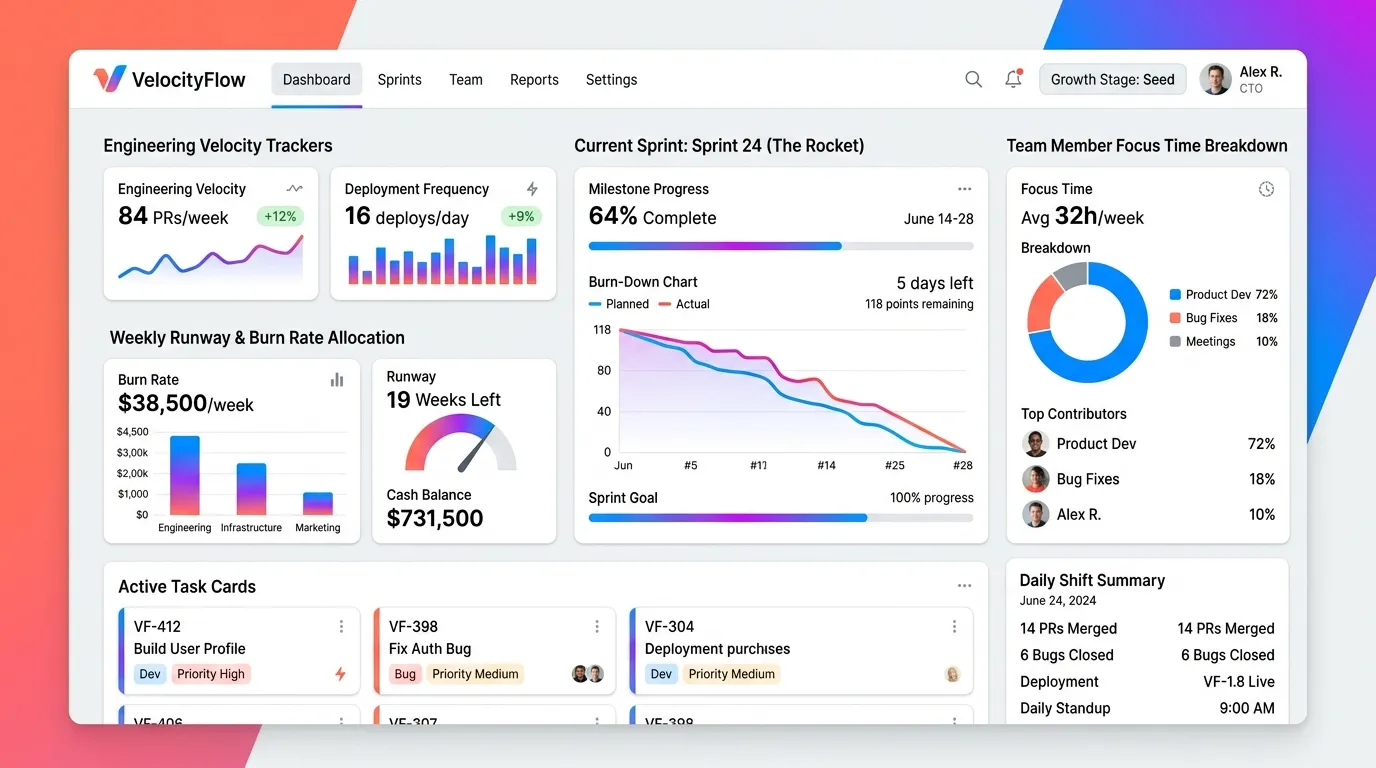
Dashboard homepage image
GetApp
Software Advice
Microsoft Azure Marketplace
Product Hunt
G2
Capterra
GoodFirms
GetApp
Software Advice
Microsoft Azure Marketplace
Product Hunt
G2
Capterra
GoodFirms

Track Time for Startup with Vineforce Teams

Vineforce Teams helps Startup, manage tasks, and improve productivity with automated tools and actionable insights.

How vineforce teams helps startups image

How Vineforce Teams Helps Startups

Vineforce Teams helps your team focus on the actual work instead of wasting time on manual reporting. Automatically track hours, monitor project progress, and optimize every minute and resource to achieve maximum output without overspending. The app runs seamlessly in the background, quietly tracking your team’s work without interruptions. It tracks productive and non-productive hours, giving a clear picture of how time is spent.

Boost Startup Efficiency by Solving Key Problems

Vineforce Teams helps startups manage tasks efficiently and improve team productivity using automated time tracking, real time project monitoring, and actionable insights.

Productivity insights image

Productivity Insights

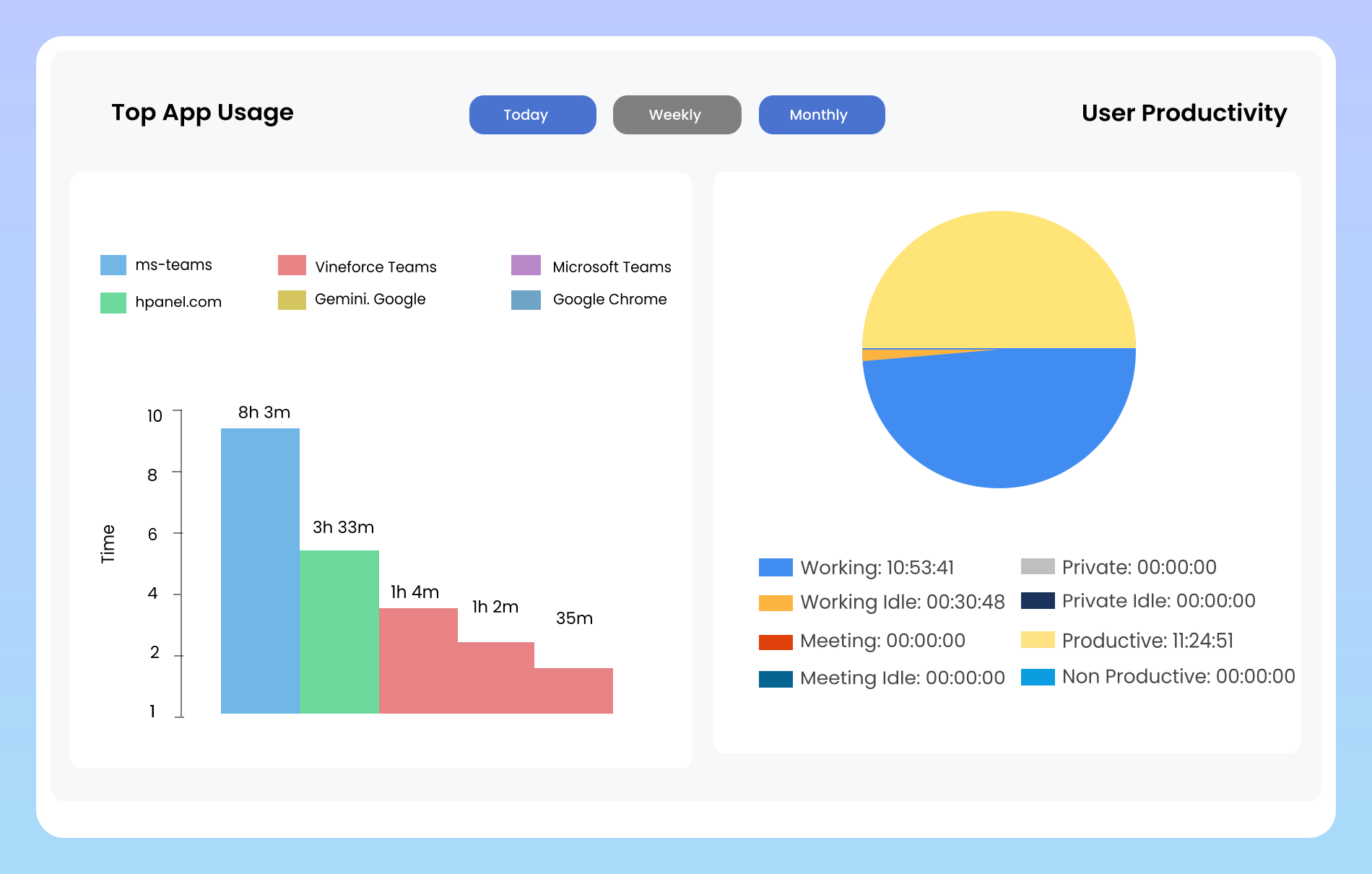
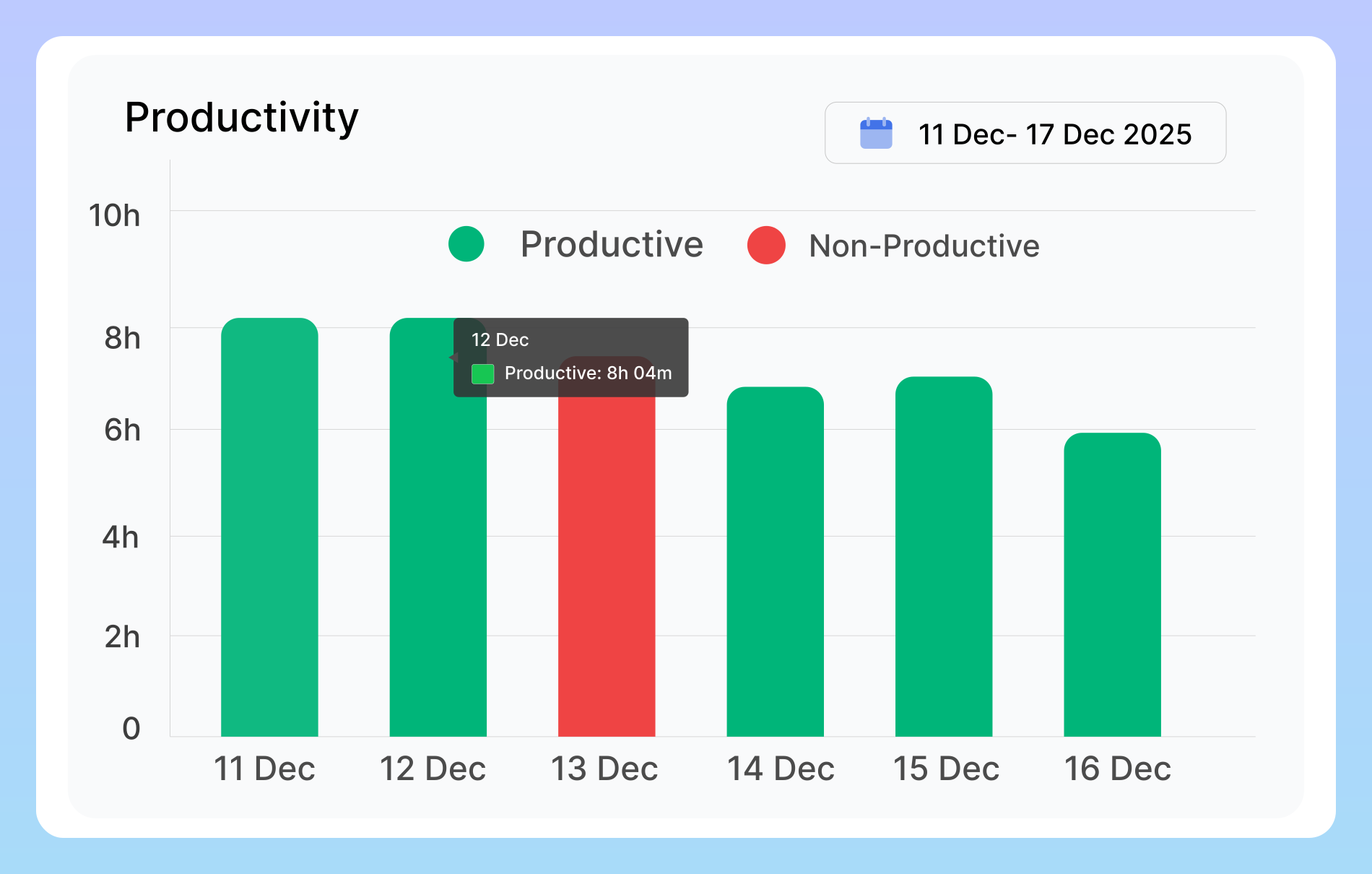
Vineforce Teams monitors how your team spends their time by distinguishing between productive and non-productive hours. It tracks active work, app usage, and idle time, then provides real time reports to show patterns in team behavior. Managers and team leads can use these insights to identify bottlenecks, optimize workflows, and implement strategies that improve overall performance.

Real time task tracking image

Real-Time Task Tracking

Vineforce Teams provides a dynamic dashboard that shows all tasks, their current status, and progress in real time. This visibility allows managers to quickly see which tasks are on track, which need attention, and how the team is performing overall. Startups and growing teams benefit from this transparency by streamlining workflows, avoiding delays, and ensuring everyone is aligned with project goals.

Track work without internet image

Track Work Without Internet

Many time tracking tools fail when employees work without an internet connection, but Vineforce Teams continues monitoring activity even offline. All work, time logs, and activities are automatically recorded locally and synced to the dashboard once the employee is online again. This ensures no productive time is lost and provides a complete, accurate record of work, even for remote or hybrid teams working in areas with unstable connectivity.

Vineforce Teams is the best application for your startup.

Go beyond simple tracking with powerful, actionable intelligence.

Shift scheduling

Shift scheduling

Shift Tracking & Management gives you full control over work schedules. Create and assign shifts in minutes, track attendance without confusion, and keep every team member aligned. From daily planning to overtime logs.

Manage Apps for Employee

Manage Apps for Employee

It gives you complete visibility into how your team works by tracking which applications are being used during work hours. It automatically detects whether an app is productive or non productive based on the type of work being done.

Manage Users Reports

Manage Users Reports

You can view detailed reports for all users in one place. See each team member’s productive vs non-productive time on a monthly & weekly,.This feature helps managers track overall team performance.

Frequently Asked Questions

Vineforce Teams automates time tracking, monitors app usage, records productive vs non-productive hours, and generates detailed reports helping your startup optimize resources and focus on high value work.

Absolutely. The platform tracks app usage and categorizes them as productive or non productive, helping you understand how your team spends time and optimize workflows.

Yes. By automating time tracking, task management, and reporting, your team can focus on meaningful work, reduce manual errors, and make better decisions with clear insights.

These provide agencies with a clear picture of team productivity and time usage. By analyzing these reports, managers can identify high performing employees, assist those in need of guidance, and make data driven decisions to improve efficiency and project outcomes.

Ready to streamline your entire workflow?

Vineforce Teams makes it simple to monitor employee productivity with automated time tracking, smart idle detection, and detailed reporting. Build the perfect system to manage projects, ensure accountability, and get insights into your team’s workflow, all in one place.