






GET 30-MINUTE FREE CONSULTATION

Smart Idle Detection

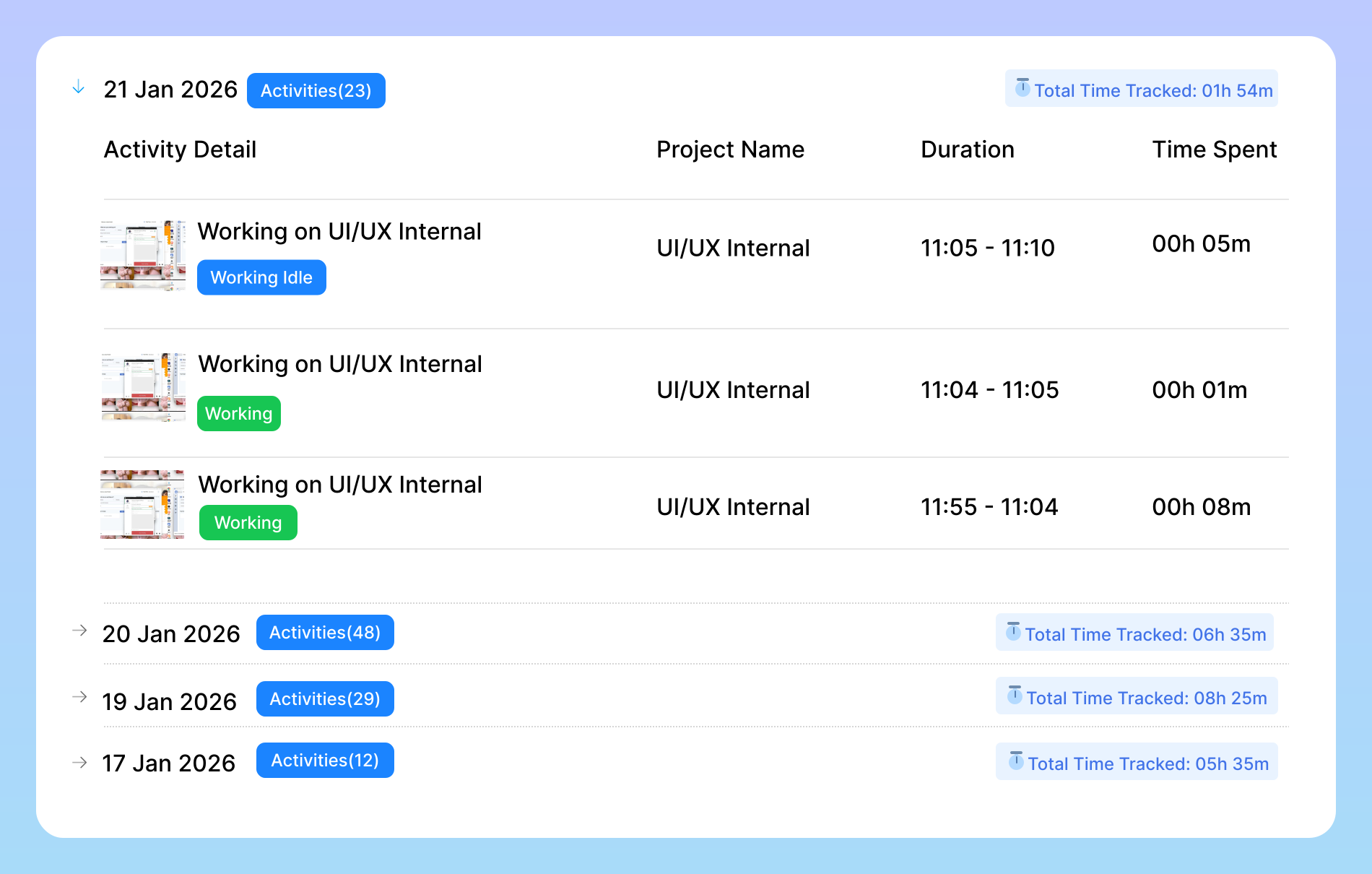
Smart Idle Detection is an intelligent feature designed to ensure every second of your team’s workday is tracked accurately without any manual effort. It automatically detects when a user is inactive or away from their system and pauses time tracking until activity resumes.

Enjoy a 07-day free trial with no credit card required.

By creating an account, you accept our Terms and Privacy Policy.

Smart Idle Detection dashboard image
GetApp
Software Advice
Microsoft Azure Marketplace
Product Hunt
G2
Capterra
GoodFirms
GetApp
Software Advice
Microsoft Azure Marketplace
Product Hunt
G2
Capterra
GoodFirms

Why Idle Detection Matters

The Shift scheduling feature can be an additional powerful tool in your arsenal that helps you improve the way you work.

Smarter teams with idle detection image

Smarter Teams with Idle Detection

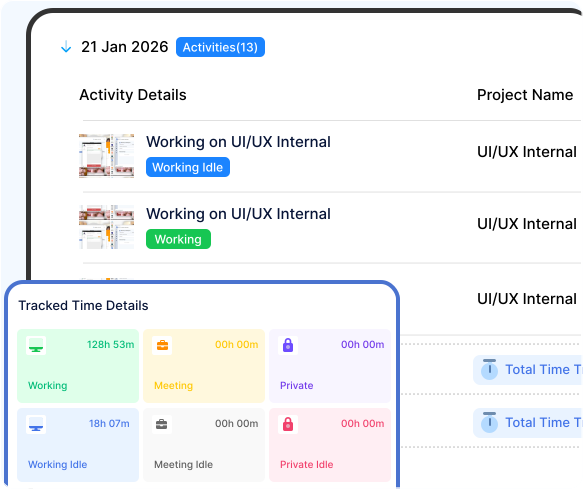
Vineforce Teams automatically records active and idle hours, captures detailed time logs, and provides smart screenshot monitoring. This ensures complete transparency, accurate reports, and a reliable view of your team’s productivity. Helps identify unproductive gaps or breaks. No need to start or stop timers manually. Differentiates between active work and idle time for transparent tracking.
Smarter Teams with Idle Time Tracking

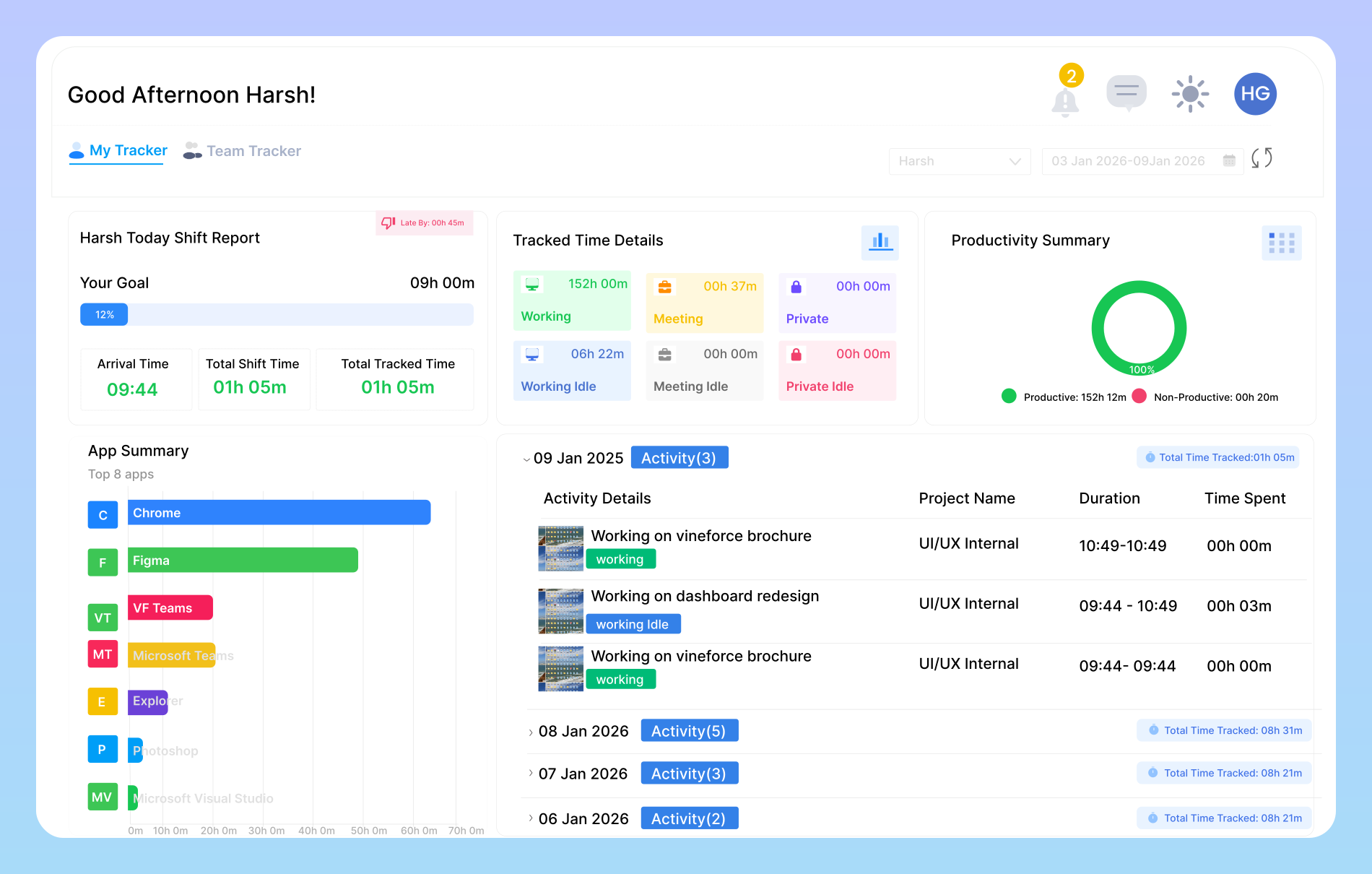
Our Employee Idle Time Tracking Software provides a better understanding of productive and non-productive hours.

Automatic idle time detection image

Automatic Idle Time Detection

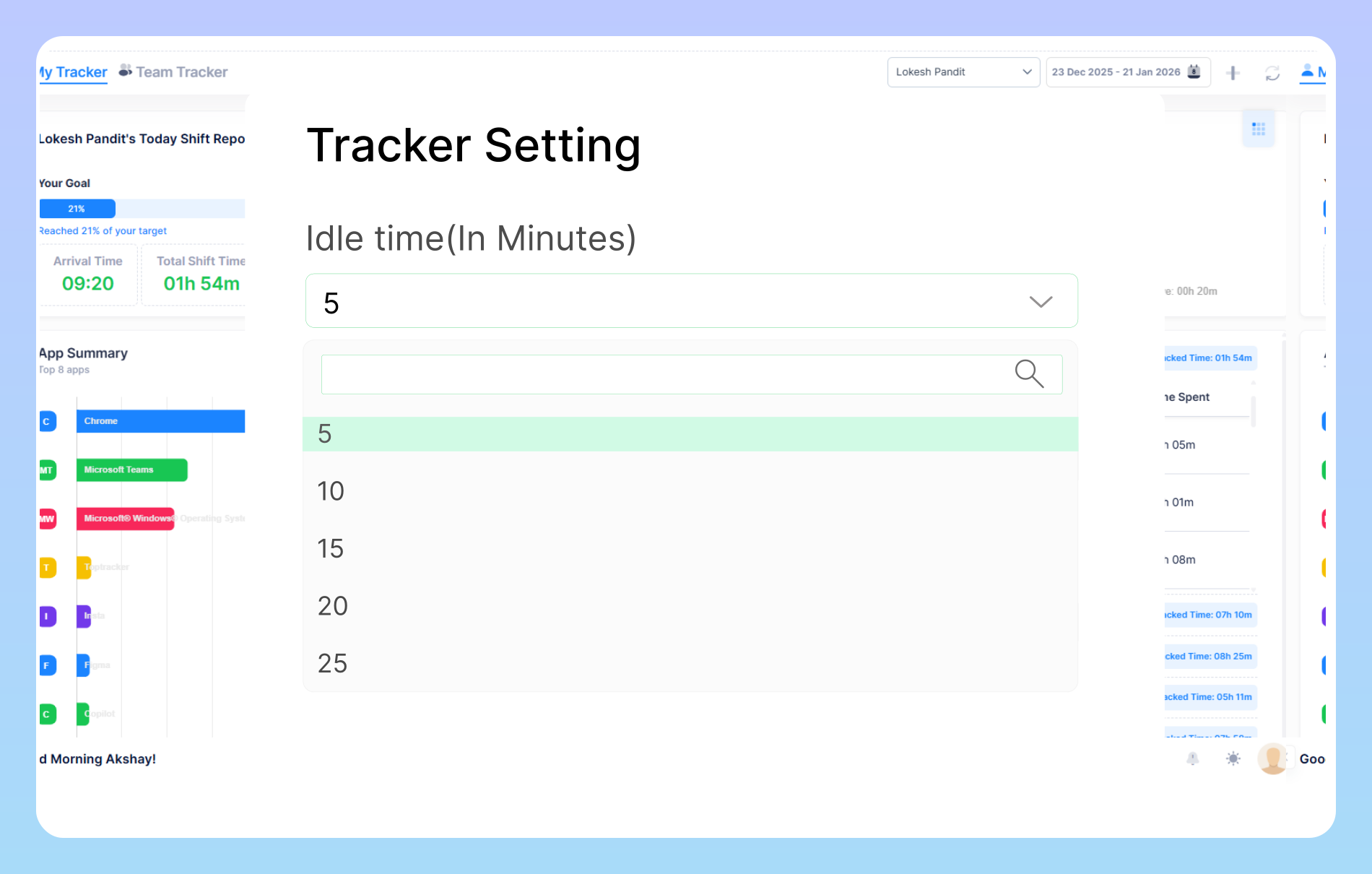
You can adjust the settings based on your preference for example, set the system to detect activity every 5 or 10 minutes in the application settings. It automatically pauses tracking when no activity is detected and resumes as soon as you return, ensuring every moment of your work is accurately recorded.

Automatic idle time alert image

Automatic Idle Time Alert

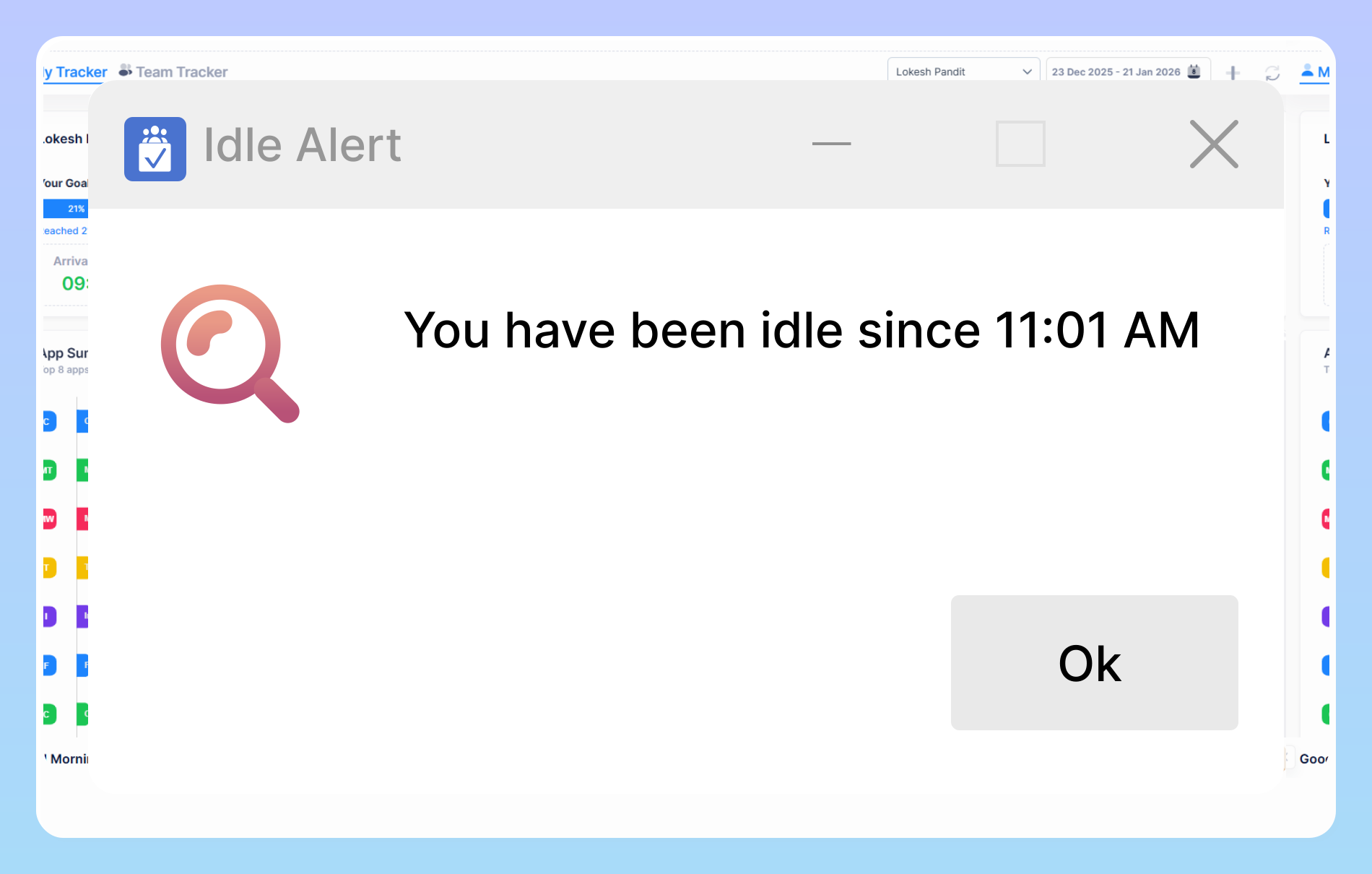
Vineforce Teams automatically detects inactivity and shows an idle alert when a user is not working for more than 5 minutes. This helps ensure accurate time tracking, improve productivity, and maintain transparent work logs without manual effort.

Idle time, attendance and screenshot tracking image

Idle Time, Attendance & Screenshot Tracking

Vineforce Teams automatically records active and idle hours, captures detailed time logs, and provides smart screenshot monitoring. This ensures complete transparency, accurate reports, and a reliable view of your team’s productivity. Automatic idle time detection to highlight unproductive gaps. Compare active vs. idle time for better productivity insights.

Stay on Track with Advanced Idle Detection

Vineforce Teams tracks active and idle hours, maintains detailed time logs, and supports smart screenshot monitoring.

Smart Idle Monitoring

Smart Idle Monitoring

Smart Idle Monitoring automatically detects active and idle time to maintain accurate work records. It provides clear visibility into productivity patterns without the need for manual tracking or constant supervision. These insights help reduce unproductive time .

Smart Attendance Tracking

Smart Attendance Tracking

Automatically records when employees log in and log out, ensuring accurate attendance data. This improves accountability, reduces manual errors, and gives managers a clear view of employee presence throughout the workday.

Automated Time Logs

Automated Time Logs

Automatically tracks time spent on tasks and projects with detailed, accurate timesheets. This helps teams understand work patterns, improves planning, and supports precise reporting and billing.

Frequently Asked Questions

Idle time refers to the time when there is no keyboard or mouse activity. It is measured in a given time period. This idleness is handled by our idle time monitoring tool. It measures and logs this idleness automatically. Managers can review and provide context to the employees. The goal is accuracy. The offline work is also monitored using our Offline/Idle Time Tracking Software. Therefore, there is no lapse in reporting.

When used correctly, this tool is the opposite of micromanagement, providing objective data to help managers support their teams effectively. The key benefits include ensuring fair workload distribution, spotting process bottlenecks, preventing employee burnout, and improving the accuracy of future project estimates.

We strongly recommend transparency. Explain to your team that you are implementing this tool to ensure workloads are balanced and to find ways to improve team-wide efficiency. Emphasize what the tool does not do (like screen recording). Frame it as a way to support them by identifying obstacles, rather than a tool to scrutinize their work habits.

Yes. You have full administrative control. You can adjust the inactivity time threshold to suit your team’s work style and disable the feature entirely for specific individuals or teams. This flexibility ensures you can apply the tool in a way that is fair and makes the most sense for your organization.

All data is encrypted and stored securely. Access to idle time reports is restricted to authorized managers and administrators within your organization. The data is used solely for your internal productivity and workflow analysis and is never shared with or sold to third parties.

Ready to streamline your entire workflow?

Vineforce Teams makes it simple to monitor employee productivity with automated time tracking, smart idle detection, and detailed reporting. Build the perfect system to manage projects, ensure accountability, and get insights into your team’s workflow, all in one place.