






GET 30-MINUTE FREE CONSULTATION

Remote Teams Management

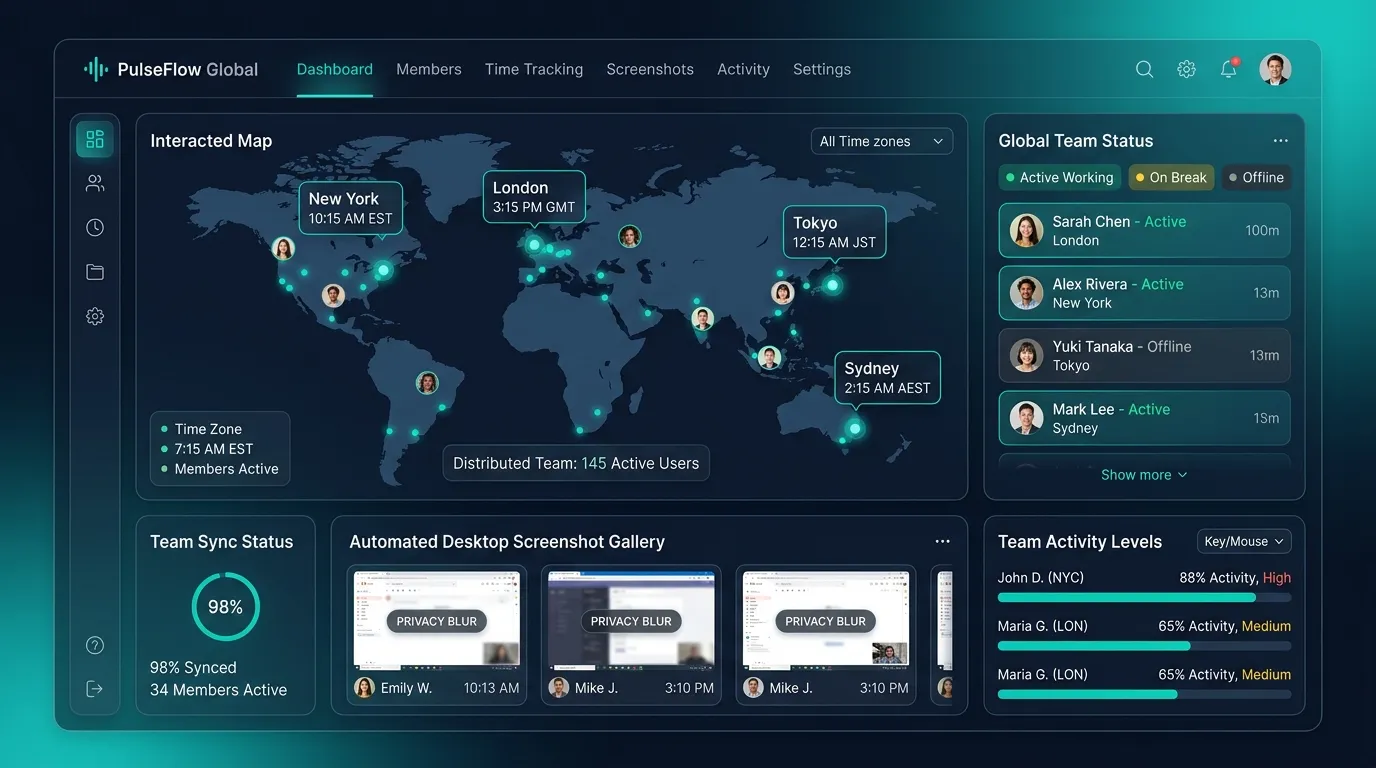
Vineforce Teams provides the real time insights you need to manage workloads, boost productivity, and support your team. Replace guesswork with data driven clarity to build a culture of trust and peak performance, no matter where your team is located.

Enjoy a 07-day free trial with no credit card required.

By creating an account, you accept our Terms and Privacy Policy.

Remote Teams Management Dashboard
GetApp
Software Advice
Microsoft Azure Marketplace
Product Hunt
G2
Capterra
GoodFirms
GetApp
Software Advice
Microsoft Azure Marketplace
Product Hunt
G2
Capterra
GoodFirms

Remote Team Management with Vineforce Teams

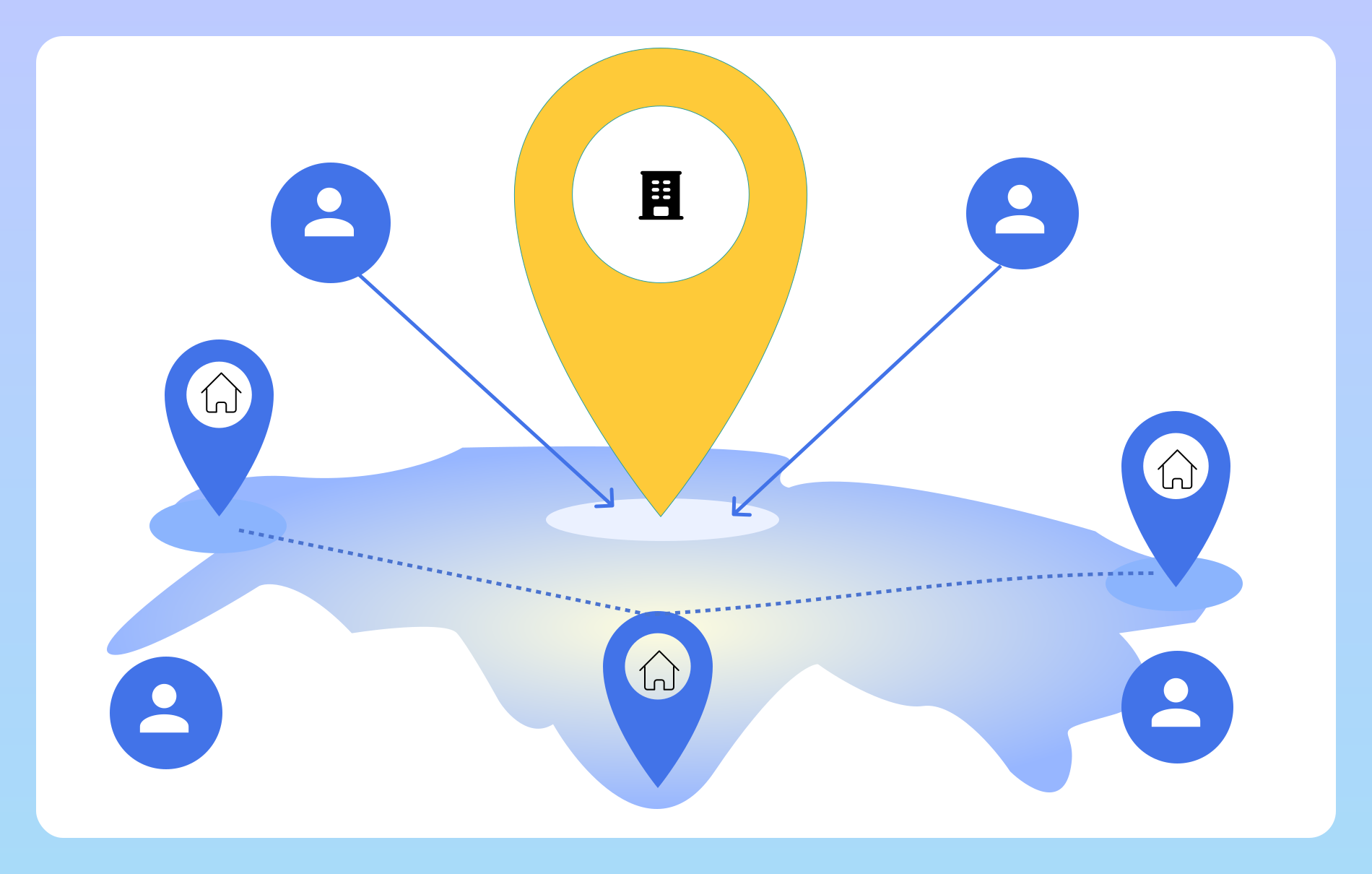
Remote team management in Vineforce Teams means managing employees who work from home or different locations.

What is remote team management

What Is Remote Team Management?

Vineforce Teams means managing employees who work from home or different locations using intelligent tracking, real time insights, and performance analytics. It provides complete visibility into daily work activities while maintaining transparency and fairness.

How Vineforce Teams Manages Remote Teams

Vineforce Teams is designed to give organizations complete visibility and control over remote teams while maintaining trust, transparency, and flexibility.

Automatic time and activity tracking

Automatic Time & Activity Tracking

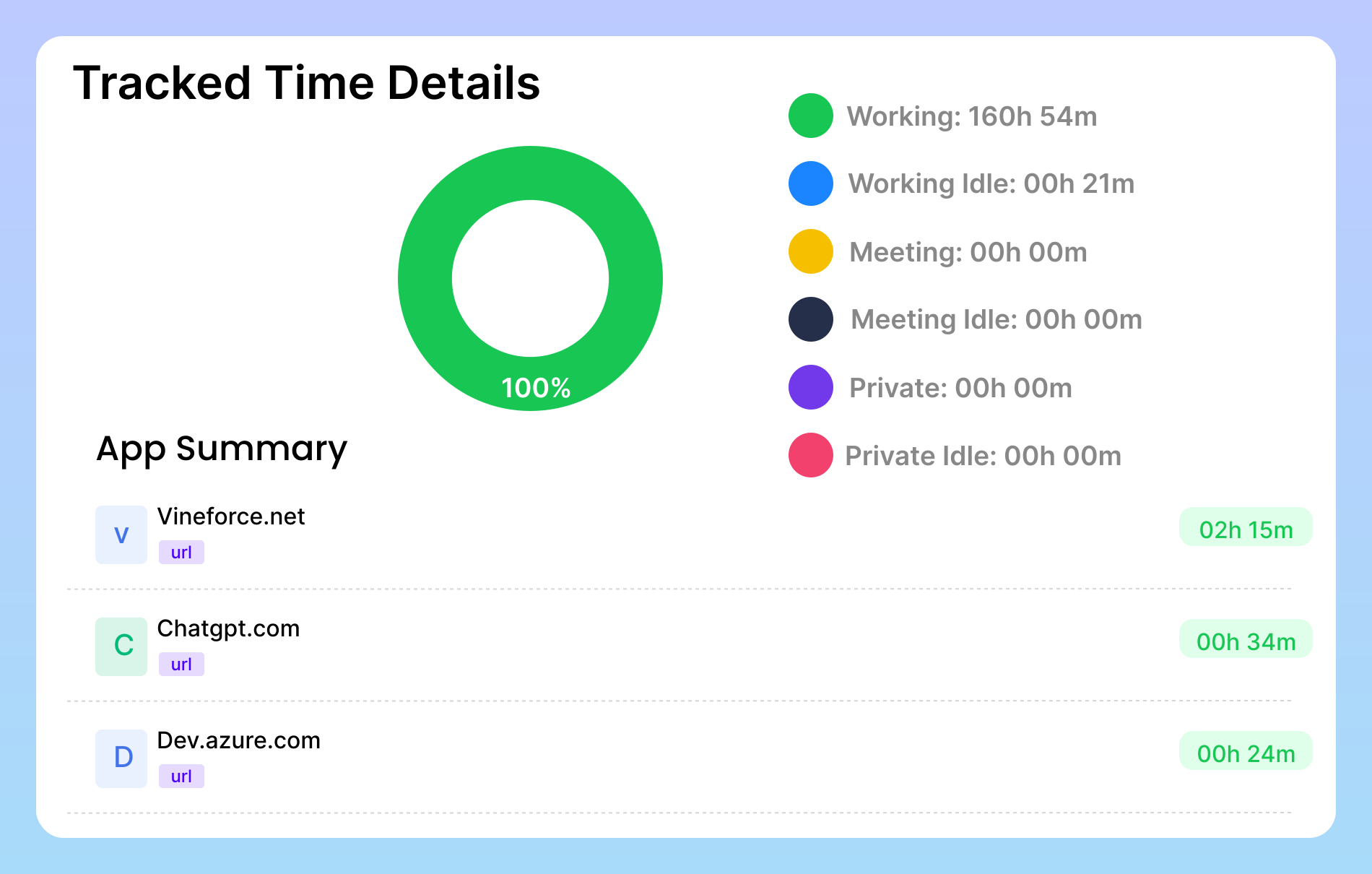
The system automatically tracks employee working hours, including active time, idle time, and break periods. It also records application and website usage during work hours. This removes the need for manual timesheets, which are often inaccurate or time consuming. Automatic tracking ensures reliable data, helping both managers and employees understand how time is spent and where productivity can be improved.

Offline activity tracking

Offline Activity Tracking

Vineforce Teams continues to track work activity even when employees experience internet connectivity issues. All activity data is securely stored and automatically synchronized once the connection is restored. This ensures uninterrupted tracking, accurate reports, and complete visibility regardless of network conditions.

Screenshot based work transparency

Screenshot-Based Work Transparency

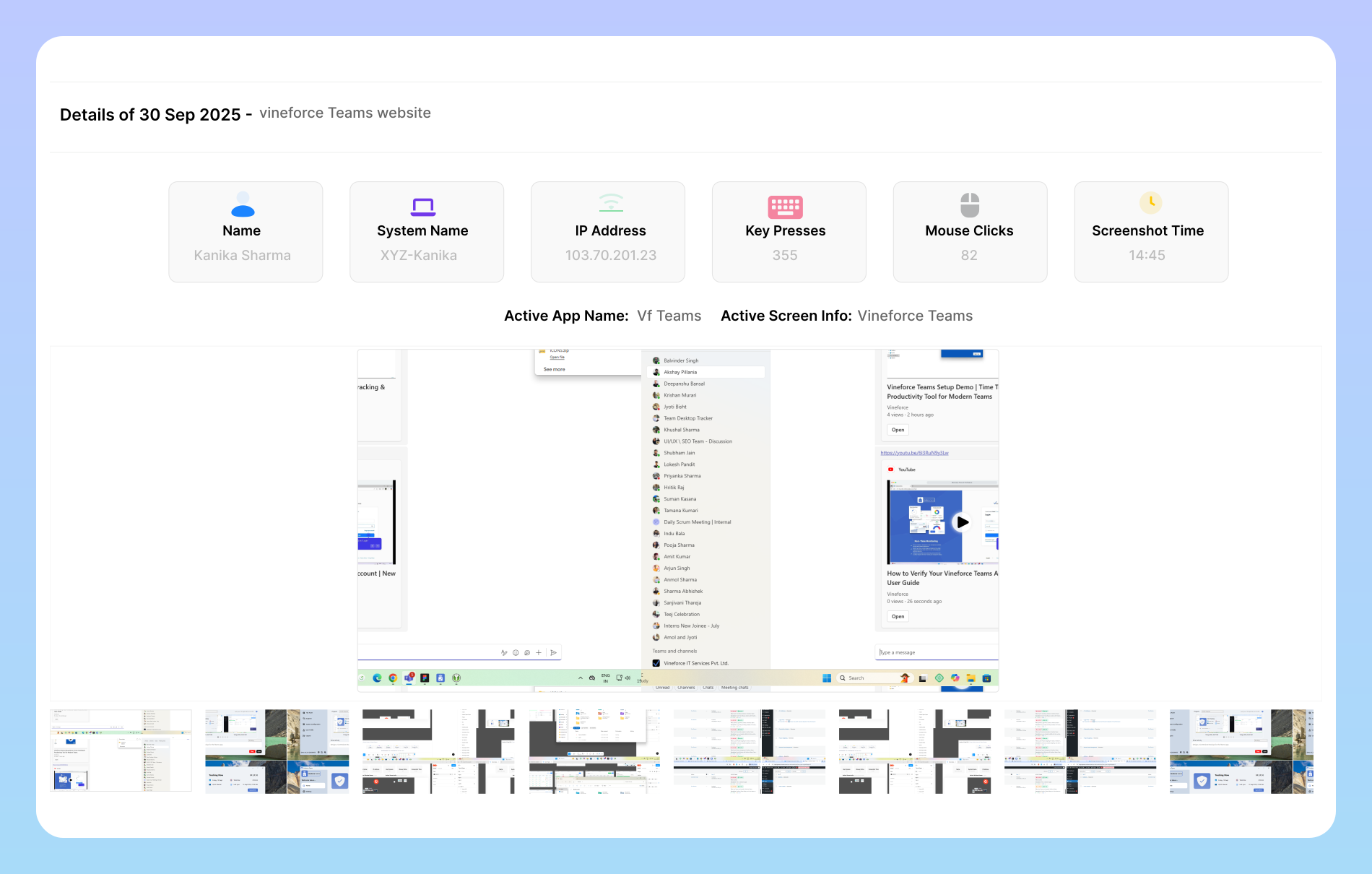
Vineforce Teams captures periodic screenshots during work hours to provide visual proof of ongoing work. These screenshots help verify tasks, reduce misunderstandings, and maintain transparency between managers and employees. Because the process is automated, managers do not need to constantly monitor or interrupt employees, creating a balanced approach between oversight and trust

A Complete Toolkit for Remote Team Management

Go beyond simple tracking with powerful, actionable intelligence.

Complete Activity Insights

Complete Activity Insights

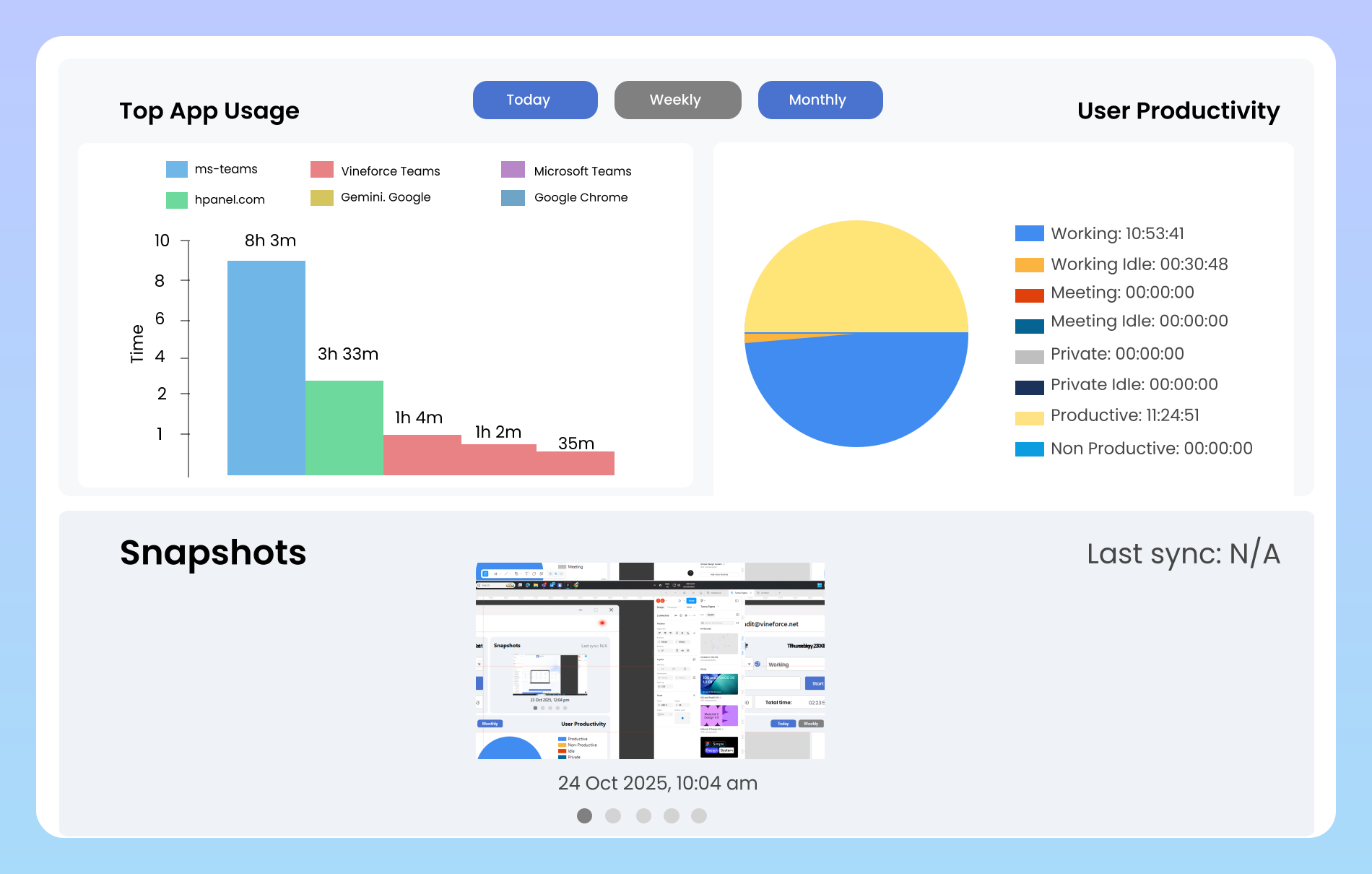
Our silent background tracker captures detailed work activity, including keyboard & mouse usage, application focus, and optional screenshots. This provides irrefutable data to understand real effort and pinpoint operational bottlenecks.

Smart Score Insights

Smart Score Insights

Go beyond raw data with our intelligent employee scoring system. Generate in-depth reports to identify top performers, track productivity trends, and provide targeted coaching to help every team member succeed.

Team & Asset Control

Team & Asset Control

Simplify onboarding and operations by assigning and tracking company assets directly within Vineforce. From laptops to software licenses, maintain a clear inventory of what your team is using, all in one central place.

Frequently Asked Questions

Absolutely not. We consider ourselves an ethical monitoring platform designed for transparency. You, the administrator, have 100% control over the monitoring settings. Features like screenshots are optional and can be enabled or disabled per user or team. Our goal is to provide data for coaching and improvement, not surveillance, fostering a culture of trust.

The Productivity Score is calculated based on activity levels (keyboard and mouse usage) and the classification of applications and websites being used. As an administrator, you can categorize specific URLs and apps as ‘Productive’, ‘Unproductive’, or ‘Neutral’ for each team. This makes the score a relevant and customized metric for different roles.

No. The Vineforce Teams tracker is a lightweight application that runs silently in the background using minimal system resources. It is optimized to ensure there is no noticeable impact on computer performance, allowing your team to work without interruption.

Data security is our highest priority. All data captured by the tracker is encrypted both in transit and at rest, and stored on secure cloud servers (like Microsoft Azure). We adhere to strict security protocols to ensure your company’s data is always protected and confidential.

Ready to streamline your entire workflow?

Vineforce Teams makes it simple to monitor employee productivity with automated time tracking, smart idle detection, and detailed reporting. Build the perfect system to manage projects, ensure accountability, and get insights into your team’s workflow, all in one place.