






GET 30-MINUTE FREE CONSULTATION

Offline Time Tracking

No need to worry when you lose connection our smart tracker continues monitoring your activity even when you’re offline. Every minute of your work is automatically recorded, and once you reconnect, all data syncs seamlessly. It intelligent offline tracking ensures every moment is captured, even with unstable internet.

Enjoy a 07-day free trial with no credit card required.

By creating an account, you accept our Terms and Privacy Policy.

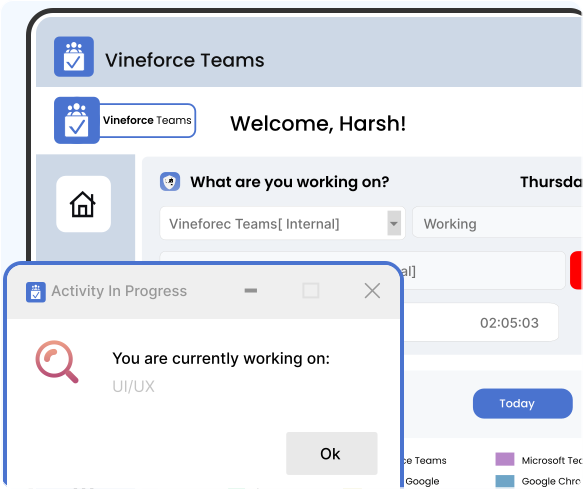
Offline time tracking dashboard image
GetApp
Software Advice
Microsoft Azure Marketplace
Product Hunt
G2
Capterra
GoodFirms
GetApp
Software Advice
Microsoft Azure Marketplace
Product Hunt
G2
Capterra
GoodFirms

Offline Tracking for Full Visibility

The tracker monitors your work continuously, even without internet. All activity and screenshots are stored locally and automatically synced once you’re back online, giving you accurate productivity reports without any data loss.

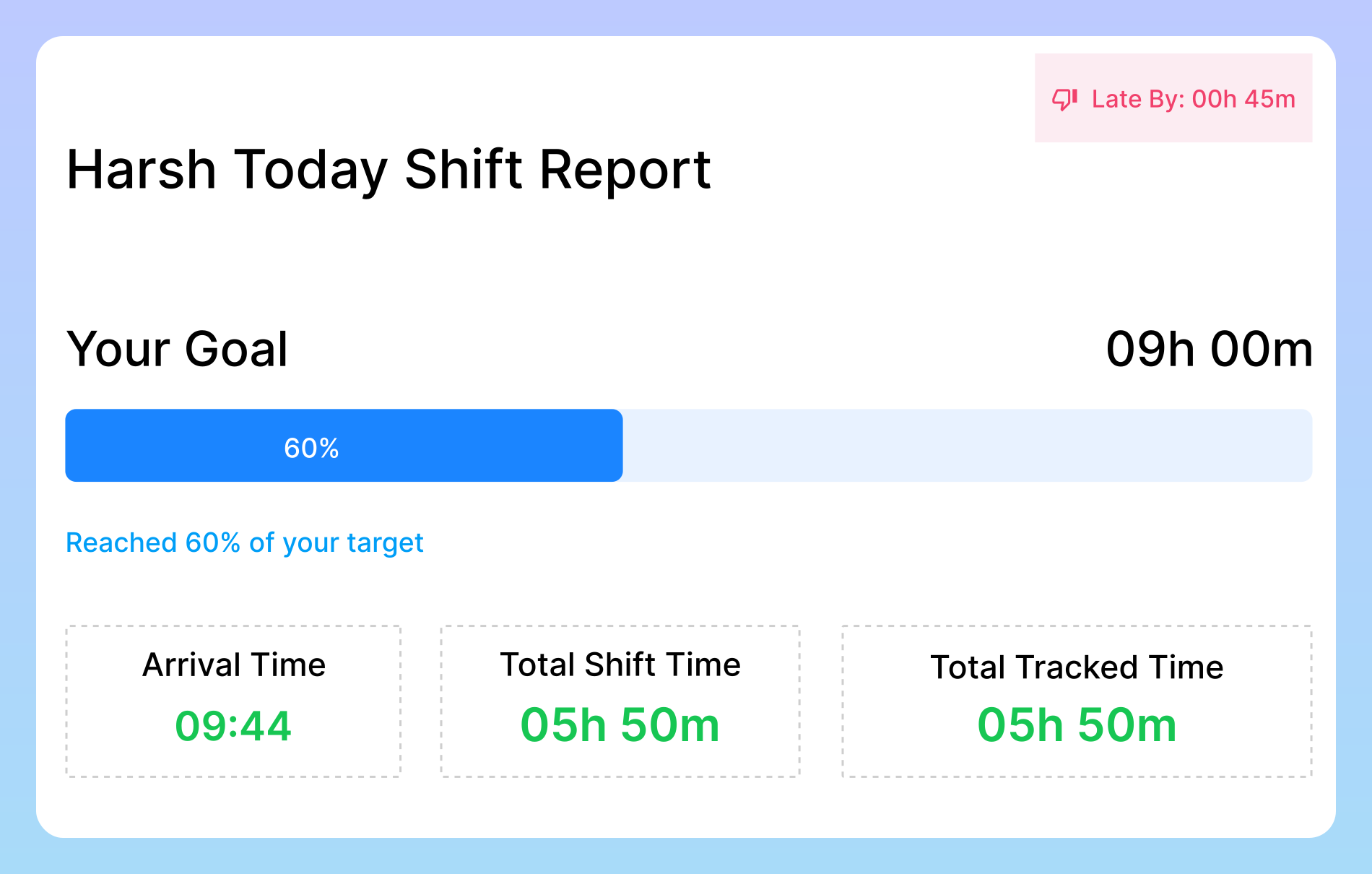
Remote team time tracking image

Remote Team Time Tracking

For employees working from different locations where internet may be unreliable, Offline Time Tracking continues recording work seamlessly. This ensures no time or activity is lost, giving managers accurate visibility and employees peace of mind. Work is recorded accurately even in locations with unreliable internet. Managers get a full picture of tasks, offline and online, ensuring accountability.
How Offline Time Tracking Works

The Offline Tracking feature can be an additional powerful tool in your arsenal that helps you improve the way you work.

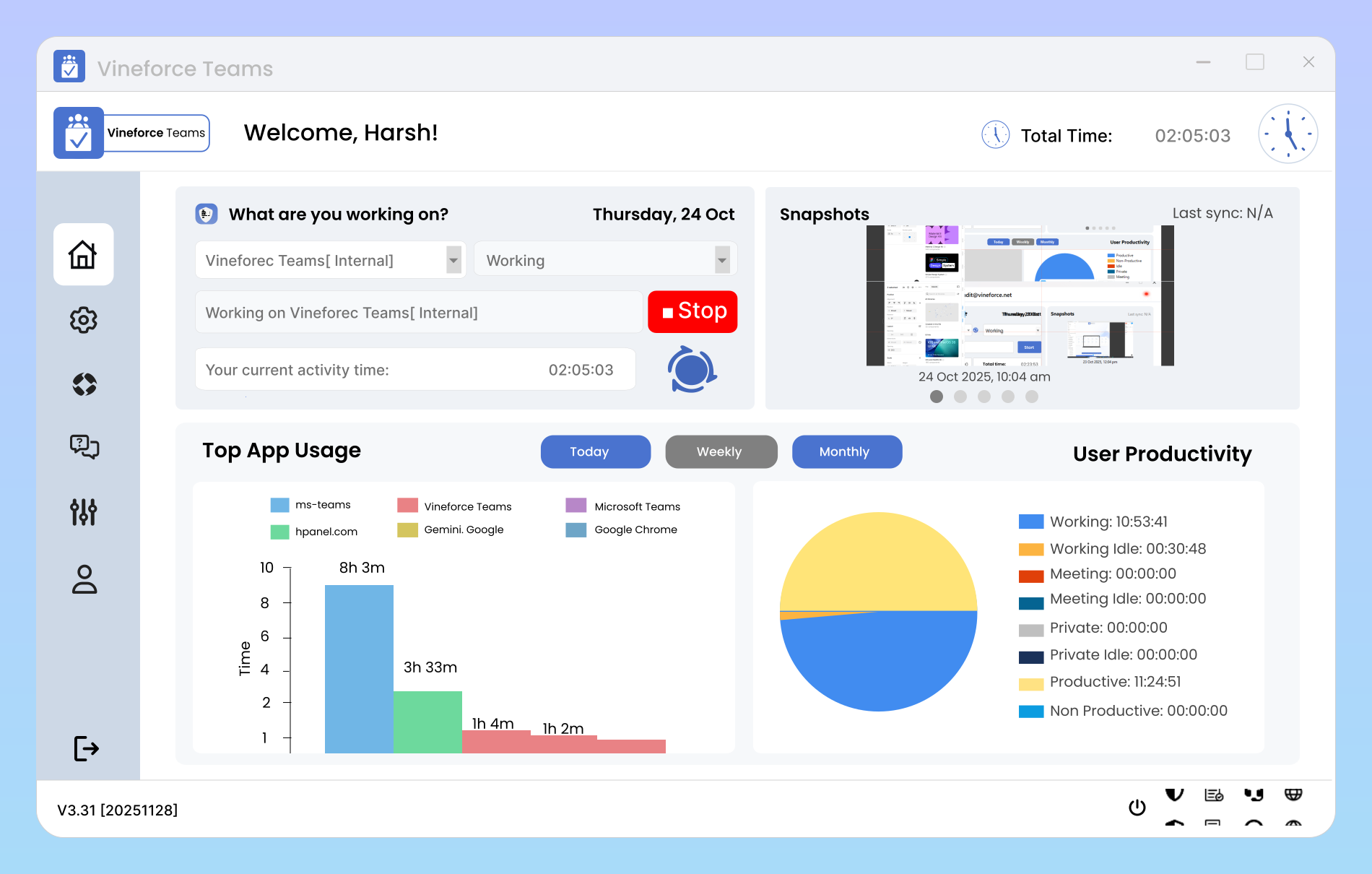
Tracks time without internet image

Tracks Time Without Internet

It keeps monitoring your activity and recording time in the background, ensuring that every second of your work whether online or offline is captured. Once you’re back online, all offline records automatically sync to your account, so there’s no data loss and your reports remain 100% accurate

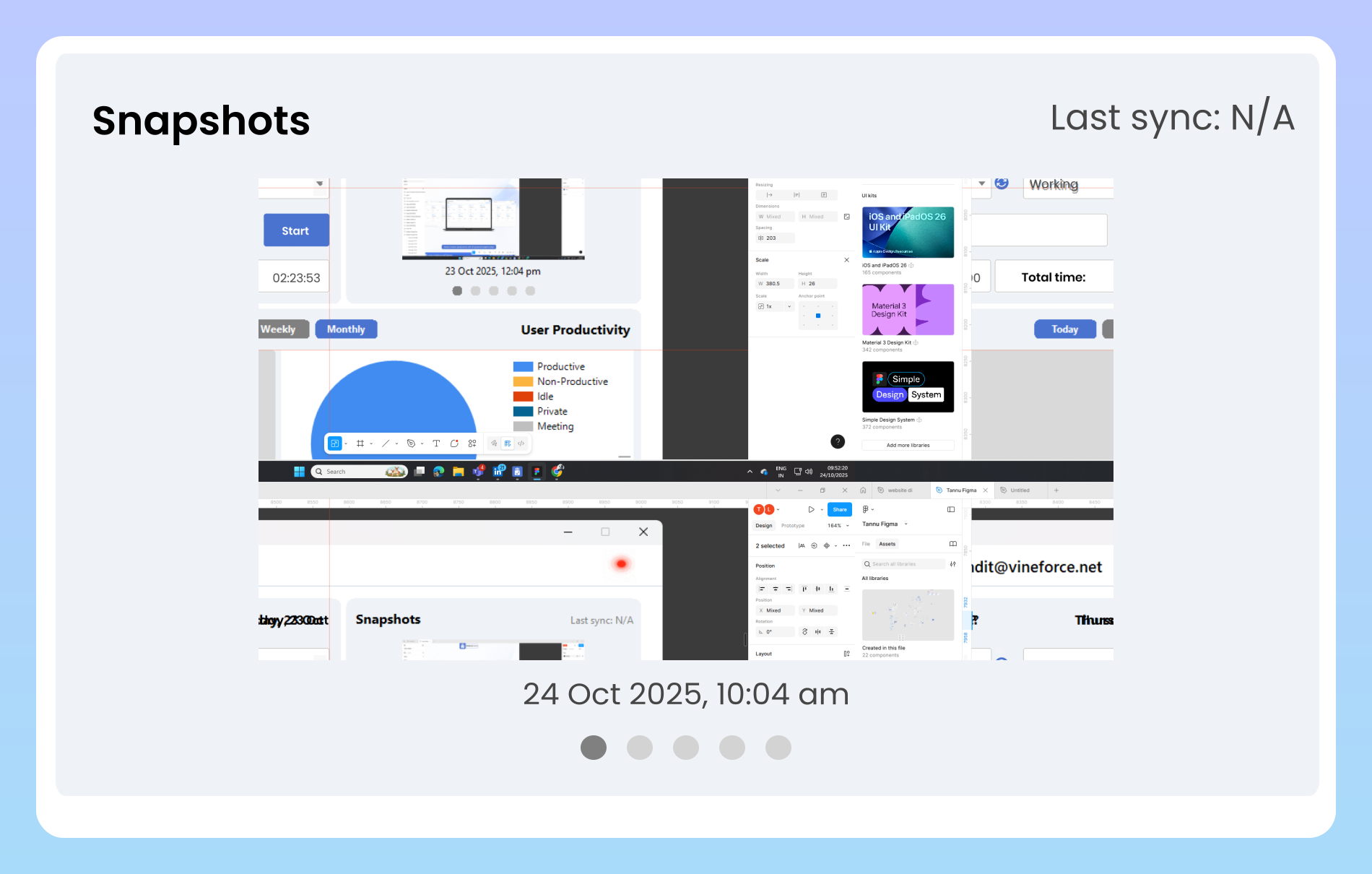
Automatic screenshots and logs

Automatic Screenshots & Logs

To maintain transparency and accountability, the tracker periodically takes screenshots of the user’s screen and logs activity data automatically. This feature ensures managers and employees can verify productivity without manual reporting. All captured data is securely stored and synced .

Simple, Seamless, and Automatic

Our offline mode works silently in the background. Here’s how: We’ve engineered Vineforce Teams to be completely resilient, so you never have to worry about unstable Wi-Fi or network outages again.

Lose Connection

Lose Connection

When the internet drops, the tracker seamlessly switches to offline mode without any user action required.

Continue Working

Continue Working

All time tracking data and screenshots are securely saved locally on the user’s computer.

Automatically Sync

Automatically Sync

As soon as an internet connection is restored, all the captured data is automatically upload to dashboard

Frequently Asked Questions

The tracker is designed to ensure you never lose a single minute of work. The moment your internet connection drops, it seamlessly switches into offline mode without requiring any action from you. This means you can keep focusing on your tasks without worrying about interruptions or data loss.

All your time tracking data and screenshots are safely stored on your computer whenever you lose internet connectivity. The system works in the background, continuously recording your activity without requiring any manual steps.

All your time tracking data and screenshots are securely stored on your computer the moment your internet connection drops. The tracker continues working in the background without interruption, capturing every minute of your activity.

Yes. The system ensures 100% accuracy during sync by verifying entries and avoiding duplicates, so your dashboard always shows a complete and reliable record.

The moment your internet connection is restored, the system begins syncing immediately and automatically. All the time tracking data, activity logs, and screenshots that were stored locally on your computer are uploaded without any delay.

Ready to streamline your entire workflow?

Vineforce Teams makes it simple to monitor employee productivity with automated time tracking, smart idle detection, and detailed reporting. Build the perfect system to manage projects, ensure accountability, and get insights into your team’s workflow, all in one place.