






GET 30-MINUTE FREE CONSULTATION

Smart Zero Click Mode

Zero-Click Mode is a smart automation feature in Vineforce that starts tracking your work activity automatically in the background. You don’t need to manually start or stop the tracker every day it takes care of everything for you.

Enjoy a 07 day free trial with no credit card required.

By creating an account, you accept our Terms and Privacy Policy.

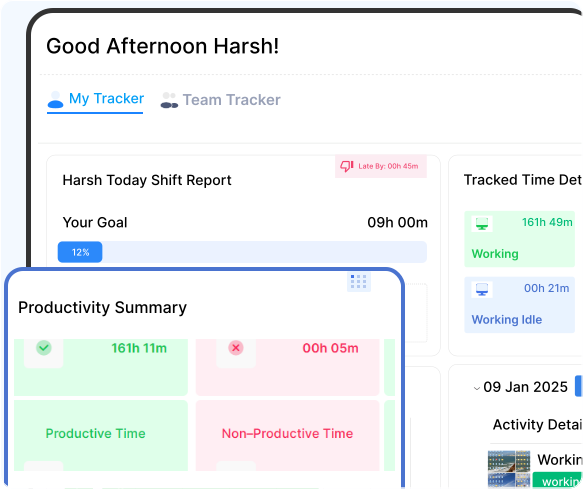
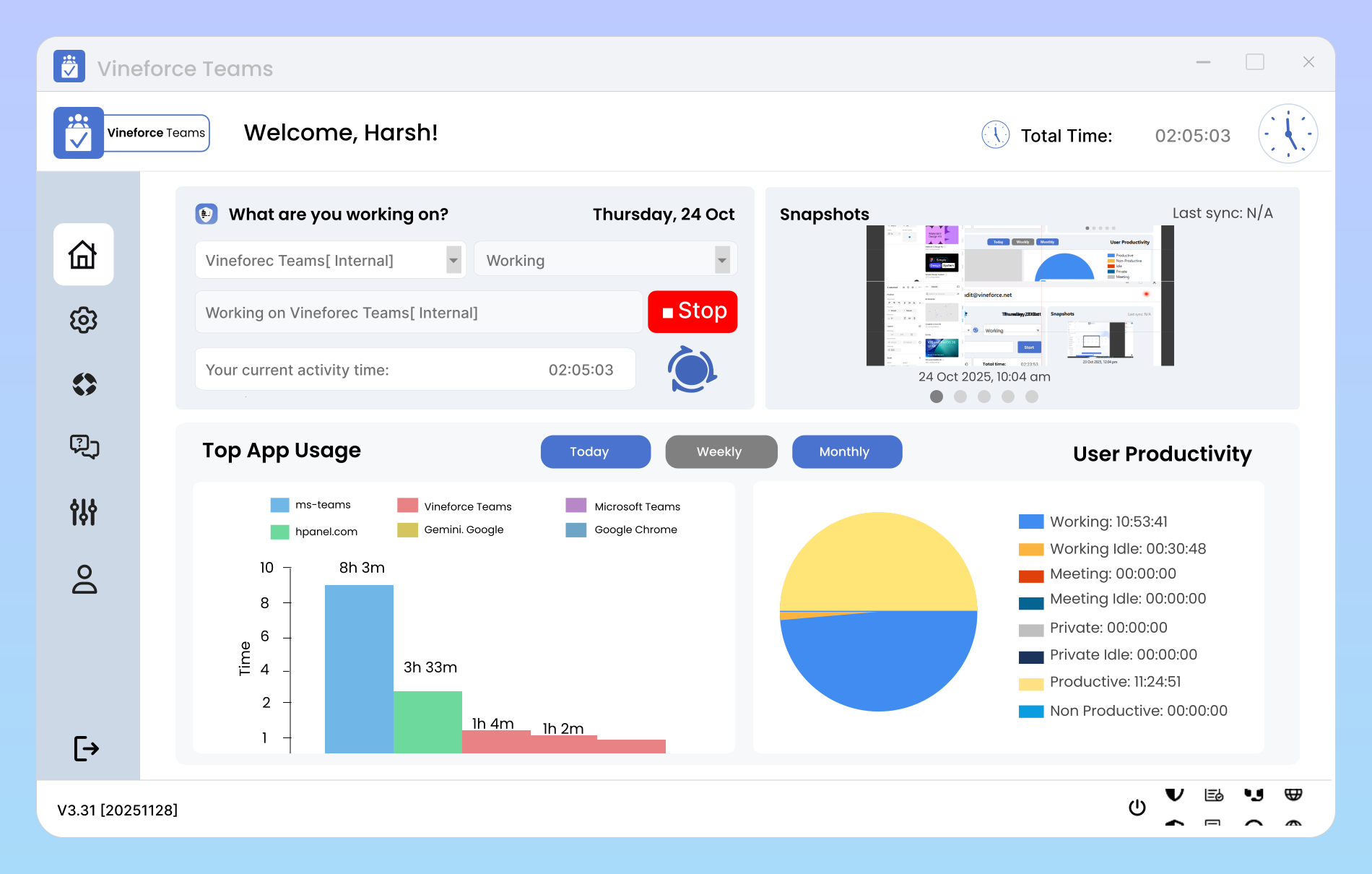
Zero Click Mode dashboard image
GetApp
Software Advice
Microsoft Azure Marketplace
Product Hunt
G2
Capterra
GoodFirms
GetApp
Software Advice
Microsoft Azure Marketplace
Product Hunt
G2
Capterra
GoodFirms

Zero Click Mode Productivity

The Zero Click Mode feature is a smart tool that helps you plan efficiently, optimize workloads, and maintain balanced productivity across all teams.

Effortless and error-free tracking image

Effortless & Error-Free Tracking

Zero Click Mode transforms the way work is tracked by eliminating manual effort and ensuring complete accuracy. It works silently in the background automatically recording every task, app, and activity so teams can stay focused on what really matters. Removes the need to start or stop timers, freeing employees to focus on work. Keeps teams productive without interrupting their workflow. Automatically logs every productive moment with 100% accuracy.
Smarter Way to Track Work

Zero Click Mode is an automatic activity tracking system that starts working without any manual input or clicks from the user. It silently monitors and records work activity in the background.

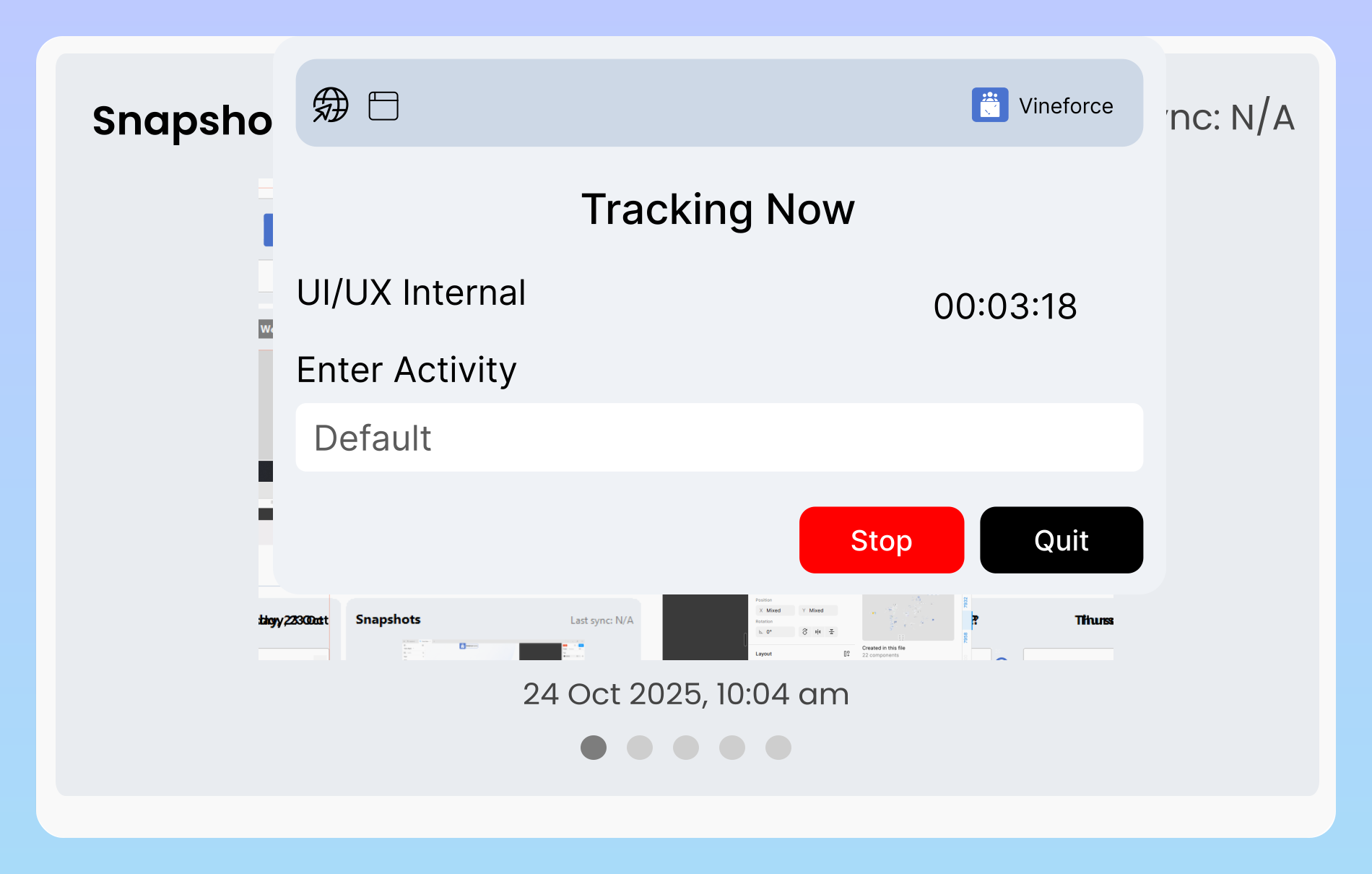
Starts automatically when you begin working image

Starts Automatically When You Begin Working

Zero Click Mode activates the moment your system wakes up and you resume activity. There’s no need to start timers or switch tasks manually everything runs seamlessly in the background. This friction-free approach ensures that every productive minute is captured accurately, turning previously idle or untracked moments into meaningful productivity insights. You stay focused on work, while the system handles the tracking effortlessly.

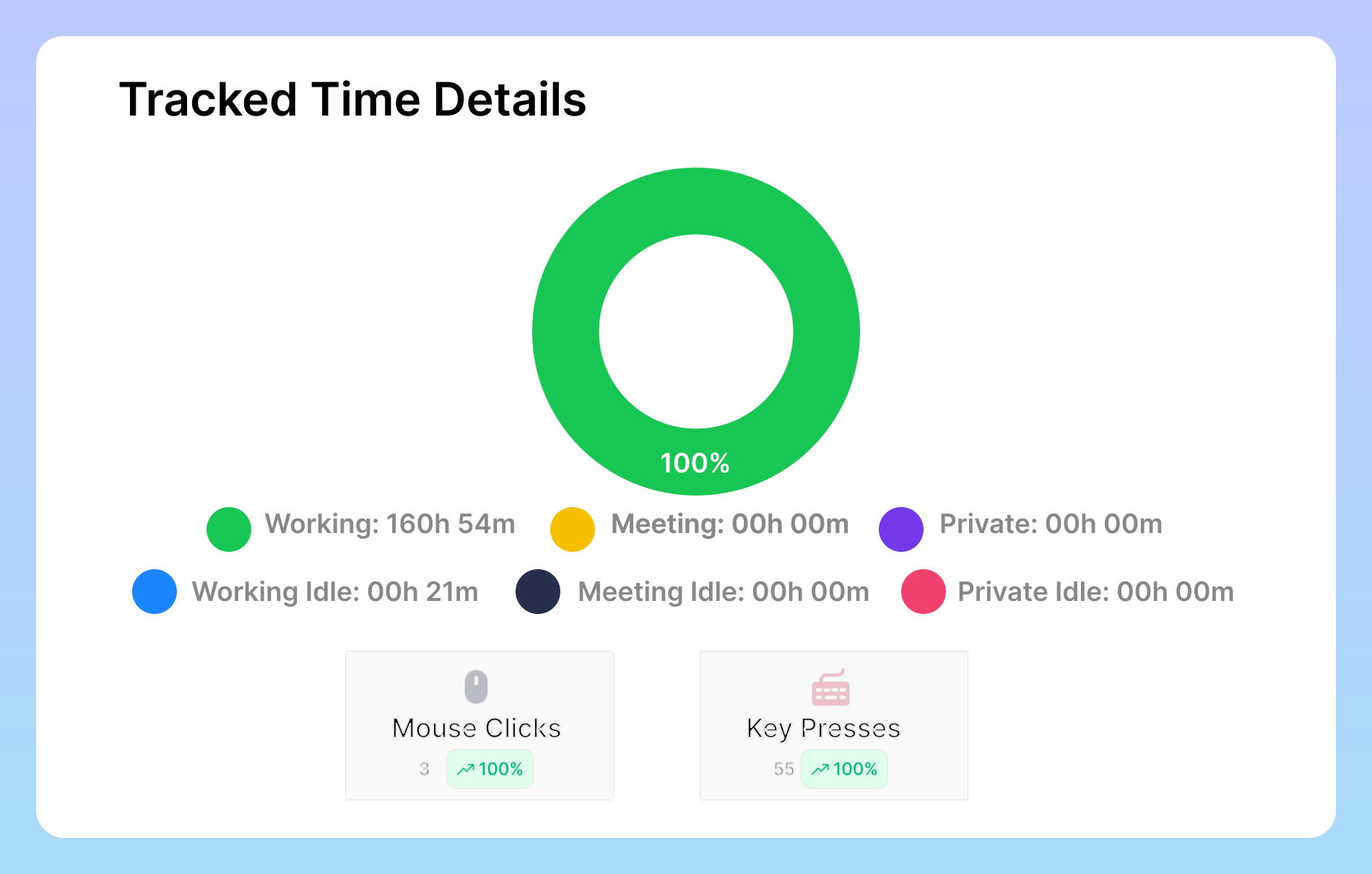
Detects real work signals with intelligence image

Detects Real Work Signals with Intelligence

Instead of relying on manual inputs, Zero Click Mode intelligently monitors natural behavior patterns such as keyboard activity, mouse movement, window focus shifts, application usage, and interaction frequency. By analyzing these signals, it can accurately differentiate between active tasks, idle periods, and potential distractions. This creates a true representation of how time is spent, delivering precise insights without interrupting your workflow

Why Use Zero-Click Mode

Vineforce Teams automatically records active and idle hours, captures detailed time logs, and provides smart screenshot monitoring.

Eliminates Human Error

Eliminates Human Error

No missed time entries, forgotten trackers, or inaccurate logs. Zero-Click ensures precise work data every day.

Saves Time

Saves Time

Employees stay focused on their tasks instead of managing time-tracking tools, improving overall efficiency.

Runs Silently

Runs Silently

The application works behind the computer without interrupting workflows or affecting system performance.

Frequently Asked Questions

Zero Click Mode is an automatic tracking system that records work activity in real time without the need to start or stop timers manually. It ensures accurate, effortless, and continuous productivity tracking.

Once your system becomes active, Zero Click Mode starts running automatically in the background. It detects focused work, monitors app usage, and captures activity data silently no manual clicks required.

Yes. You have full control to pause or disable Zero Click Mode at any time through your system or app settings.

Absolutely. All data is securely encrypted and used only for productivity insights. Personal files, messages, or private content are never accessed or shared.

It’s ideal for remote teams, managers, and organizations that want to save time, avoid errors, and maintain accurate productivity insights without manual effort.

Ready to streamline your entire workflow?

Vineforce Teams makes it simple to monitor employee productivity with automated time tracking, smart idle detection, and detailed reporting. Build the perfect system to manage projects, ensure accountability, and get insights into your team’s workflow, all in one place.