






GET 30-MINUTE FREE CONSULTATION

Silent Employee Tracking Without Constant Interruptions

Vineforce Teams Silent Tracking runs quietly in the background, automatically logging work activity and detecting idle time without requiring employees or candidates to manually start, pause, or switch screens.

Available on Windows, Linux, and macOS.

Enterprise-ready background deployment with Terms of Service and Privacy Policy

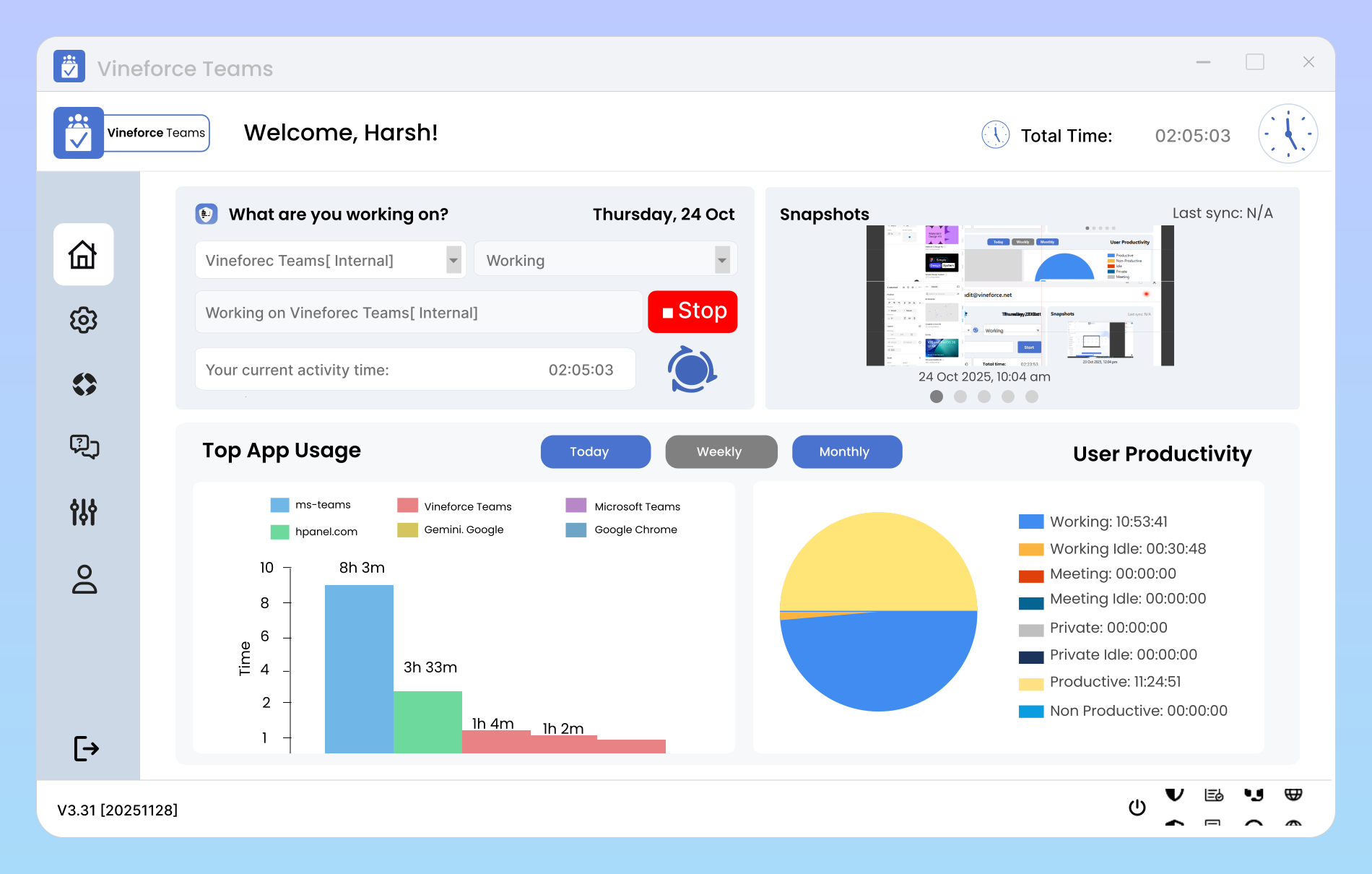
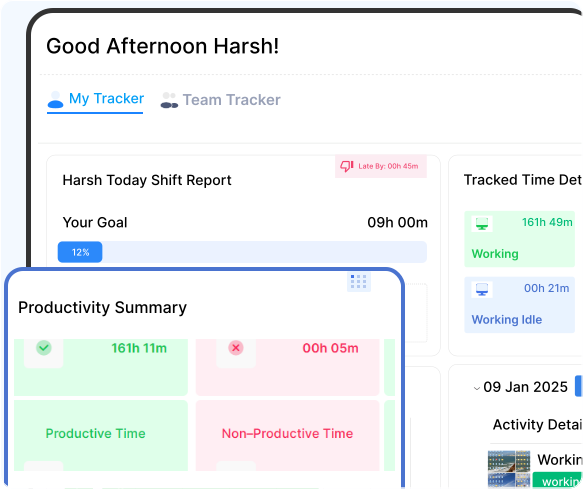
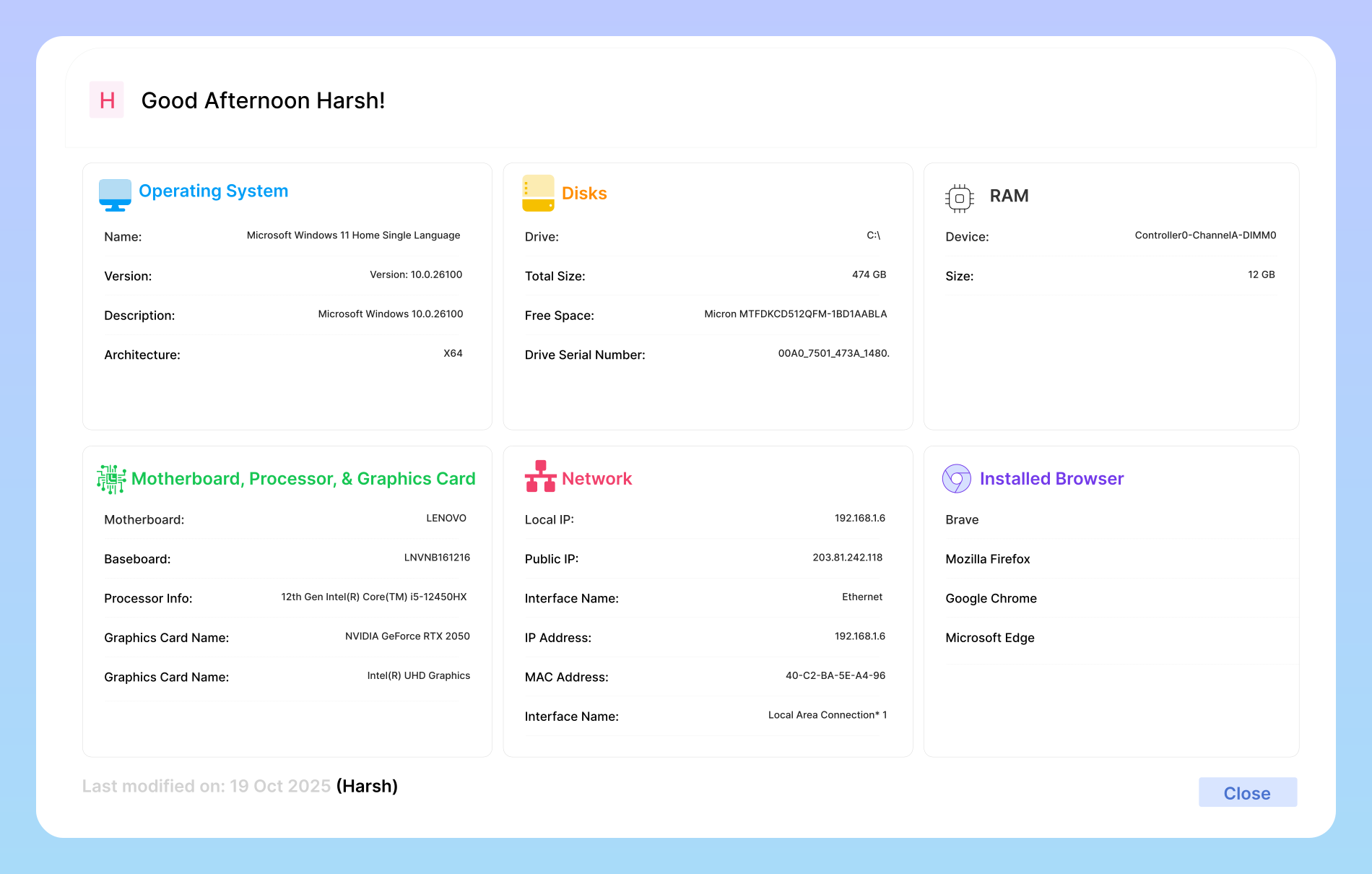
Vineforce Teams Silent Tracking Dashboard interface showing background activity tracking
GetApp
Software Advice
Microsoft Azure Marketplace
Product Hunt
G2
Capterra
GoodFirms
GetApp
Software Advice
Microsoft Azure Marketplace
Product Hunt
G2
Capterra
GoodFirms

Automated Background Activity Tracking

Silent Tracking eliminates the friction of traditional time trackers. It operates as a quiet background service, giving organizations accurate workforce data while letting team members focus on their tasks.

Why Choose Silent Tracking?
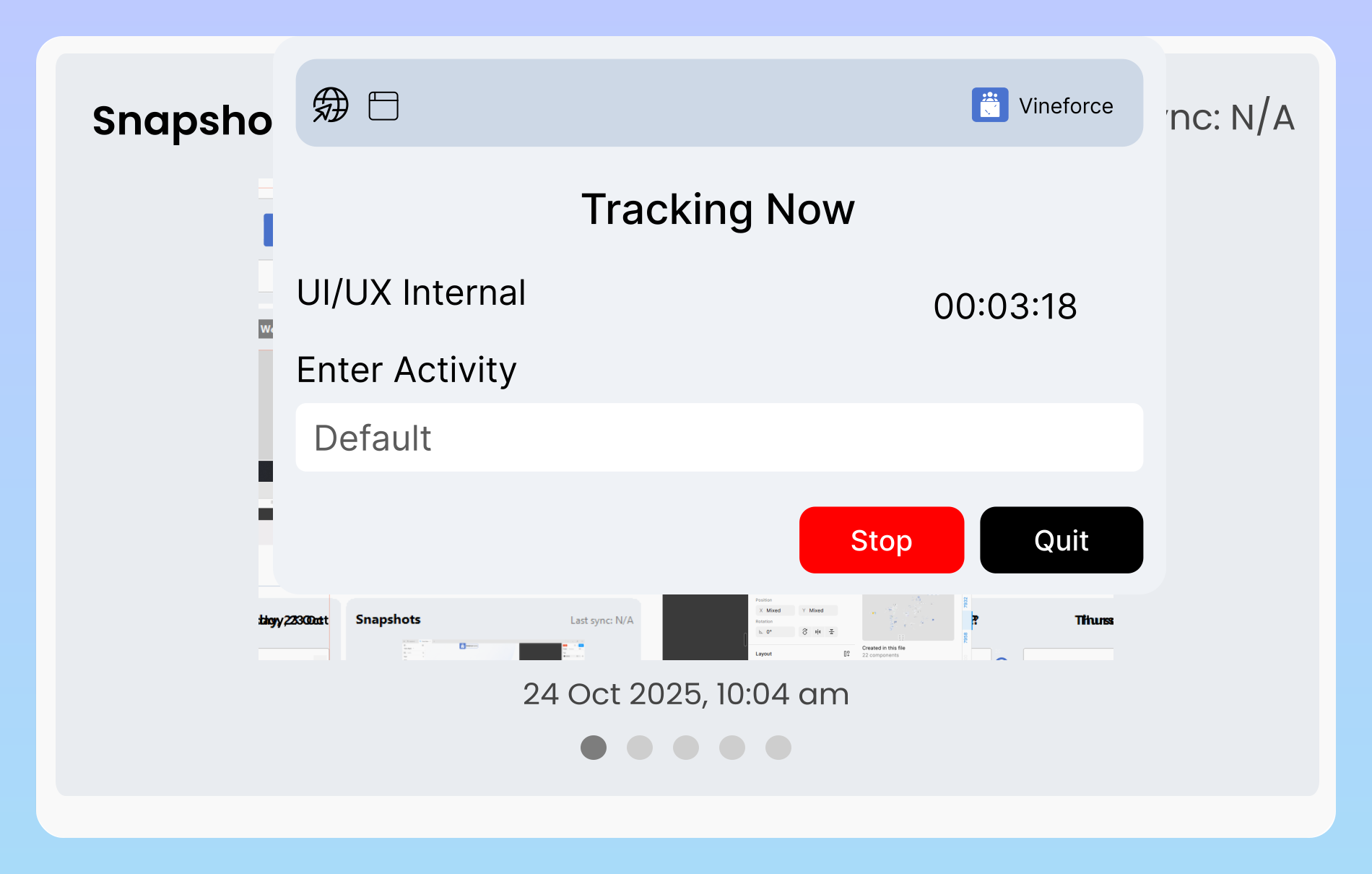
Automatic background time tracking without manual start stop

Less Interaction. Less Interruption. More Consistent Tracking.

Traditional desktop trackers require employees to remember to start timers, pause for breaks, select categories, and manage desktop windows. When people forget, tracking data becomes incomplete and inaccurate. Silent Tracking removes this friction entirely by running in the background and capturing real work activity automatically.
How Silent Tracking Operates

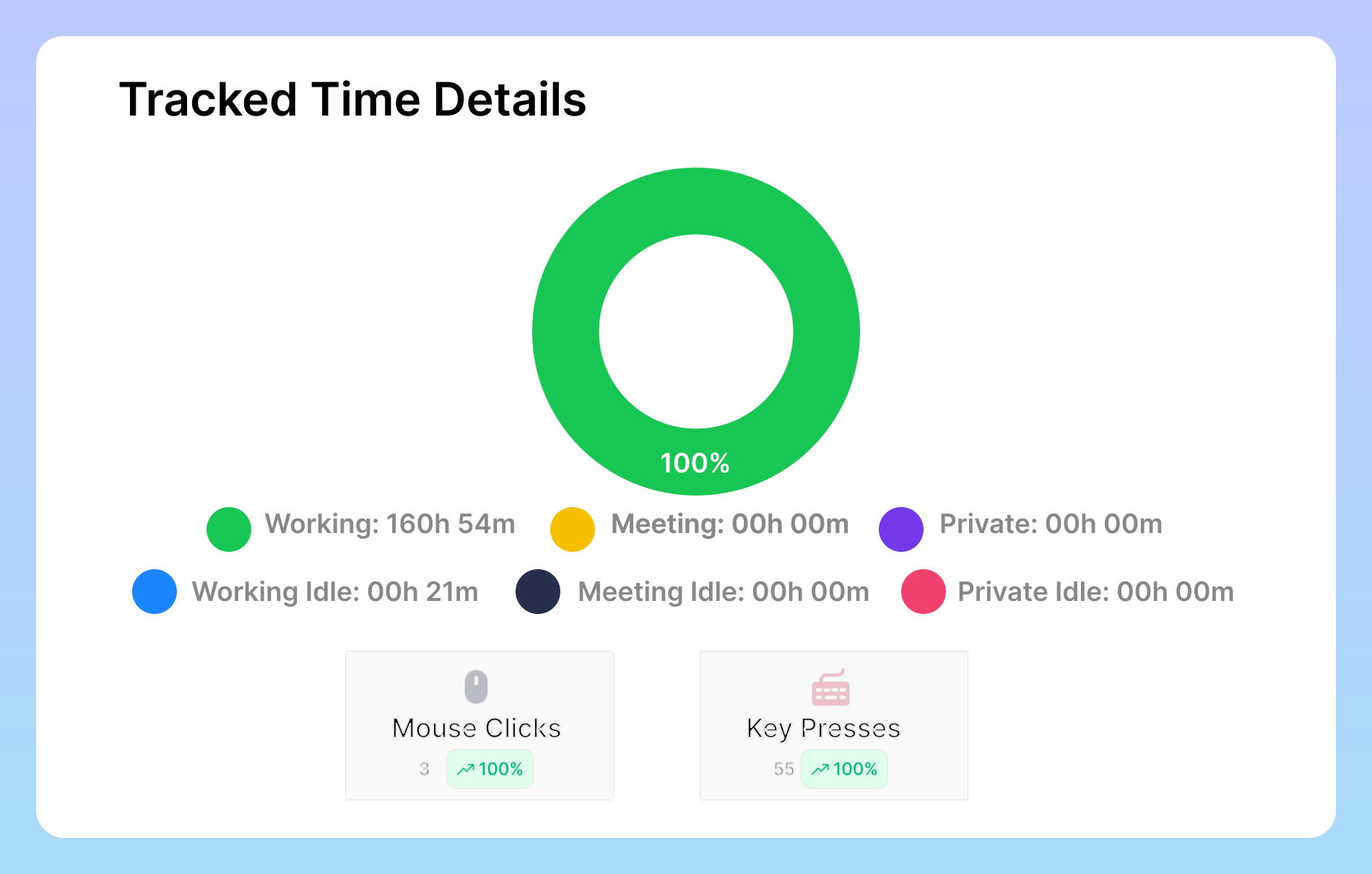
How Silent Tracking captures activity and detects idle time automatically

Simple Deployment, Automated Activity Collection

Once deployed on a workstation via automated script or standard package, Silent Tracking initializes automatically on system boot. It actively monitors active window titles, application usage, and keyboard/mouse interaction levels to identify productive periods and separate idle time without displaying distracting popups.

Built for Low Overhead

Lightweight desktop agent with low CPU and memory footprint

Lightweight Design for Smooth System Performance

Silent Tracking is engineered to maintain a minimal system footprint. It functions quietly in the background without hogging memory or causing lag on employee computers, making it reliable for modern operating systems as well as standard office workstations across Windows, macOS, and Linux.

Administrator Visibility

Centralized admin reports and verified activity metrics

Clear Insights for Managers and Operations Leaders

All captured activity data is encrypted and synchronized to your centralized Vineforce Teams cloud dashboard. Managers receive transparent reports on total active hours, application usage, project distribution, and attendance patterns without intruding on daily employee workflow.

Key Capabilities of Silent Tracking

Everything organizations need for consistent workforce visibility without creating administrative distraction for employees.

Automatic Background Tracking

Starts tracking automatically as soon as the workstation boots up. Employees do not need to log in or manage tracking timers manually.

Smart Idle Detection

Differentiates active work from breaks and inactivity. When a user steps away from the keyboard, idle time is separated automatically.

Application & Web Logging

Logs active application names and browser URLs used during working hours, providing clarity into productive versus non-productive software usage.

Low-Interruption Workflow

Designed to minimize popups and desktop distractions, allowing developers, writers, and specialists to stay in deep focus throughout the day.

Minimal CPU & Memory Footprint

Engineered to run quietly as a low-overhead system process without causing system lag or battery drain on office laptops and workstations.

AES-256 Enterprise Encryption

Activity data is encrypted before transmission to the cloud, ensuring corporate data security and strict regulatory compliance.

Centralized Cloud Reporting

Review aggregated productivity metrics, shift attendance, and timeline graphs from your web-based management console at any time.

Cross-Platform Deployment

Deploy effortlessly across your entire fleet with native installer packages and automated deployment scripts for Windows, macOS, and Linux.

Silent Tracking vs Desktop Application

Quick answer: Silent Tracking runs automatically in the background with zero manual timer interaction for low-interruption workflows, while the Desktop Application provides interactive controls, personal focus dashboards, and a Private Mode switch.

Silent Tracking Application

Automated Mode

Best for organizations wanting consistent, low-interruption activity tracking.

  • Runs quietly in the background as a system service
  • Automatic activity tracking on system startup
  • Minimal user interaction and zero manual timer buttons
  • Smart idle detection and active window logging
  • Lightweight resource usage on standard workstations
  • Centralized web dashboard reporting for managers
  • Ideal for distributed teams and candidate assessments

Desktop Application

Interactive Mode

Best for users who want direct control over their own tracking sessions.

  • Full desktop client with system tray integration
  • Manual start, pause, and stop controls for users
  • Private Mode toggle for personal breaks and sensitive tasks
  • Local desktop dashboard with real-time time metrics
  • Direct project and task tagging by employees
  • Individual productivity and focus visualizations
  • Ideal for agencies, consultants, and self-managed teams

Frequently Asked Questions About Silent Tracking

The Silent Tracking application is a lightweight background agent for Vineforce Teams that monitors employee work activity, active applications, and idle time without requiring daily user interaction or manual timer controls.

No. Silent Tracking initiates automatically upon system boot and records activity throughout active working hours. Employees do not need to click start or stop buttons, remember to log hours, or manage desktop windows.

No. Silent Tracking is built to operate as a low-overhead system service. It consumes minimal CPU and memory, ensuring smooth computer responsiveness across standard desktop and laptop hardware.

The background agent monitors mouse movement and keyboard input frequency. When no input is detected for a configurable threshold, the system automatically registers the session as idle time, keeping productivity metrics clean and accurate.

Silent Tracking supports Windows 10 and 11, modern Linux distributions (Ubuntu, Fedora, Debian), and macOS 11 or later. Automated shell and batch installation scripts are available on our Download page.

Silent Tracking operates passively in the background without user controls, making it ideal for low-interruption workflows. The Desktop Application provides a full interactive UI where users can start and stop tracking, switch to Private Mode, and review personal dashboards.

Yes. All activity logs, application metrics, and optional screenshots are protected with AES-256 encryption before being transmitted securely to your cloud or on-premise server.

Ready to streamline your entire workflow?

Vineforce Teams makes it simple to monitor employee productivity with automated time tracking, smart idle detection, and detailed reporting. Build the perfect system to manage projects, ensure accountability, and get insights into your team’s workflow, all in one place.