






GET 30-MINUTE FREE CONSULTATION

Workforce Intelligence for IT & Software Organizations

Managing distributed engineering squads and client IT deliverables requires operational clarity. Vineforce Teams logs sprint velocity, active software tools, and resource capacity automatically across office, remote, and hybrid teams.

Enjoy a 07-day free trial with no credit card required.

By creating an account, you accept our Terms and Privacy Policy.

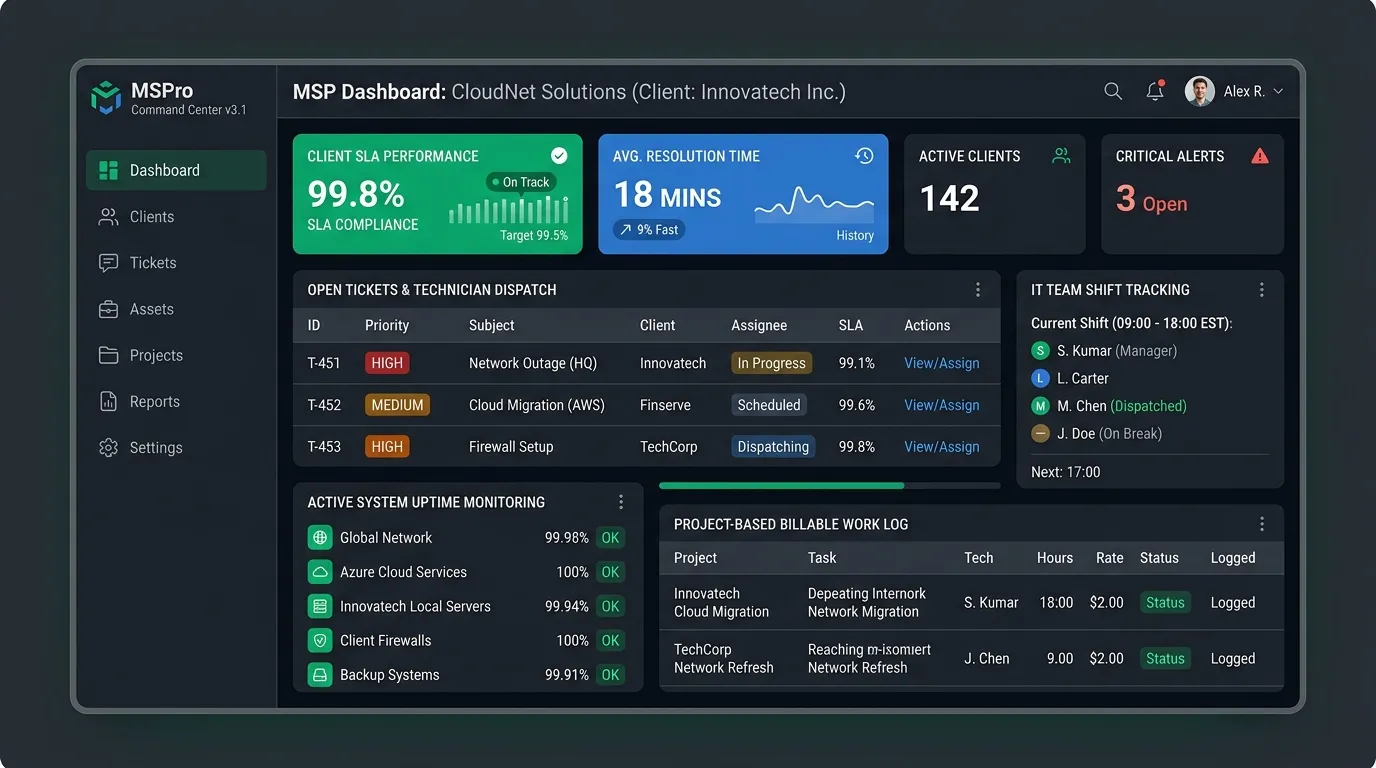
Vineforce Teams IT workforce tracking and software project utilization dashboard
GetApp
Software Advice
Microsoft Azure Marketplace
Product Hunt
G2
Capterra
GoodFirms
GetApp
Software Advice
Microsoft Azure Marketplace
Product Hunt
G2
Capterra
GoodFirms

Operational Clarity for IT & Software Organizations

Track active tool usage, measure project onboarding velocity, and identify engineering resource bottlenecks across technical squads.
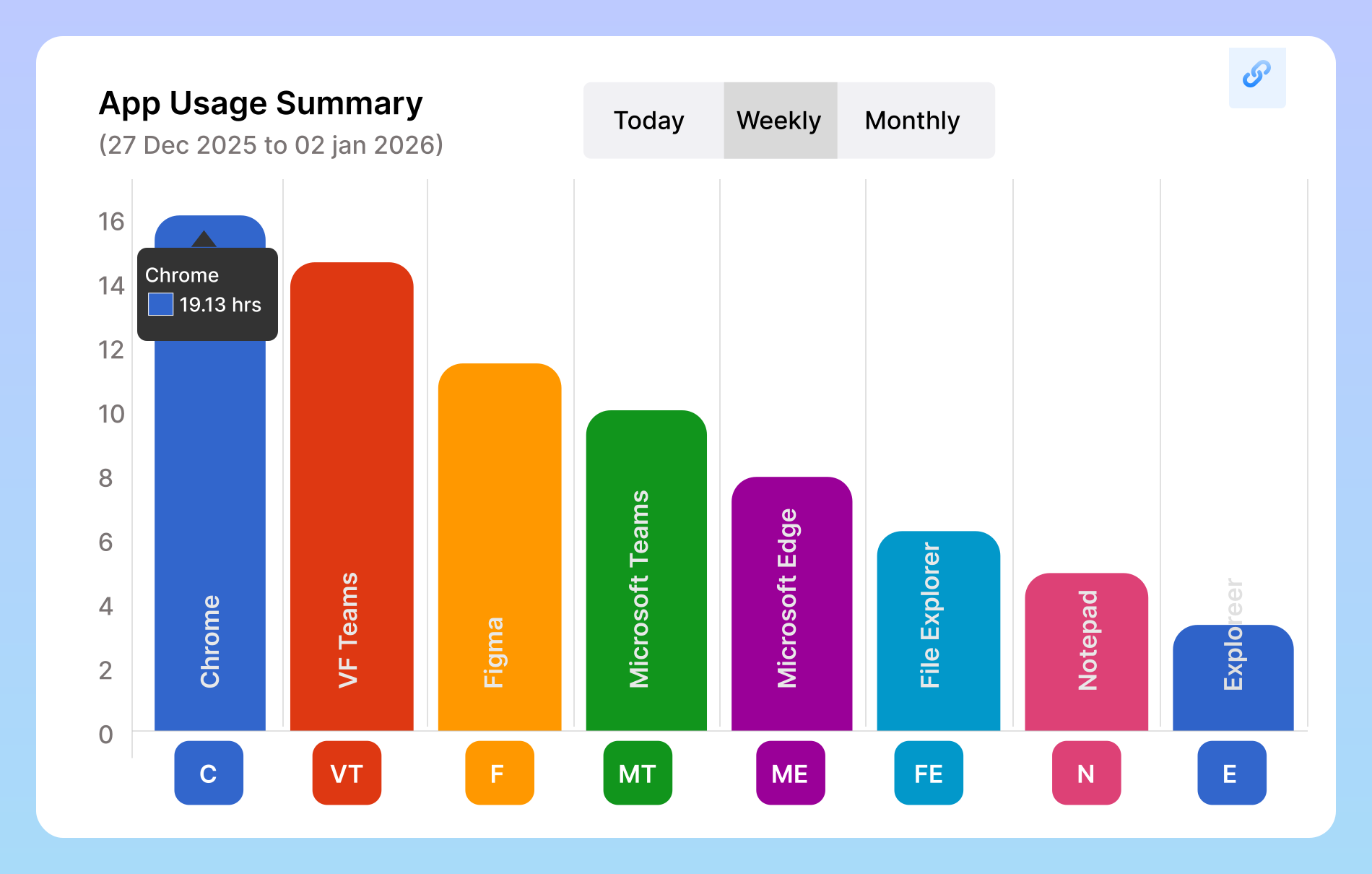
IT application and URL utilization tracking in Vineforce Teams

Application & Tool Utilization Tracking

Vineforce Teams provides automated application tracking across IDEs, cloud terminals, databases, and collaboration tools. Technical managers gain objective insights into which platforms engineers utilize daily, helping optimize SaaS license spend and spot workflow distractions.
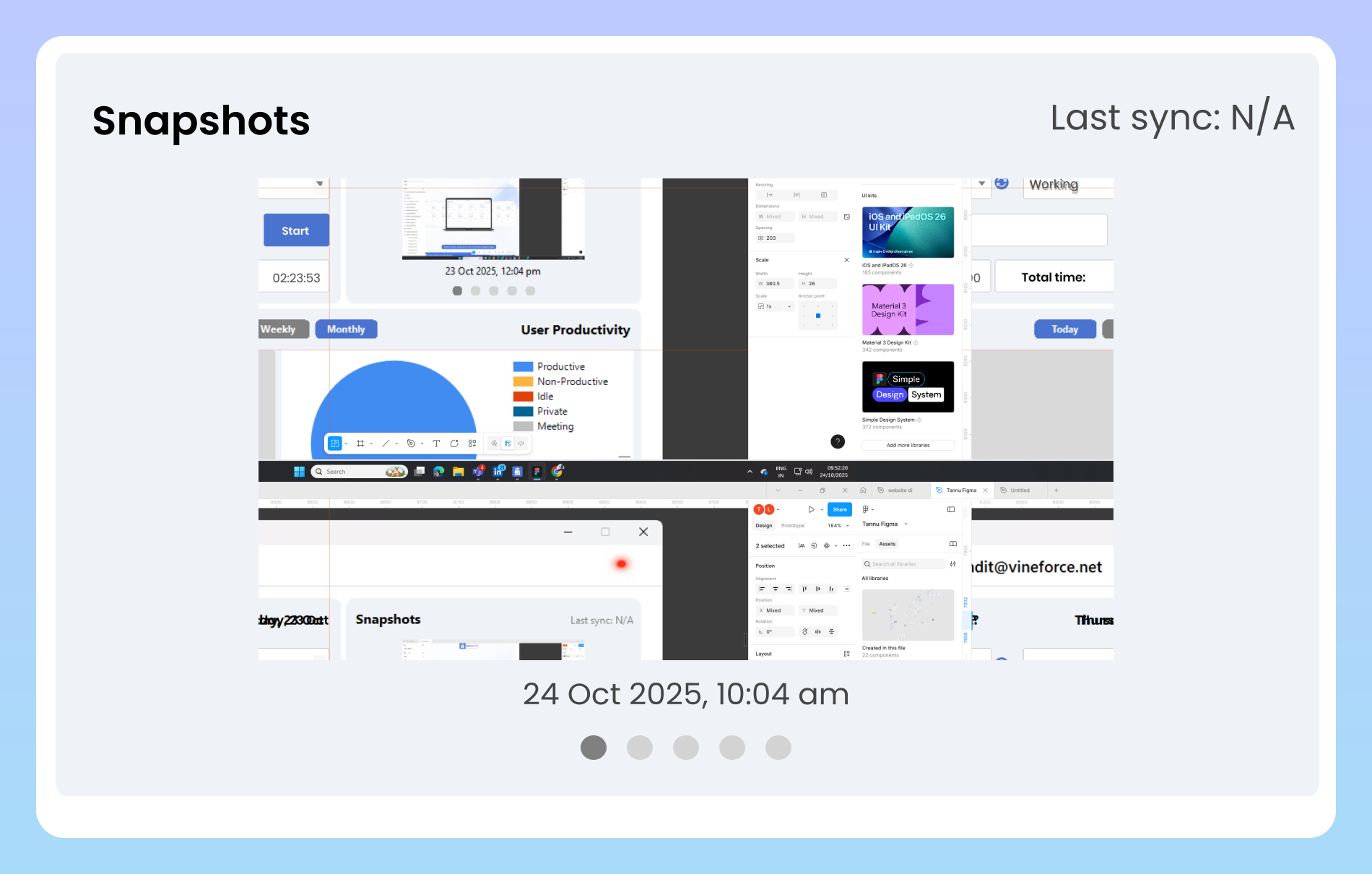
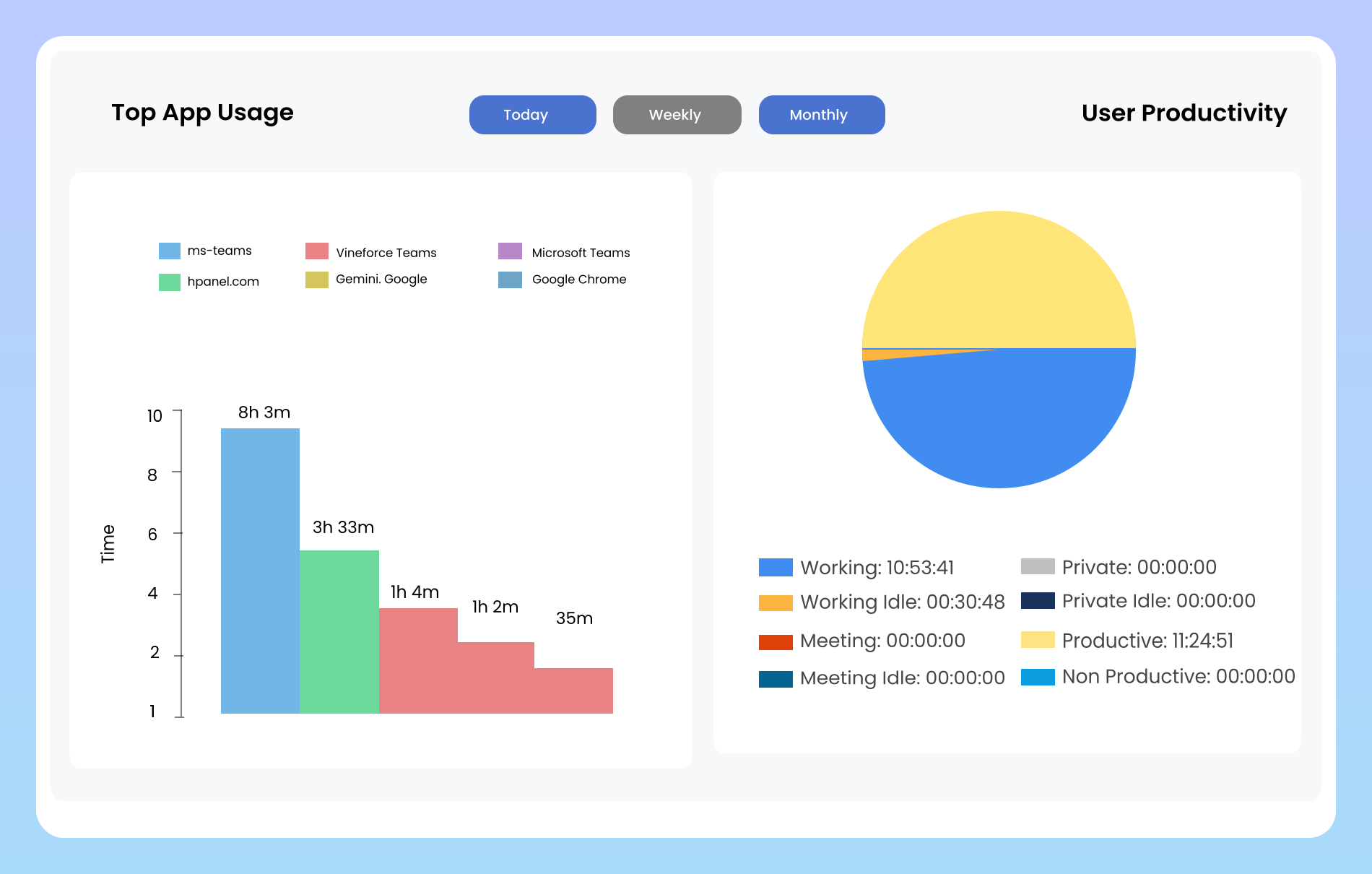
Offline work tracking and local synchronization for IT teams in Vineforce Teams

Reliable Offline Activity Synchronization

Software engineers and IT admins often work on local VMs, air-gapped environments, or during travel. Vineforce Teams captures all offline sessions locally with encryption and syncs logs automatically once network connectivity resumes, ensuring continuous timesheet accuracy.

What IT & Software Leaders Achieve with Vineforce Teams

Gain objective operational clarity, streamline sprint capacity, and accelerate engineering output without micromanagement.

Real-Time Sprint Tracking

Real-Time Sprint Tracking

Full visibility into active engineering tasks, sprint milestones, and ticket progress across hybrid squads from a unified dashboard.

Tool & Productivity Insights

Tool & Productivity Insights

Detailed analytics comparing planned sprint allocations with actual active tool usage, helping managers identify technical debt early.

Comprehensive Activity Logs

Comprehensive Activity Logs

Verified work records, shift summaries, and application logs that substantiate client deliverables and internal engineering audits.

Self-Hosted Azure Deployment

Deploy directly within your private Microsoft Azure tenant or on-premise infrastructure for strict enterprise data residency control.

Frequently Asked Questions About IT & Software Workforce Tracking

Vineforce Teams automatically records active software tools, code development environments, and cloud management consoles in real time. IT leaders gain an aggregate view of sprint velocity, resource utilization, and unblocked tasks across distributed squads.

Yes. Vineforce Teams supports everything from 10-person software startups to multi-hundred developer IT departments with multi-organization tenant switching and centralized administrative control.

By providing automatic shift summaries, application timelines, and verified activity logs, team leads review developer progress asynchronously without interrupting engineers for status updates.

Yes. In addition to our managed cloud SaaS, we offer self-hosted enterprise deployment allowing organizations to deploy databases, API backends, and storage entirely within their own private Microsoft Azure cloud.

Ready to streamline your entire workflow?

Vineforce Teams makes it simple to monitor employee productivity with automated time tracking, smart idle detection, and detailed reporting. Build the perfect system to manage projects, ensure accountability, and get insights into your team’s workflow, all in one place.