Smart workforce tracking that helps teams perform better
Vineforce Teams gives you complete visibility into work hours, productivity, and team performance—so you can manage smarter, faster, and with confidence.
Everything your team needs to work better
 Work Efficiency
 Team Productivity
 Work Compliance
 Output Tracking
 Focus Analysis
 Smart Reporting
 Smart Decisions Focus Analysis Smart Reporting Smart Decisions Work Efficiency Team Productivity Work Compliance Output Tracking
Complete Visibility & Smart Automation
Get real-time insights into team productivity, track work progress across projects, and automate reporting effortlessly.
Workforce Intelligence & Time Tracking
Track work hours accurately, monitor app and website usage, detect idle time, and optimize team schedules with real-time analytics.
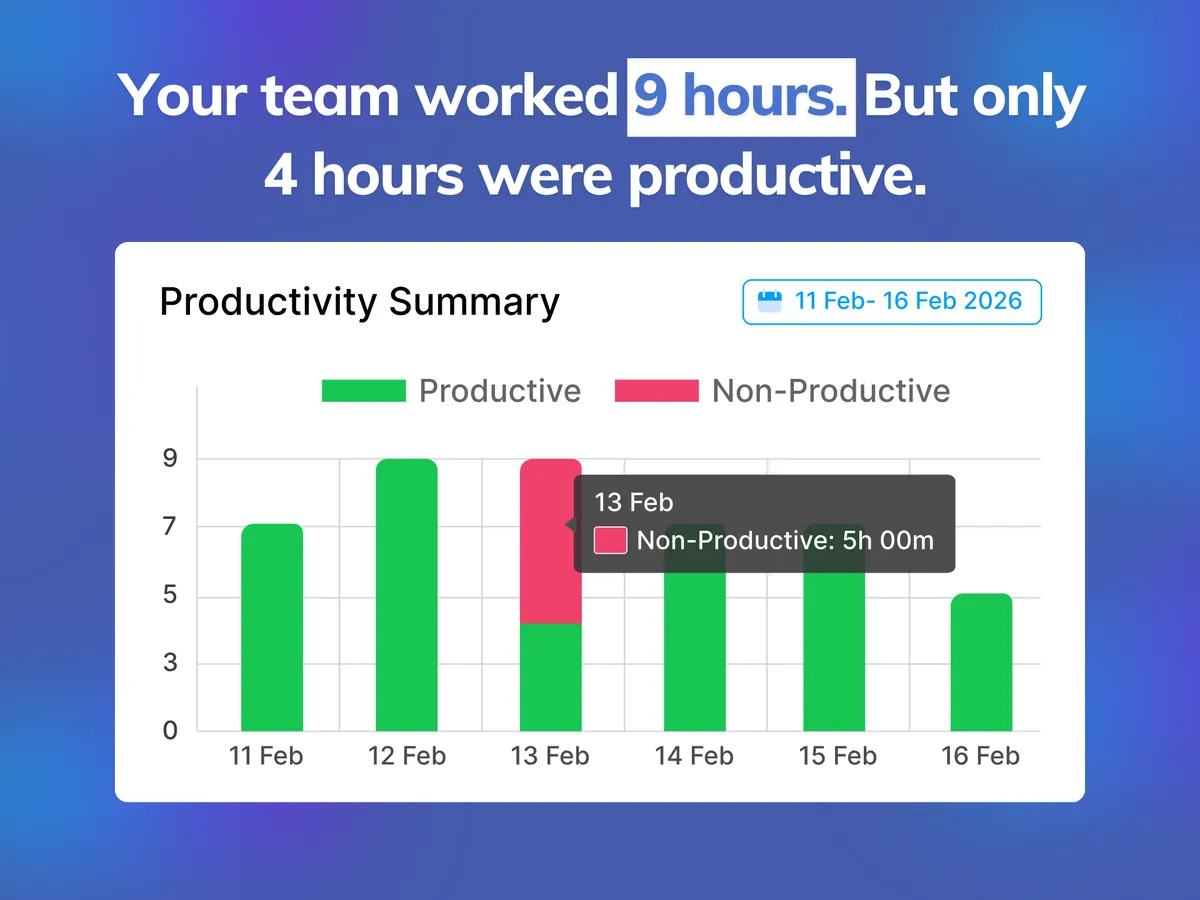
Smart Automation & AI Insights
Automate daily activity summaries, generate AI-powered performance reports, and capture work proof effortless without manual logging.
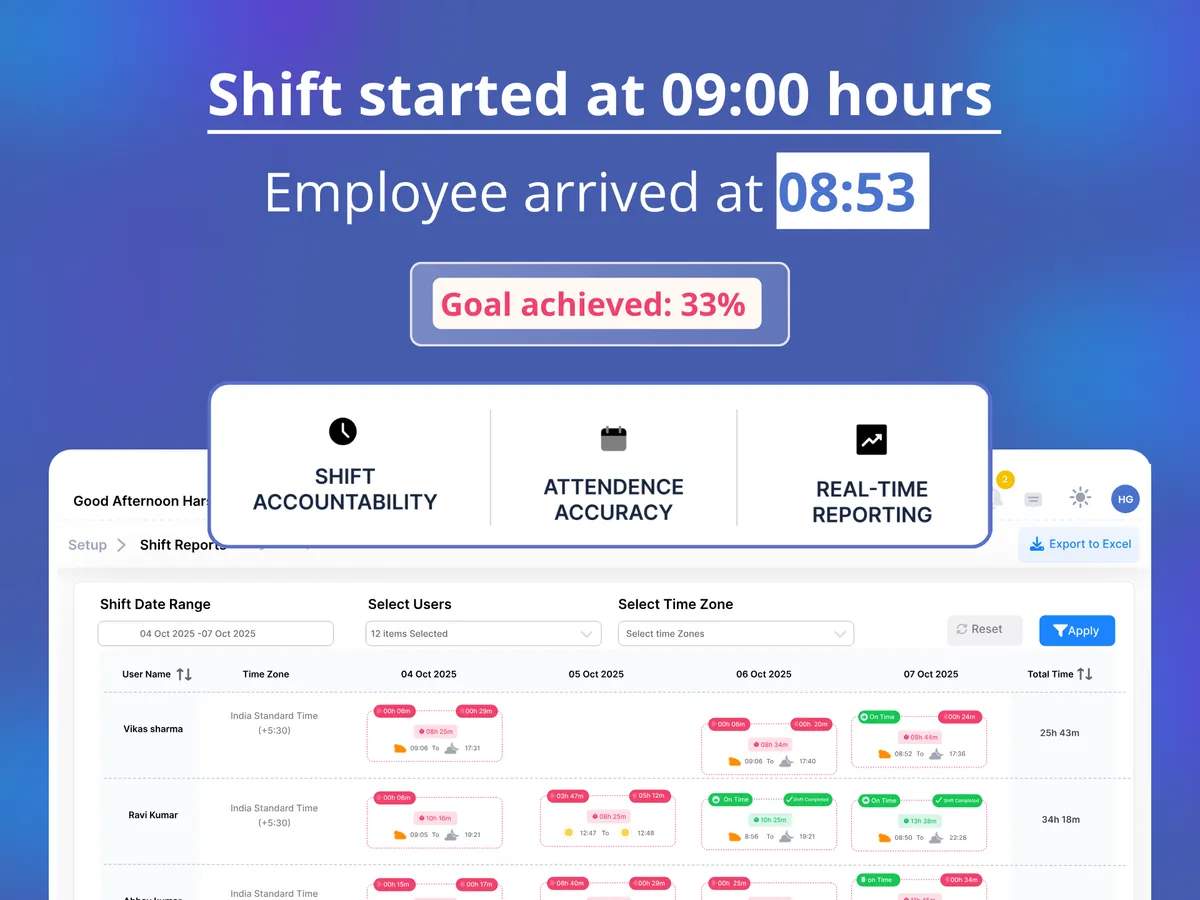
Explore All Platform Features
Powerful tools designed to simplify time tracking, monitor performance, and boost efficiency across your entire organization.
System Management
Centralized control for all systems.
Project-Based Tracking
Manage and track project progress.
Shift Tracking
Manage and organize team schedules.
Team Management
Monitor and track team performance.
AI-Powered Reports
Smart AI insights for decisions.
Custom Branding
Fully customize with your branding.
Zero-Click Mode
Effortless hands-free activity logging.
Screenshot Monitoring
Verify work with smart screenshots.
App & URL Tracking
Control and analyze application usage.
Offline Time Tracking
Automatically syncs when back online.
Smart Idle Detection
Identify and reduce wasted time.
User Attentiveness
Random pop-ups to monitor attention.
Frequently asked questions!
Vineforce Teams runs silently in the background or with zero-click mode, automatically logging working hours, app usage, and website activity without requiring manual timers.
Yes. Vineforce Teams focuses on work proof, productivity insights, and transparency, ensuring privacy while providing managers with actionable metrics.
Yes! All offline activity and time tracking data are stored locally and automatically synchronized as soon as an internet connection is restored.
Vineforce Teams supports Windows, macOS, and major web browsers, seamlessly integrating with your existing workflow and tools.
You can set up Vineforce Teams in less than 5 minutes. Simply register, install the lightweight desktop app, and invite your team members.