






GET 30-MINUTE FREE CONSULTATION

Custom Branding

Stop using generic software. Transform our powerful team tracking and screenshot monitoring solution into your company’s exclusive, proprietary system. Deliver real-time productivity insights and dynamic performance reports under your own distinct brand identity.

Enjoy a 07-day free trial with no credit card required.

By creating an account, you accept our Terms and Privacy Policy.

System management dashboard image
GetApp
Software Advice
Microsoft Azure Marketplace
Product Hunt
G2
Capterra
GoodFirms
GetApp
Software Advice
Microsoft Azure Marketplace
Product Hunt
G2
Capterra
GoodFirms

Monitor Productivity with Your Brand

With Vineforce Teams, you can track team productivity while keeping your workspace fully aligned with your brand identity.

Seamless dashboards fully branded image

Seamless Dashboards, Fully Branded

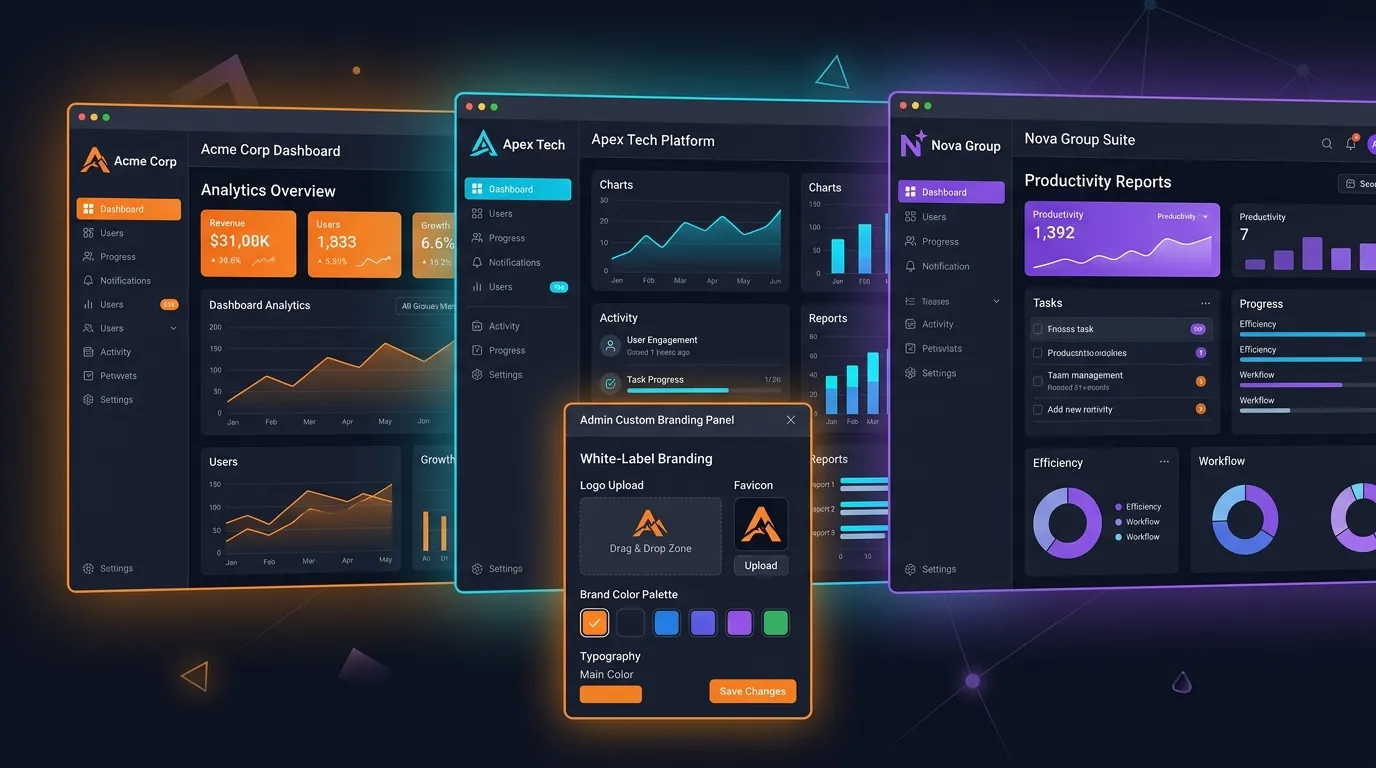
Deliver a fully branded tracking experience without complexity. With custom branding and white-labeling, every dashboard, report, and alert carries your logo, colors, and identity. This ensures a professional, consistent client experience, strengthens trust, and keeps your services seamless across all touch points. Show your brand on every dashboard, report, and alert. Provide a consistent, client-focused tracking experience. Build trust and professionalism with fully white-labeled solutions.

How Custom Branding Works

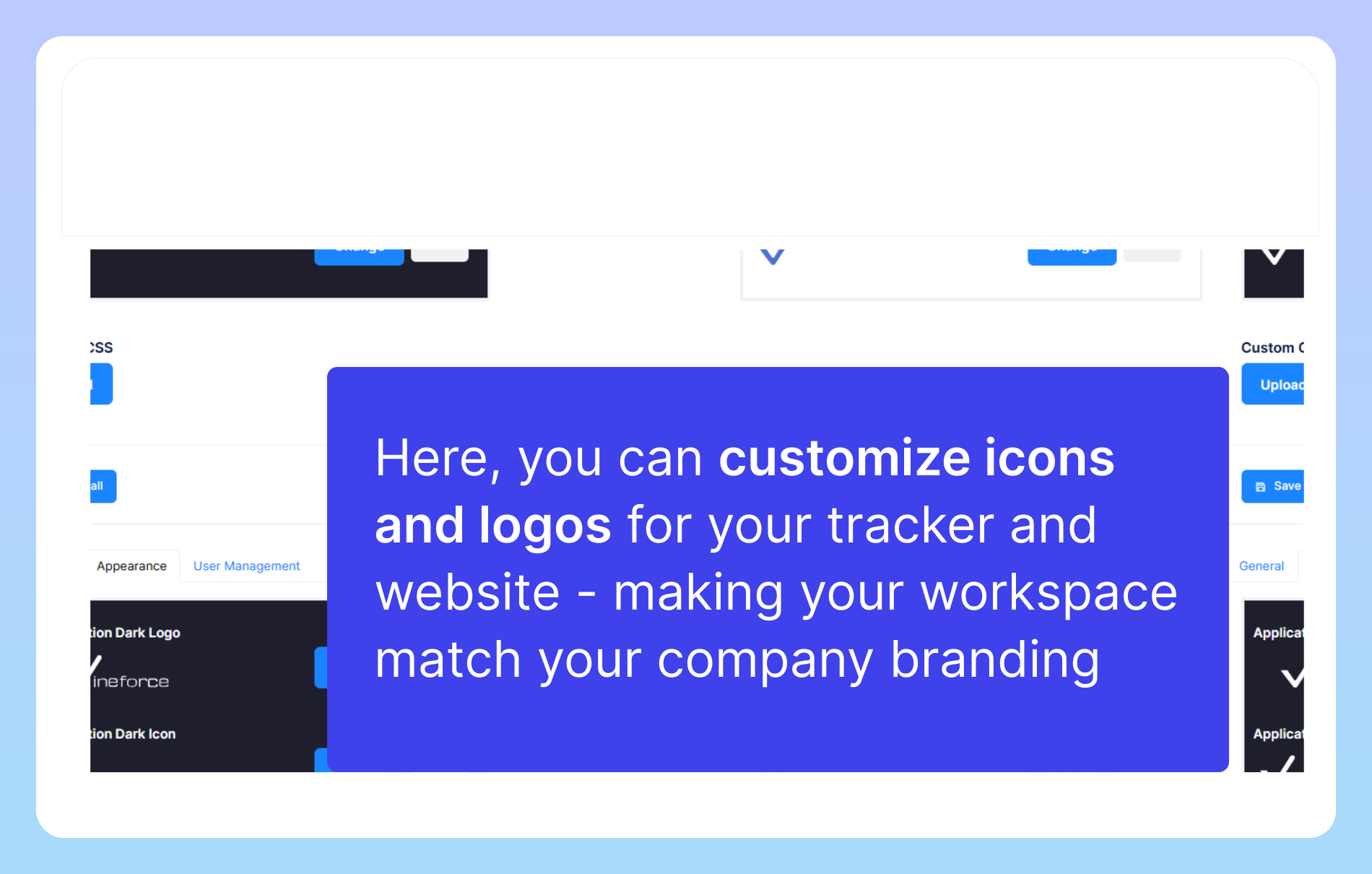
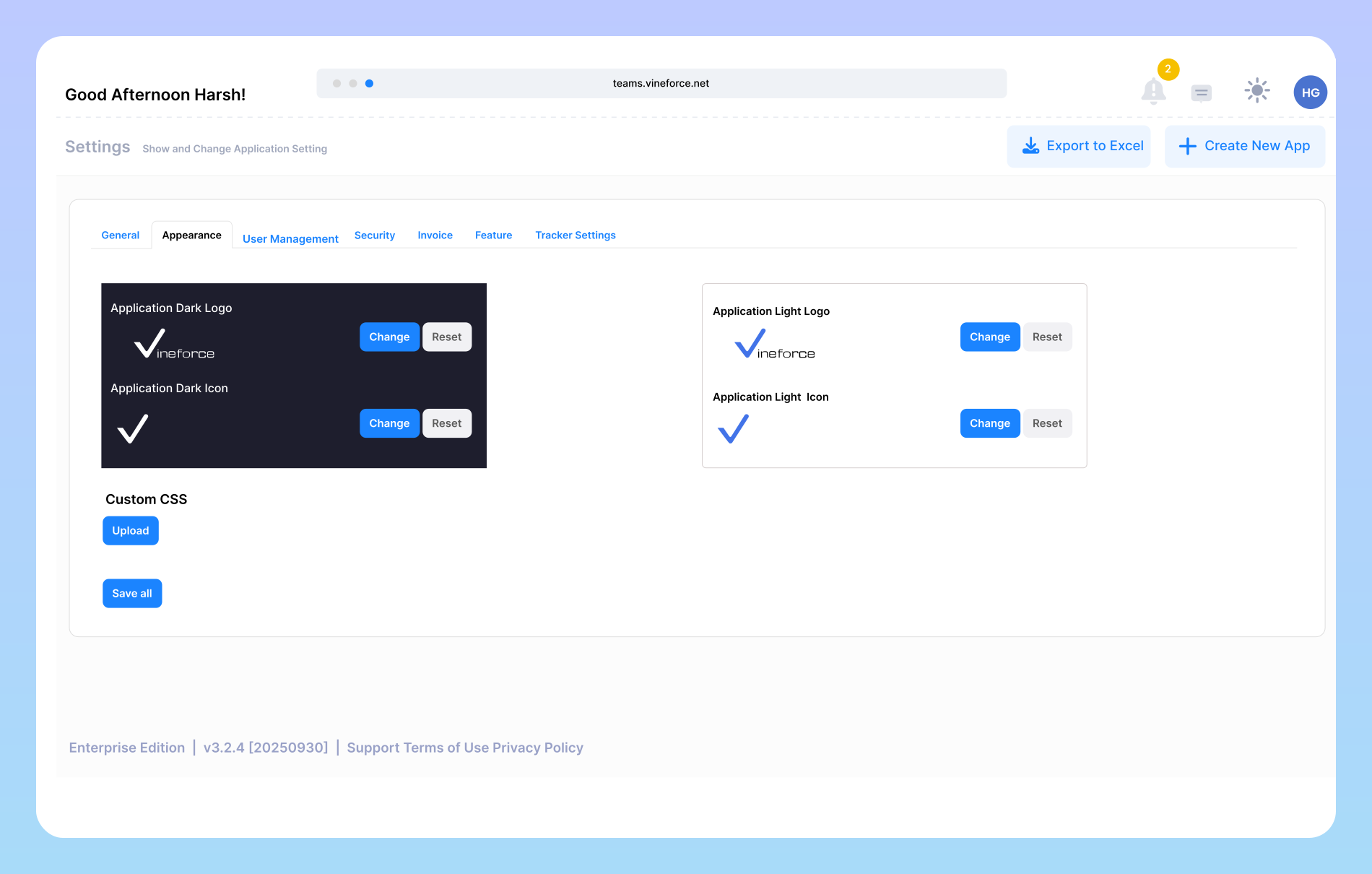
Custom branding allows you to personalize the visual identity of your workspace by updating icons, logos, and other brand elements to match your company’s style. By uploading your own brand assets.

Customize icon and logos image

Customize icon and logos

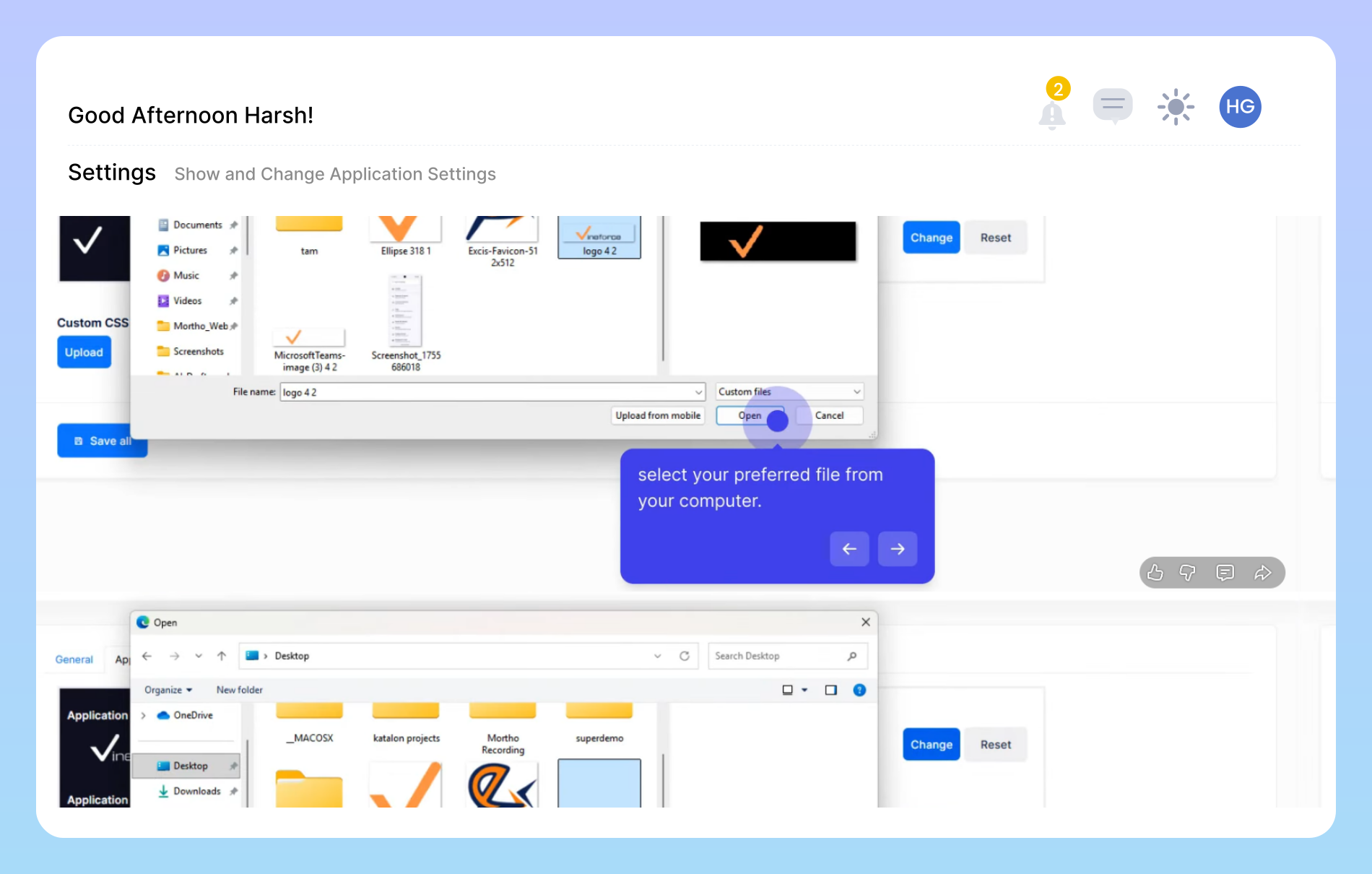
Here, you can customize icons and logos to align your tracker and website with your company’s unique branding. This section allows you to upload visuals that represent your organization’s identity, ensuring that every part of your workspace feels cohesive and professional. By personalizing these elements, you not only enhance the visual appeal of your platform but also create a more familiar and trustworthy experience for your team and users.

Icon upload requirements image

Icon Upload Requirements

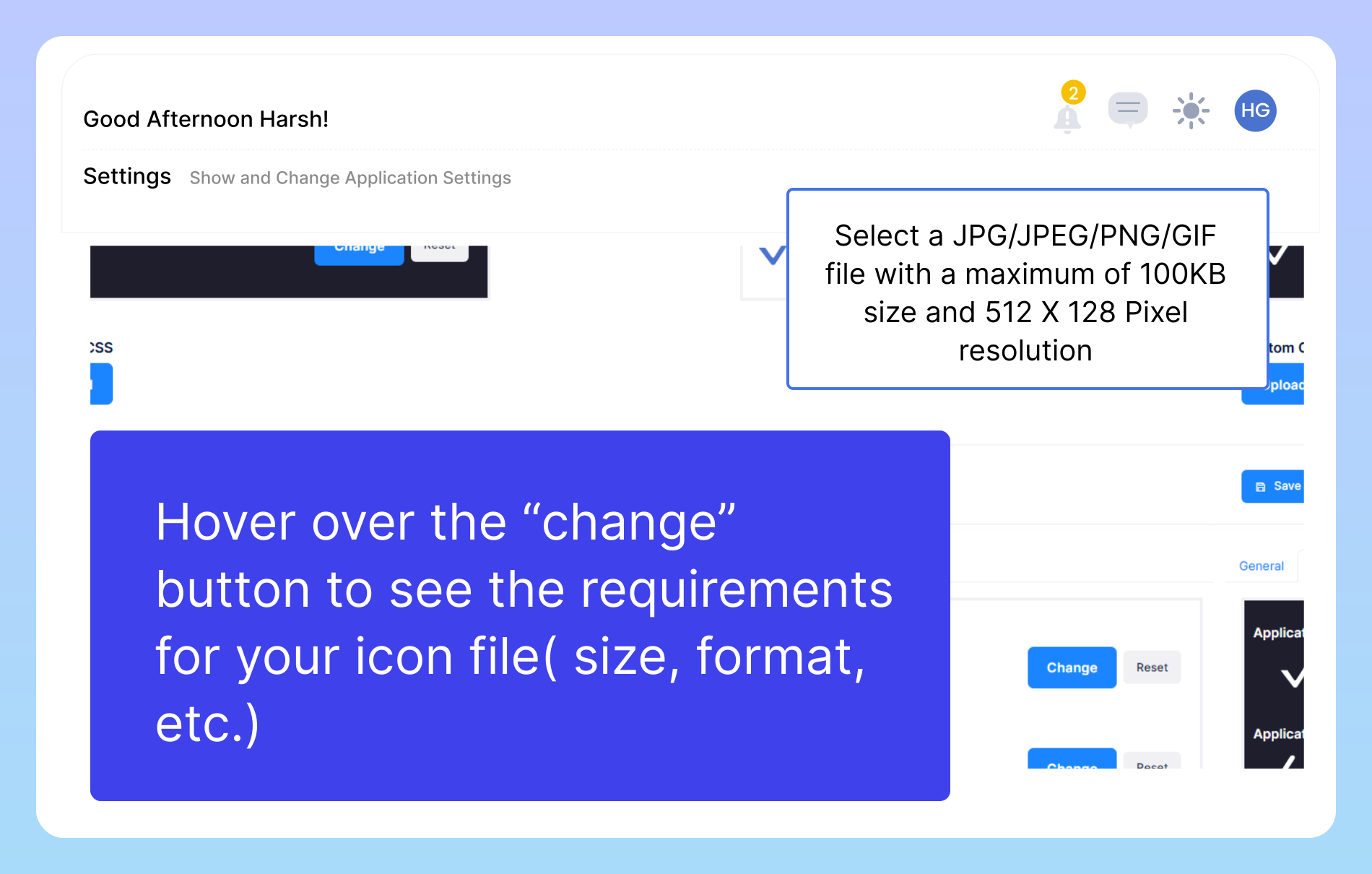
To ensure your icon displays correctly across the application, please review the file specifications before uploading. Simply hover over the “Change” button to view all required details, including the supported file formats (JPG, JPEG, PNG, GIF), maximum file size allowed, and the pixel resolution your icon must meet. Following these guidelines will help you avoid upload errors and maintain a clean, consistent visual appearance throughout the interface.

Amplify your brand presence everywhere image

Amplify Your Brand Presence Everywhere

Empower your workforce and stakeholders with a workspace that visually aligns with your organization’s brand standards. Custom branding ensures that every touchpoint communicates consistency, trust, and professionalism. From internal dashboards to external reports, Vineforce seamlessly adapts to reflect your brand, reinforcing credibility at every level. Ensure every touchpoint aligns with your corporate identity. Make internal tools feel premium and cohesive. A familiar environment increases engagement and participation.

Why Companies Choose Vineforce Teams

Complete Setup

Complete Setup

Vineforce Teams manages the complete setup, configuration, and technical issue resolution, so companies can use the tracker without worrying about any technical challenges.

Your Company, Your Brand

Your Company, Your Brand

companies can use their own logo, company name, and brand identity inside the tracker. The software looks and feels like the company’s own internal tool, not a third-party application.

Saves Time

Saves Time

There is no need for an in-house technical team to manage the tracker. Vineforce Teams manages everything, helping companies save time, effort, and operational costs.

Frequently Asked Questions

You have extensive control over the platform’s appearance. You can easily upload your logo, apply your brand’s color palette, and set a custom favicon. For even deeper personalization, you can add your own Custom CSS to fine-tune fonts, button styles, and layouts to perfectly match your brand’s aesthetic.

Yes, this is a true white-label solution. Once you apply your branding, all Vineforce logos and mentions are completely removed from the user interface. Your clients and team will only see your brand, providing a seamless and professional experience that feels like your own proprietary software.

Custom Branding is a premium feature available on our advanced plans. To see if it’s included in your current plan or to upgrade, please visit our pricing page or contact our sales team for a personalized consultation.

Not at all. We’ve designed the process to be simple and intuitive. You can set up your basic branding (logo and colors) in just a few minutes through our user-friendly admin panel, with no coding required.

All data is encrypted and stored securely. Access to idle time reports is restricted to authorized managers and administrators within your organization. The data is used solely for your internal productivity and workflow analysis and is never shared with or sold to third parties.

Ready to streamline your entire workflow?

Vineforce Teams makes it simple to monitor employee productivity with automated time tracking, smart idle detection, and detailed reporting. Build the perfect system to manage projects, ensure accountability, and get insights into your team’s workflow, all in one place.